Choosing the best SERP API isn’t something you can do by just looking at a few vendor landing pages. Their SERP element coverage, cost structure, geo-targeting, and everything else vary greatly.
To help you narrow down your options, we have prepared this in-depth guide covering the best SERP API providers, whether you should build your own, and what to check before buying.
What is a SERP API?
A SERP API is a mechanism for programmatically retrieving search engine results at scale. Under the hood, it handles request construction, device simulation, proxy management, anti-bot measures, JavaScript rendering, and response parsing to deliver the results as structured JSON and/or raw HTML. Based on the provider, you might also get zero data retention, team collaboration, uptime SLAs, and integration support.
SERP APIs have tons of use cases, including AI agent search, keyword rank tracking, brand management, ad monitoring, e-commerce research, competitor analysis, and more. Overall, they are an extremely valuable toolkit in the digital marketing ecosystem.
However, the most confusing aspect of SERP APIs is their pricing. Therefore, let’s clarify the costs angle first before moving on to the providers in the later sections.
The hidden cost parameters behind SERP API
The advertised pricing tells very little about how specific workflows are going to get charged in real life. And though it’s best to subscribe to the free trials for the most accurate production-grade cost estimation, in this section we are trying to explain what to assume when you check out a provider's pricing page.
Cost-per-1,000-SERPs table
Every provider has their own version of billing parameters. A few charge per SERP or successful results, while others also treat empty responses as billable. Therefore, we have made this table, citing the base tiers of the listed providers for a quick summary and clarity.
| Provider | Billable | Billing unit | Cost/1000 billing units (base tier) | Billing unit definition |
|---|---|---|---|---|
| SerpApi | Successful searches (including empty responses) | Search | $25/1000 Searches | 100 results or empty results equal 1 search |
| DataForSEO | SERPs | SERP | $0.6/1000 SERPs | 1 SERP=10 results |
| Serper | Successful responses | Query | $1/1000 Queries | Not stated |
| Oxylabs | Successful Results | Result | $0.50/1000 Results | Successful results ~ Status code 2xx/4xx (except 429) |
| SearchApi | Searches | Search | $4/1000 Searches | Search ~ responses returning status code 200 |
You see!. That’s why "per request" pricing is a misleading question because there is no such universal billing paradigm. What makes it more difficult is that Google’s old num=100 parameter is deprecated in September 2025. So what once took one search to fetch 100 results now spans multiple pages with 10 results each. That increases requests, bandwidth, proxy usage, and ultimately the cost of a deep-ranking workflow.
Ultimately, the pricing structure is complex from the get-go and factors in volume discounts and per-provider specifics (such as a 5x cost multiplier for select parameters at DataForSEO), and it quickly becomes impractical to estimate without a hands-on trial.With that settled, let’s move to the providers roundup, followed by checking how to choose one.
What are the best SERP APIs?
The following sections detail top SERP APIs, their Google SERP related features, limitations, pricing, and user feedback.
SerpApi
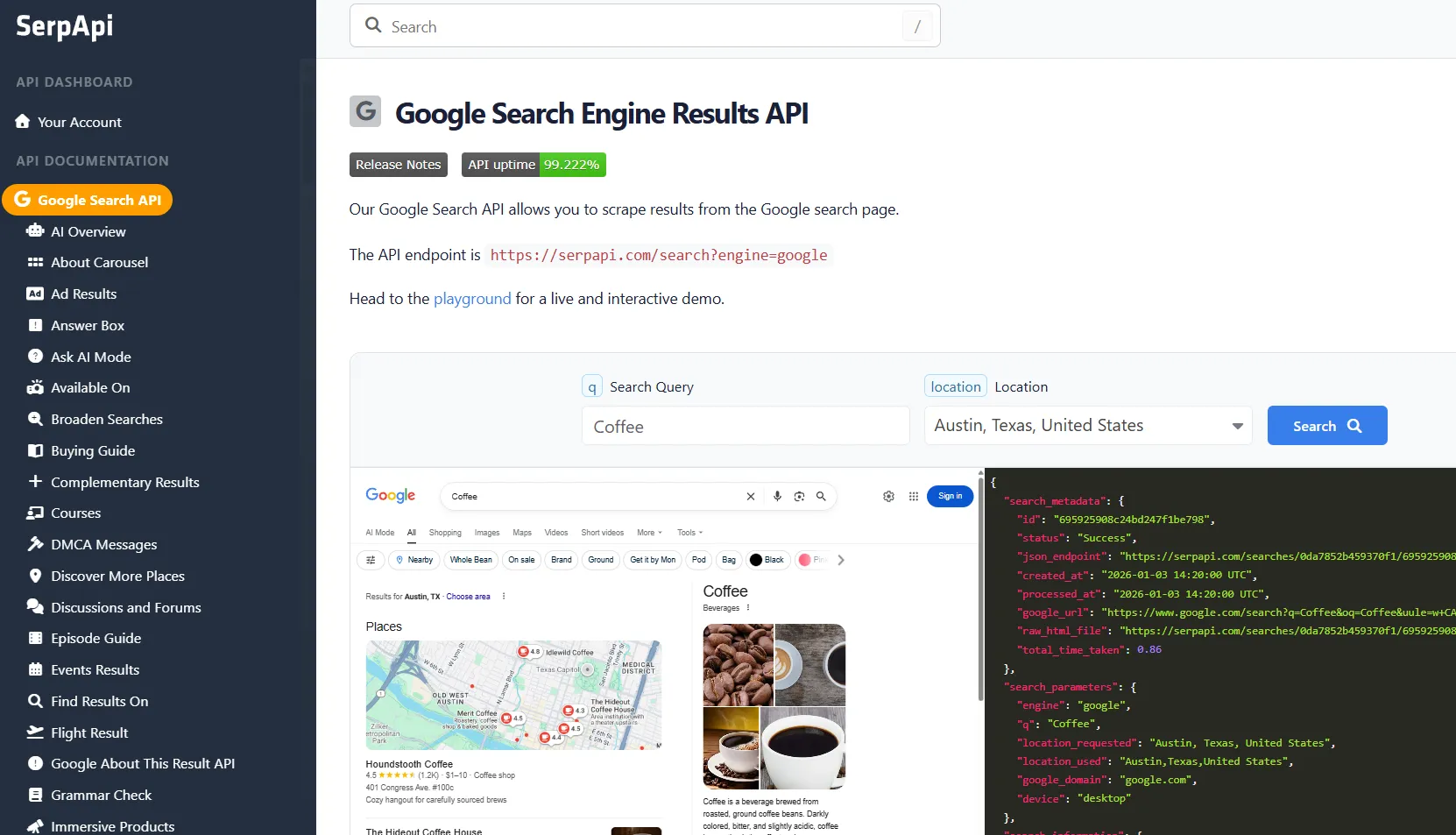
SerpApi is one of the most feature-rich SERP APIs out there, with the widest search engine coverage and up to $2 million in U.S. Legal Shield coverage against legal issues that might arise from scraping search engine data (provided lawful use afterward).
This provider not only covers the Google search landscape in-depth, but you’ll also find dedicated APIs for many more search engines and platforms, including Bing, DuckDuckGo, Yahoo, Yandex, Amazon, eBay, Walmart, and YouTube.
But what truly pushed us to list SerpApi at the top is the enviable user feedback it has earned across Trustpilot and G2.
Key Features
- Organic results, images, videos, news, local packs, ads, PAA, related searches, knowledge graph, shopping results, and more
- City-level and coordinate-based geo-targeting with city, latitude/longitude, radius, and uule
- Desktop, tablet, and mobile results parsing
- Dedicated API endpoints for Google AI overviews and AI mode
- ZeroTrace mode to skip storing search params, files, and metadata
- Unlimited team members with granular access controls
- Structured JSON output with raw HTML fallback
- 99.95% SLA guarantee with all subscriptions
- Bills only successful requests
- 31-day data retention of JSON and HTML files
- Add-ons for faster response times
- SOC 2 and SOC 3 compliant
- Free tier (250 searches/month)
Limitations
- Plans below 1 million searches/month are capped at 20% of monthly volume per hour
- Separate AI overviews API can complicate cost planning
Base Pricing: $25/month (1000 searches/month)
G2/Trustpilot sentiment: Praised for result accuracy and excellent documentation. Criticized for the lack of a PAYG pricing model and being expensive.
DataForSEO
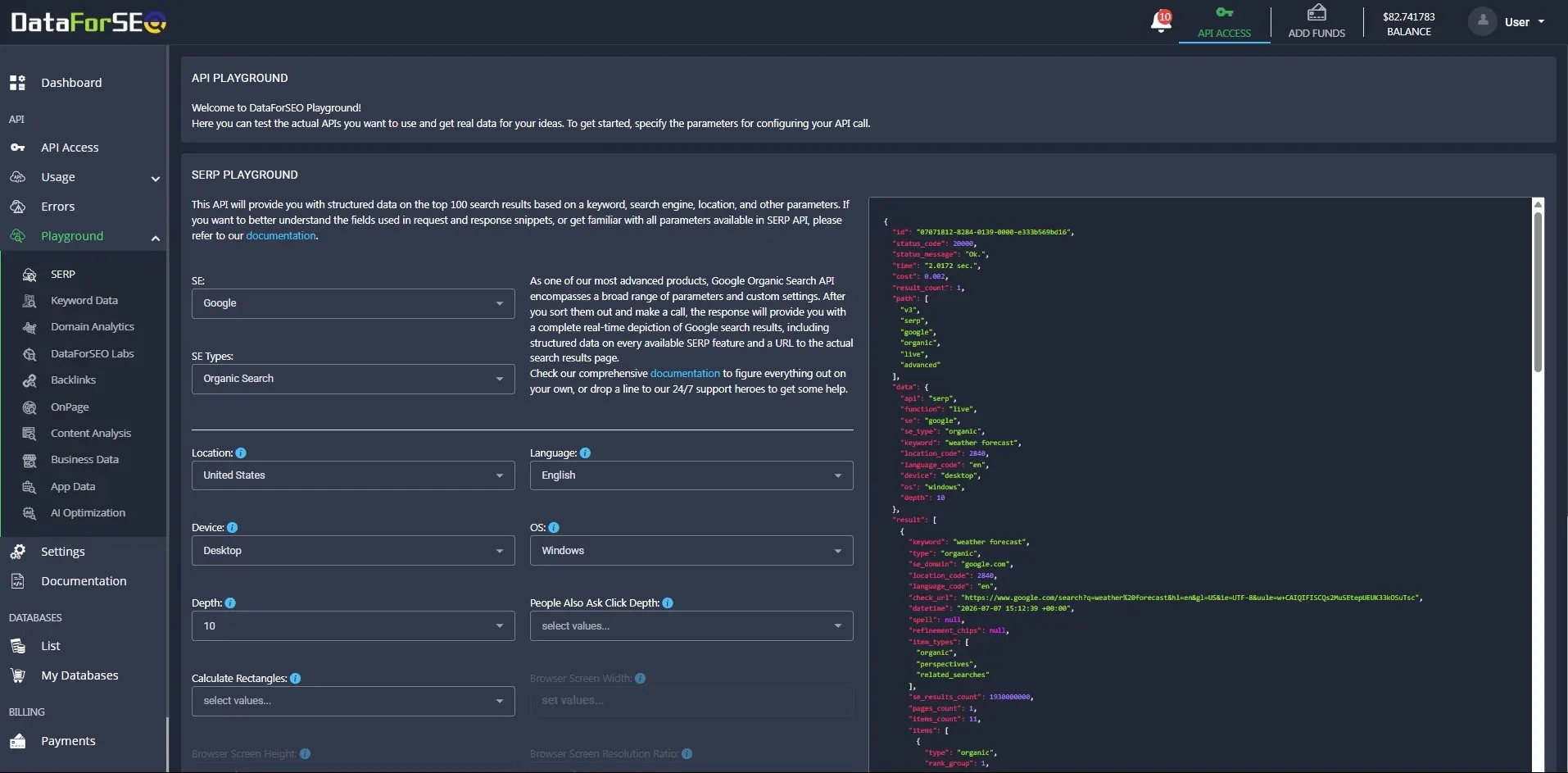
DataForSEO offers dozens of APIs for anyone wanting to scrape live and ready-to-use datasets for hands-off data delivery to the cloud storage of their choice. The datasets also cover Google, where you can download SERP results and keyword details, supplemented with ad metric specifics such as cost per click and search volume.
Coming to the API side of DataForSEO, the product lineup is strong and covers multiple search engines, including Google, Bing, Yahoo, and Baidu. That said, the following details only relate to its SERP API.
Key Features
- Organic, paid, PAA, related searches, people also search, local packs, knowledge graph, featured snippet, images, video, shopping, etc.
- 10 Results per API call and up to 700 per keyword (using the depth parameter)
- Integrates with Claude, ChatGPT, n8n, and Make for no-code workflows
- Single endpoint for seven search engines
- JSON and raw HTML outputs
- Graphical user interface for API usage control
- Separate endpoints for screenshots and AI summaries
- Up to 6 seconds turnaround time in Live mode
- Mobile (iOS and Android) and desktop (Windows and macOS) simulation
- Up to 2000 API calls per minute (up to 100 tasks per POST)
- Results tailored to keyword, search engine, language, and location
- 24/7 Human support
Limitations
- Deeper results and using advanced parameters increase the cost
- More complex API workflows
Base pricing: $0.0006, $0.0012, and $0.002 per SERP (10 results) for Standard Queue (around 5 minutes), Priority Queue (around 1 minute), and Live mode (around 6 seconds), respectively.
G2/Trustpilot sentiment: Praised for affordability and good customer support. Criticized for a dated user interface.
Serper
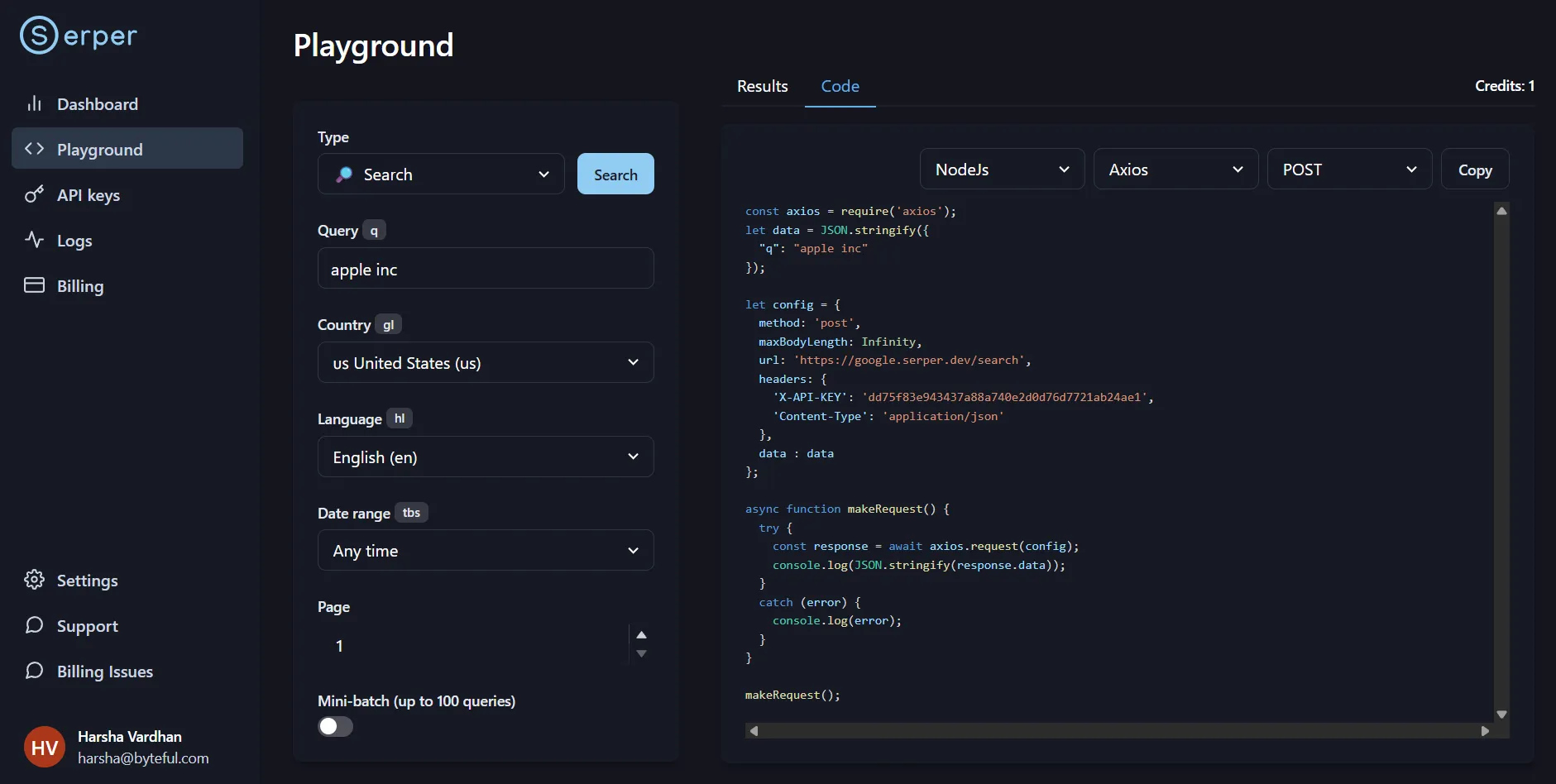
Unlike the ones we have discussed so far, Serper is tightly focused on the Google search ecosystem. It’s one of the fastest Google SERP APIs around, with real-time results typically returned in 1-2 seconds. Serper works on credit-based pricing, and once purchased, they stay valid for six months.
Just out of curiosity, we subscribed to the free tier and made some searches in its playground. While the responses did come back blazing fast, we could not see any AI overviews, even when the same queries returned them in a standard browser.
Key Features
- General search endpoint for organic, knowledge panel, people also ask, related search, and entity images
- Separate APIs for images, news, maps, places, videos, shopping, and more
- Subscription-based 50-300 queries/second throughput
- Geotargeting with country and language
- Bills only successful responses
- Integrations with LangChain, CrewAI, Haystack, and Jan AI
- No credit card free 2,500-query trial
Limitations
- Little to no dedicated AI overview support
- No HTML fallback
Base pricing: $50 for 50,000 credits
G2/Trustpilot sentiment: Praised for low cost and ease of use. Criticized for a credit expiry duration.
Oxylabs
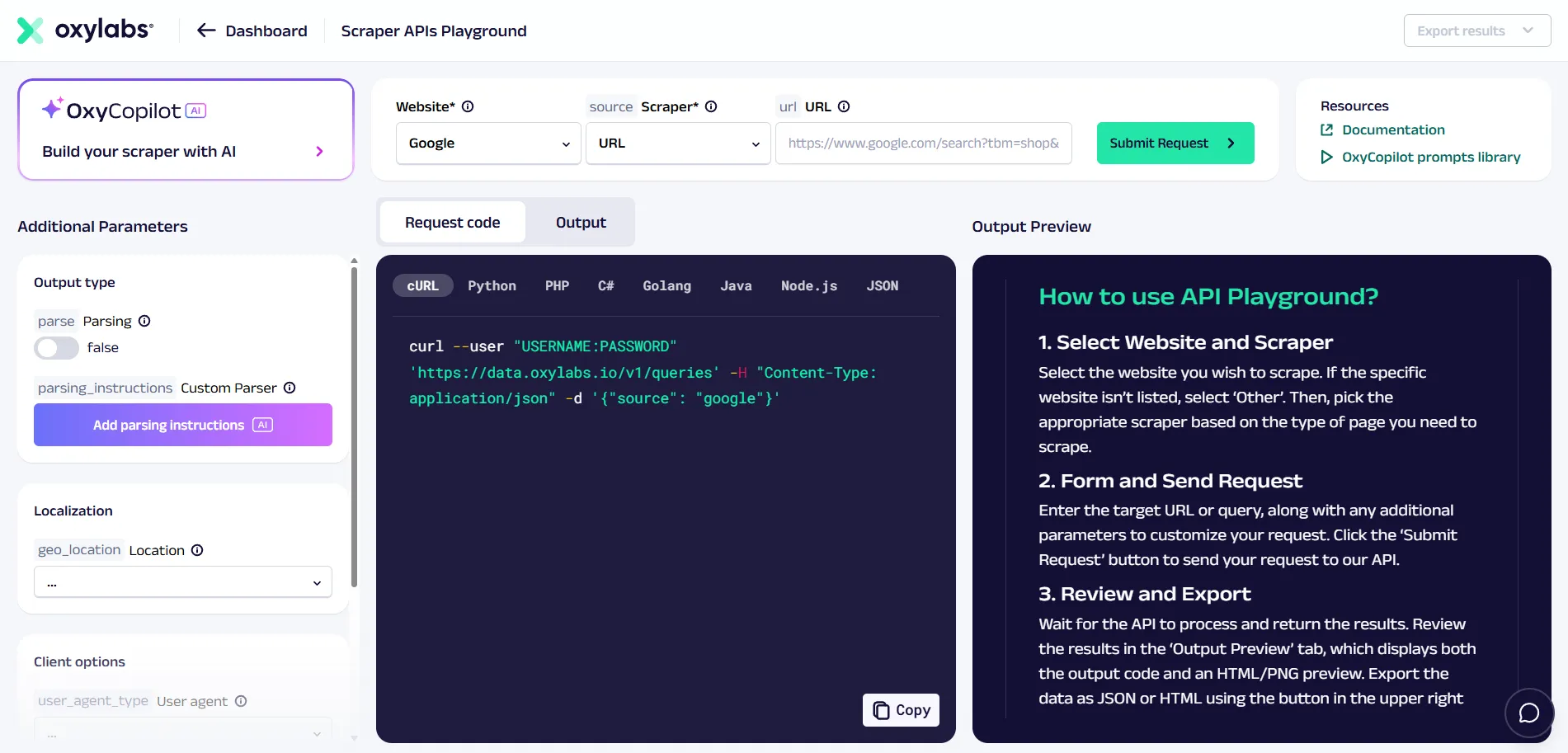
Oxylabs is better known for its enterprise-catering proxy solutions. However, it has been seriously expanding into the scraping landscape lately with its Fast Search and SERP Scraper APIs. The former competes on speed, while the latter is about search depth and is the one we will discuss in this segment.
The SERP Scraper API delivers real-time results with coordinate-level geotargeting and works with popular search engines and platforms, including Google, Baidu, Bing, Yandex, Amazon, Airbnb, Alibaba, eBay, Etsy, Walmart, and more.
Key Features
- Knowledge panel, organic, paid results, featured snippets, top stories, popular products, Google Images, and more.
- Multiple scraping modes (such as real-time, automated schedules, batch)
- Dedicated endpoint for Google AI mode and AI Overviews
- Country, state, city, and coordinate-level targeting
- Proxy selection and rotation (195+ countries)
- Support for custom parsing logic (XPath or CSS selectors)
- Scheduled scraping and cloud data delivery (Amazon S3, Google Cloud, etc.)
- Support for Google Search continuous scrolling and JavaScript rendering
- Raw/rendered HTML, structured JSON, screenshots, and Markdown outputs
- Push-pull batch endpoint (5,000 queries per request)
- Up to 2,000 results free trial
- 10 to 100 requests/second, custom plan available
- Bills only successful responses
Limitations
- Push-Pull results retained for at least 24 hours
- Stated response time under 10 seconds is on the higher side
Base Pricing: $49/month (up to 98,000 results)
G2/Trustpilot sentiment: Praised for customer support and proxies. Criticized for high cost.
SearchApi
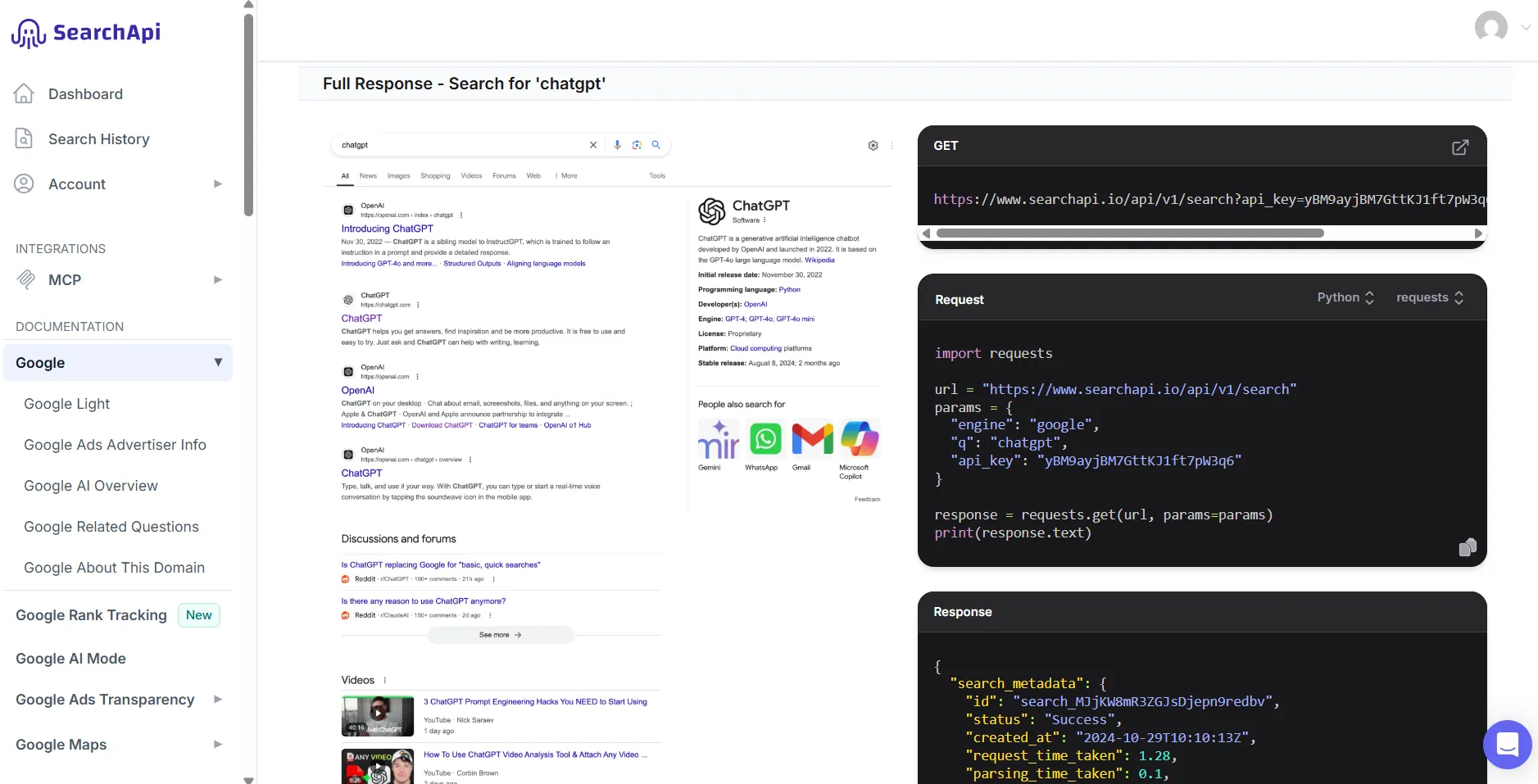
SearchApi is an API powerhouse with an impressive lineup for anyone wanting to scrape platforms related to Google, Apple, Meta, Bing, Yandex, Baidu, eBay, Walmart, and more. You also enjoy added peace of mind with SearchApi’s up to $2 million legal coverage, provided data use is lawful.
Its Google Search API works in real time, with an advertised sub-2-second response time.
Key Features
- Organic results, paid results, knowledge graph, local map, AI overview, people also ask, news, featured snippets, and related search queries
- Dedicated API endpoints for AI Overviews and AI Mode
- Built-in auto-retry with over 100 million proxies and adaptive error handling
- Optional zero data retention (no logging or persistent storage)
- Supports canonical locations and precise uule targeting
- Filters for results language and location
- Structured JSON and HTML outputs
- Integrations with LangChain, Haystack, Dify, etc.
- Full browser and JavaScript rendering
- Failed requests aren’t charged
- 99.9% SLA with every plan
- 100 Free-request trial
Limitation
- Separate Google Rank Tracking API for fetching 100 results
- No clearly advertised requests-per-second throughput
Base Pricing: $40/month (10,000 searches)
G2/Trustpilot sentiment: Praised for fast responses and documentation. Criticized for the lack of non-expiring credits.
Should you build your own SERP scraper?
On paper, a DIY scraper seems a worthy alternative to buying a SERP API. But it’s easier said than done, and you'll need an underlying scraping infrastructure and extensive developer expertise to pull it off. Let’s understand this better.
What goes into a DIY SERP scraper?
- Request construction: Maintaining country, language, device, and location parameters. You need to build your own location-to-uule encoder and a canonical location list to use on the fly.
- Proxies: Plugging residential proxies or mobile proxies in coherence with the request location. In addition, it uses IP rotation and sticky sessions based on the crawl behavior.
- Retries: A scraper needs to differentiate a successful result from a CAPTCHA, a timeout, or an incomplete response, and retry accordingly. Besides, one has to plan for additional bandwidth since retries also cost data.
- Rendering: A raw HTTP request looks bot-like and generally gets blocked after a few requests. At a minimum, one needs to configure headless Chrome to fire requests normally and bake in additional requests for specific SERP elements such as Google AI Overviews, which might not render initially.
- Parsing: Based on the element, you might need to code specific extraction logic and continuously monitor for changes.
- Cost: Since you get 10 results per page now, collecting more means multiple requests with pagination, which can increase overall failure and retry overhead, in addition to bandwidth and engineering costs.
Building vs buying a SERP scraper
To make it even easier, we have created this side-by-side comparison to help you decide which side of the scraping fence you currently belong to.
| Factors | Build your own | Buy a SERP API |
|---|---|---|
| Scraping volume | High scraping volume makes API costs significant enough | Moderate or inconsistent scraping volume. |
| SERP coverage | For highly customized extraction | Broad SERP coverage |
| Resource availability | Have scraping, proxy, and browser-automation expertise in-house. | Resources are not available or better spent elsewhere |
| Data privacy | For privacy, data-retention, or bespoke requirements | A provider's zero-retention or privacy controls are enough |
| Workflow control | Need complete control over the request, responses, and the entire data pipeline | Scraping isn't that critical in the overall picture and structured output is enough |
Nine out of ten times, we recommend buying a SERP API and testing multiple providers before opting to build your own. If you’re confused by the many options out there, the next section is purpose-built to help you see through it.
What to check before buying a SERP API?
In a nutshell, subscribe to the trials, design a set of production-grade requests, and run them through all of your SERP API candidates. If you’re interested, here is the exact procedure we suggest for buying a SERP API.
- Free tiers and trials: It’s a no-brainer to subscribe to the trials first, and the providers we have mentioned- most of them- offer low- or no-risk entries.
- Try actual requests: It’s best to query in detail just like you would in production. This will help you validate API efficiency against long-tail searches and branded queries, and see whether the response does justice to all the intended SERP elements.
- Verify geo and device targeting: Test all the locations and devices you might need and then compare it with a standard browser search using the same parameters.
- Test AI Overviews separately: AI Overviews are still complicated for many SERP APIs, as some simply don’t parse them and a few others might not load them entirely. Check whether the information you get is enough (including answers and citations with source URLs) with the standard SERP API offering, and whether there is a dedicated endpoint for going in-depth with the Google Search AI Mode.
- Pagination and depth: It’s better to actually run queries that need over 10 results to validate the actual output and the associated cost. This would also help you check the latency, and we recommend recording P95 latency and errors for a sample of at least 100 requests.
- Billing on failures and retries: A 100-request pilot will be sure-shot evidence of the pricing structure to see how timeouts, failed requests, empty responses, and retries might affect the monthly scraping invoice.
- Privacy and SLA: Inquire with customer support about the data retention policies and SLA guarantees that apply to your plan, and verify if that matches the provider's published terms and related documents.
- Compare: Finally, make a single sheet for all the aspects across all the providers and shortlist the top three providers for your use case. Alternatively, throw the findings to an AI assistant like Claude or ChatGPT and let it do the comparison on your behalf.