
Best Agentic Browsers in 2026


TL;DR
The best agentic browsers for everyday use are Perplexity Comet and Gemini’s auto browse in Chrome. Their main agent features require a paid plan. If you already use an agent such as Claude Code, Codex, or Cursor, BrowserOS neo and Vercel’s agent-browser give it a browser to work with. Both are free. For automation at scale, Browser Use and Browserbase run cloud browsers with built-in stealth and proxies.
Whatever AI assistants accomplish, agentic browsers do much more. They click, type, and take actions on your behalf. However, the term is slightly confusing since it defines both consumer-grade agentic browsers for personal use and business-scale cloud instances that simultaneously handle hundreds of agents.
Therefore, this guide covers major agentic browser types across categories with brief hands-on. It also lists their possible downsides, price, and supported platforms.
What is an agentic browser?
An agentic browser puts an AI agent in control and lets it work similarly to a human. For instance, a one-line prompt can ask an agentic browser to search for the latest iPhone across major e-retailers and make the cheapest purchase.
It marks a significant leap in AI development, moving far beyond getting summaries from AI assistants. This is even better than most AI browser extensions, which primarily read active tabs but without much automated action.
In practice, the term “agentic browser” covers two groups. The first is consumer browsers with a built-in agent, such as Perplexity Comet. The second is browsers running headless or in the cloud, which developers plug into their own agents. We have further bifurcated the second category based on custom AI model deployment and automation scale.
Best Agentic Browsers for everyday use
These browsers you install and use yourself, with a built-in AI agent for tasks such as shopping, research, and more.
Perplexity Comet
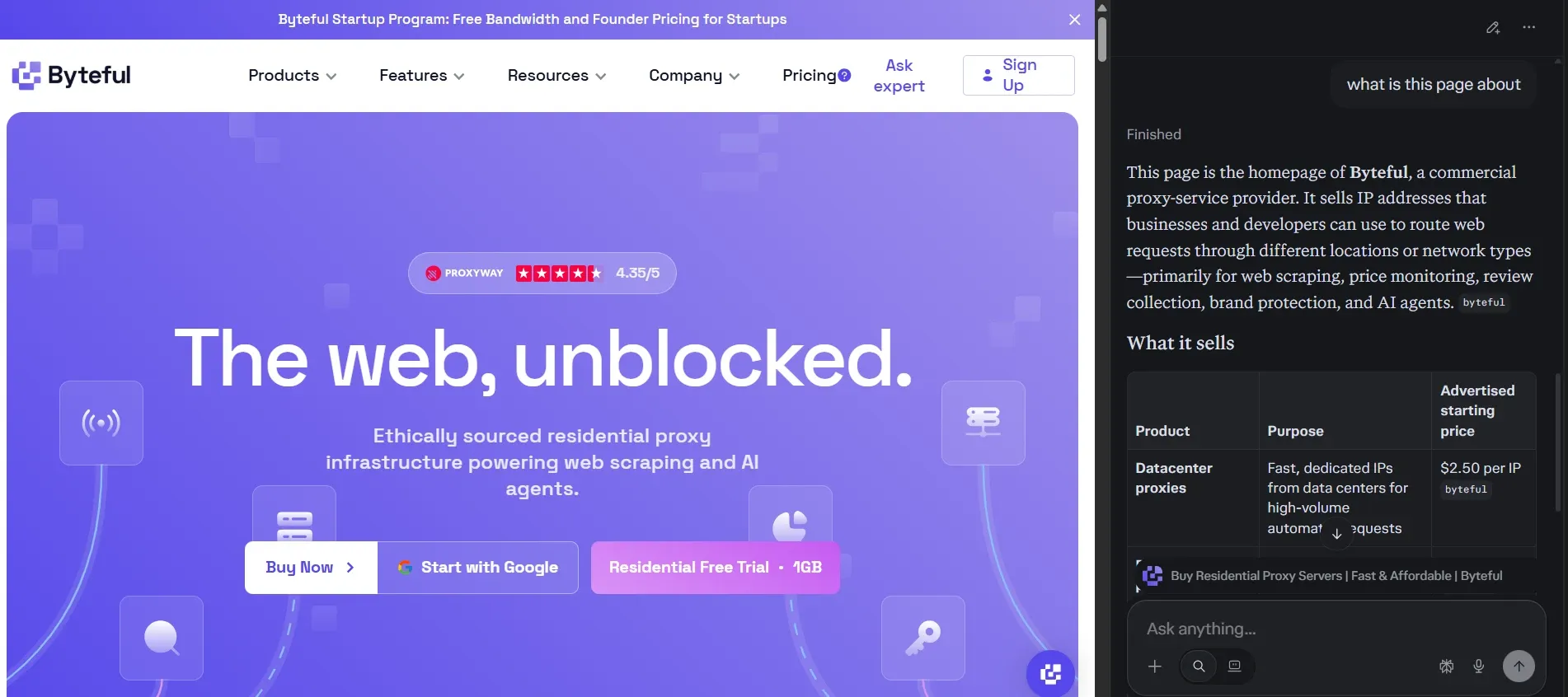
Comet from Perplexity comes with its own AI assistant and pairs with Perplexity Computer. The former is primarily an AI chatbot that can summarize active tabs and search independently, sitting in the browser panel. The primary advantage of Comet Assistant is that you don’t need to open a separate tab for it.
Its agentic mode, Perplexity Computer, takes over the assigned tasks with accessible resources. You can define the task in natural language (prompts), much like delegating to a human office assistant. This can include simple jobs from research and drafting emails to high-stakes ones such as data extraction and building entire websites.
Perplexity claims its “Computer” improves with every completed action, and you can monitor and help it in real time. It can work across apps and do anything practical on your local machine (via the Perplexity desktop app).
Supported platforms: Mac, Windows, iOS, and Android.
Base price: AI assistant has a free tier. Computer, however, unlocks with Perplexity Pro ($17/month) and above.
Watch out for: The free Comet Assistant is extremely limited. In our brief testing, it refused to fill out a simple form and suggested drafting answers that we could paste instead. Besides, it uses Perplexity’s own AI unless you move to paid subscriptions.
Gemini (auto browse)
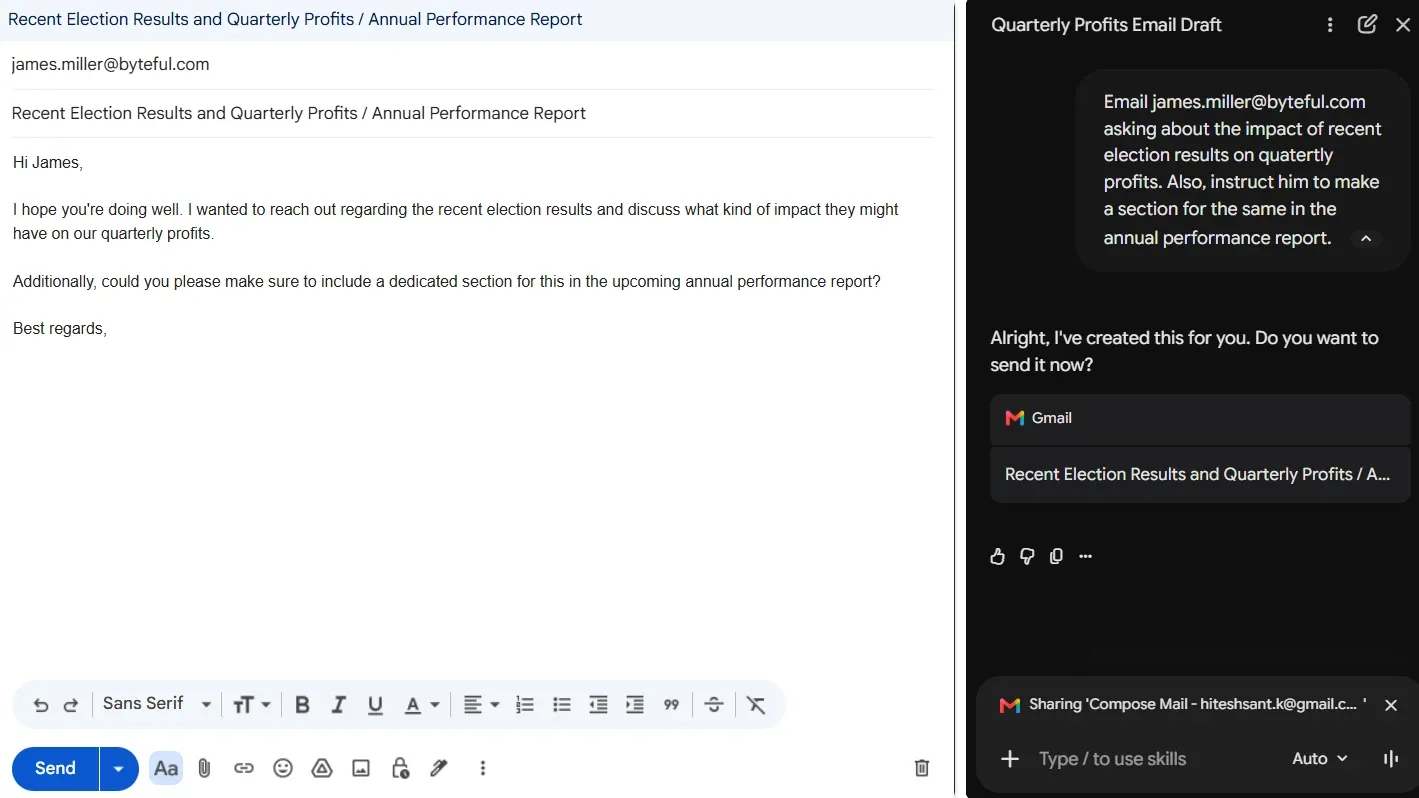
Gemini’s auto browse is a Chrome-integrated agentic mode that you can use for everyday activities, including online shopping, ticket booking, emailing, job search, and more. This allows you to take over at any time (which you can hand back later) and asks for your input if needed. Its USP is the deep integration with Google Workspace, including Gmail, Drive, and Docs.
You can activate it by clicking the “Ask Gemini” button at the top (upgrade to the latest version if your Chrome instance doesn’t have it).
Supported platforms: Desktop (Chrome with Ask Gemini) and Android.
Base price: Available for Google AI Ultra ($99.99/mo) or Google AI Pro ($19.99/mo) plans.
Watch out for: Currently only available in the US and India. Also, the mere presence of Ask Gemini doesn’t guarantee agentic actions. For instance, we could send an email directly from a free Google account, but couldn’t accomplish anything more substantial. That confirms that major agentic abilities are paywalled.
Best Agentic Browsers for your own AI agent
These don't come with their own AI. Instead, they offer the agent you already use, such as Claude Code, Codex, or Cursor, as a browser to work with.
BrowserOS neo
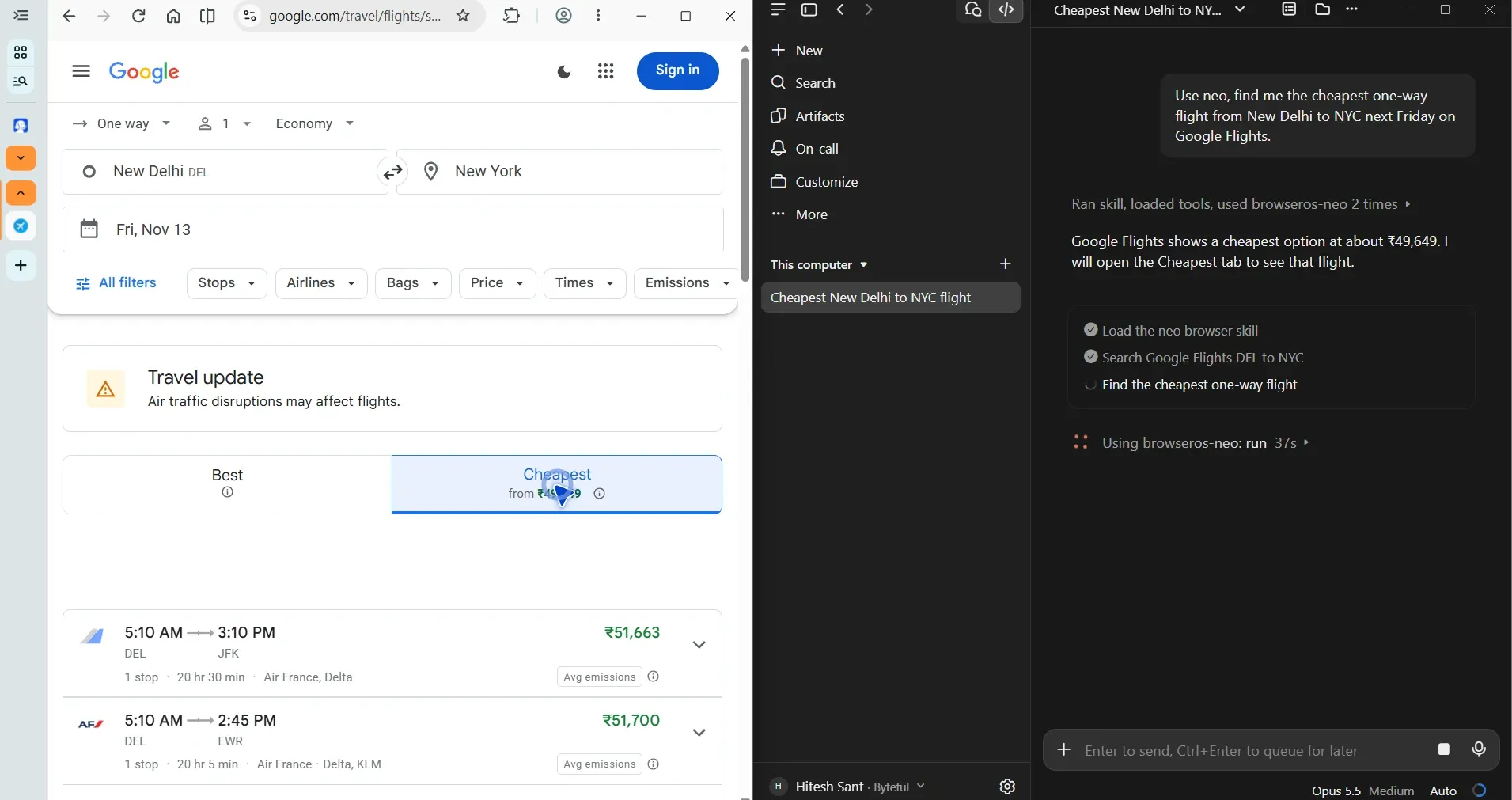
BrowserOS neo is an open-source, Chromium-based browser to pair with your Claude, Codex, Cursor, or any MCP-compatible AI assistant.
This can use all logged-in accounts and follow natural language prompts to accomplish in-browser workflows, such as making online purchases or doing market research. You can pause any workflow midway, watch agentic work in real time or as replays, and take over as required.
In simple terms, it allows you to watch agentic actions in a standard browser and intercept as needed. The best part is you can deploy multiple agents simultaneously and view/control all workflows as they happen from the BrowserOS neo dashboard.
Its advertised USP is less token consumption, which it achieves by using compact page snapshots instead of raw HTML.
Supported platforms: macOS, Windows, and Linux.
Base price: Free
Watch out for: The token spend is not always lower. In fact, we ran a few simple check-pricing tasks across four websites with BrowserOS neo and Claude Code’s built-in browser, and the former consumed roughly 1.7x the tokens. The savings only materialized when the agent used a specific “run” tool, as defined in its source code.
Under the hood, “run” writes a short JavaScript to combine several steps in one tool call, saving tokens on unnecessary round trips. While the source code (as of this writing) asks to prioritize “run,” it doesn’t always happen. So, we asked explicitly to “use neo with run,” and it spent 0.68x tokens compared to Claude's built-in browser.
Vercel agent-browser
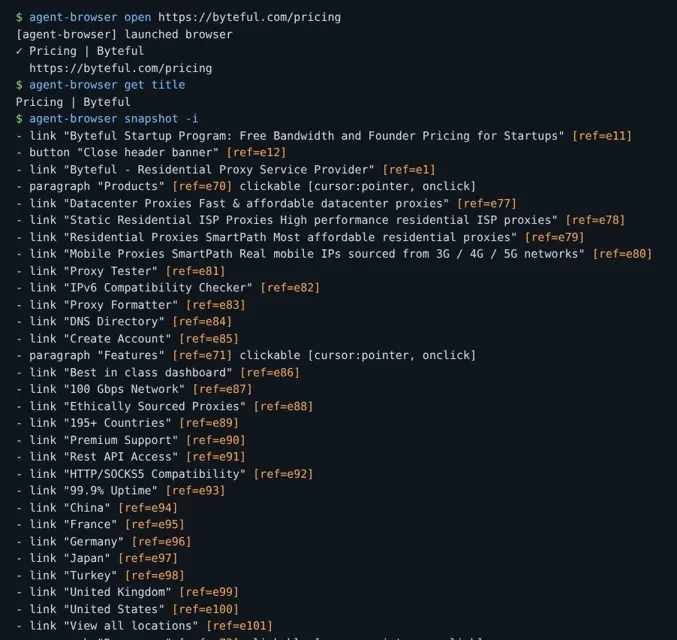
Vercel’s agent-browser is a Rust-based CLI interface to let supported AI agents drive Chrome. It runs headless by default; however, it also has a headed mode. It uses the Chrome DevTools Protocol, with Chrome as the default browser. You get over 50 commands to handle in-browser tasks such as page navigation, network, storage, form filling, and more.
Instead of raw HTML, it supplies accessibility tree snapshots with short IDs such as @e1, which helps agents target exact elements without writing individual CSS selectors. This slashes token spend compared to full DOM readings. agent-browser also comes with integrated tools for video recording, streaming, debugging, profile capture, and page state comparison. You can plug this with Claude Code, Cursor, GitHub Copilot, Gemini, OpenAI Codex, and other agents operating shell commands.
Supported platforms: macOS, Windows, and Linux
Base price: Free and open source
Watch out for: It’s primarily built for developers, so it would be a steep learning curve for any non-technical person trying their hands at it. Regarding token savings, it totally depends on the number of clickable elements on the target webpage. Because of this, it might miss important elements, especially if those are non-clickable. In those cases, the agent must fall back to the full snapshot, which can negate token efficiency benefits.
Best agentic browsers for automation at scale
This category mostly covers cloud browsers for business-scale deployments, with stealth and proxies included.
Browser Use
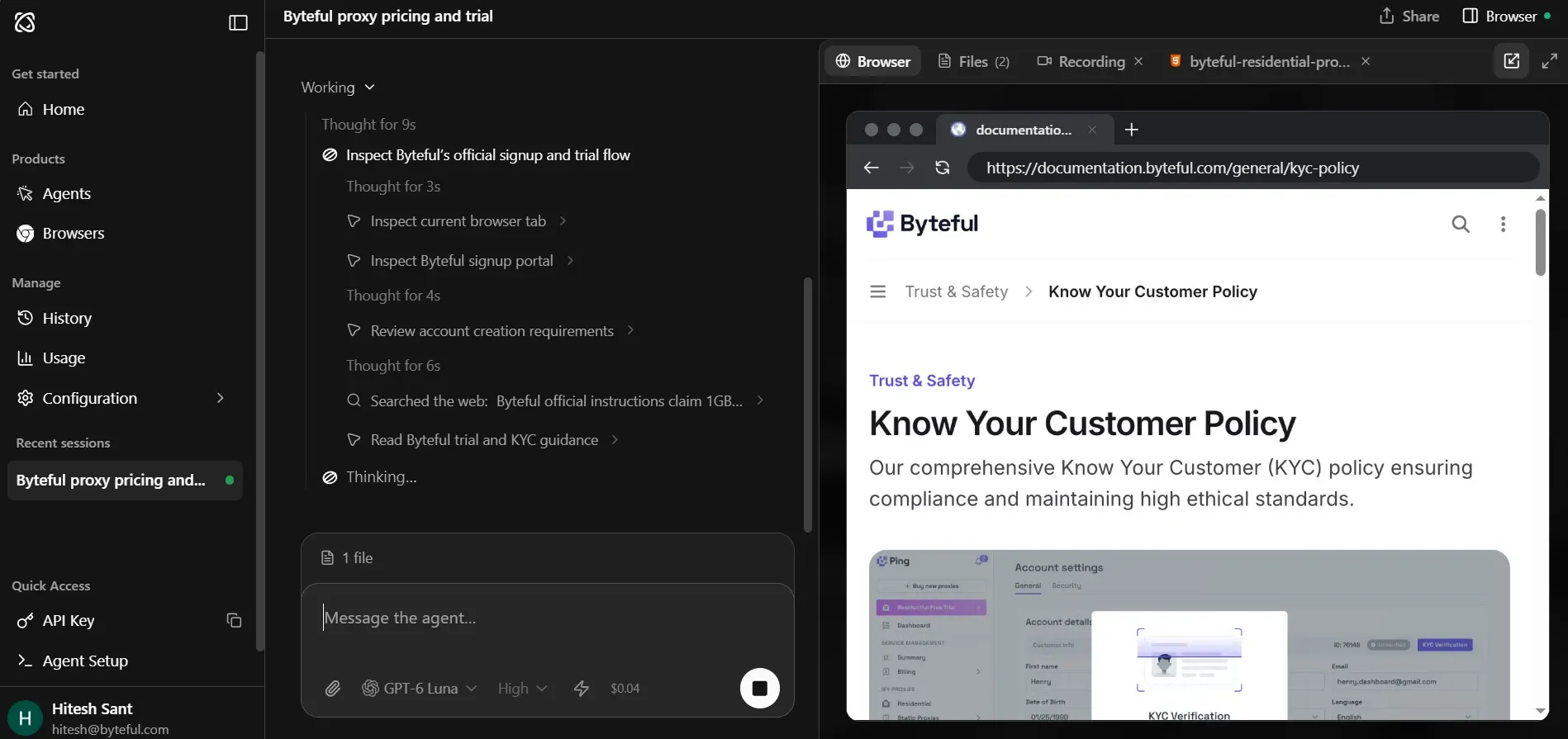
Web agents from Browser Use come with built-in cloud browsers and integrated stealth. It takes plain English commands for tasks to run in a real browser instance and returns the result, token spend, and cost for each run. You get to choose the AI model (GPT, Claude, Grok, Gemini, DeepSeek, MiniMax, etc.) and can also bring your own key (BYOK).
It also packs browser fingerprint randomization, CAPTCHA solving, residential proxies, auth management, Chrome extensions, and session recordings. Besides, it features reusable scripts and self-adjusts if websites change layout.
Browser Use also allows human intervention by letting you predefine checkpoints for authentication, payments, and more. But if you'd rather use your own agent, Browser Use also sells Cloud Browsers, which support on-premises deployment too.
Supported platforms: Cloud (with optional self-hosting)
Price: Agent ($0.006/median-task) + browser ($0.06/browser-hour) + residential proxies ($5/GB)
Watch out for: Unless carefully managed, agentic workflows can accrue substantial traffic bills. Plus, one is entirely dependent on Browser Use-provided stealth, and there isn’t any option to bring your own. However, the platform allows using custom proxies on their enterprise offering.
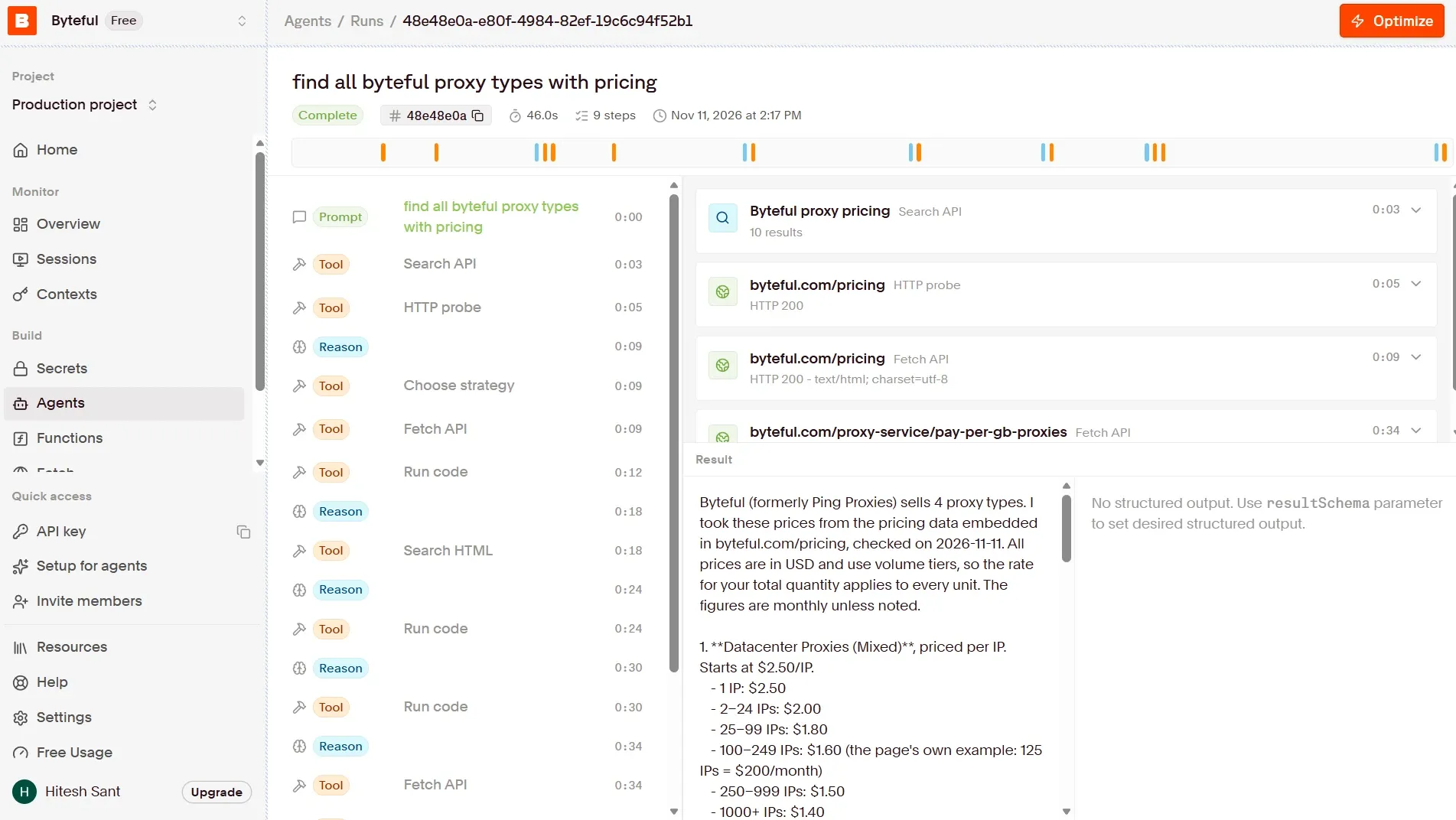
In that case, we strongly recommend using a reliable residential proxy provider, since a substandard IP can undo the other stealth measures. If you want to try, Byteful offers free 1GB residential data and comes with one of the highest success rates against real-world targets across the entire proxy industry.
Browserbase
Browserbase couples your agentic workflows with full browser instances powered with built-in tools to get past anti-bot defenses. It supports multiple browser automation frameworks, including Playwright, Puppeteer, Selenium, and Stagehand, and also offers a CLI that provides full Browserbase functionality from the terminal.
Every browser session is completely isolated, and you can run thousands of such workflows at a time. It can survive unreliable networks with keep-alive sessions and custom timeouts.
On top of that, the browsers are highly customizable with session-based cookies, auth state, adjustable viewports, extensions, and (integrated and custom) proxies. You can watch every session in real time or view recordings along with logs.
Supported platforms: Cloud, accessed via API (Node.js and Python SDKs)
Base price: Free
Watch out for: Browserbase’s best stealth (Verified, with real fingerprints) is only available for the top tier (custom billed). Moreover, the built-in proxies carry over the usage restrictions of the underlying proxy providers, and the free tier includes no proxies or stealth at all. So, check your workflows against target websites before committing big.
What are the risks of using an agentic browser?
An agentic browser can access a lot, including your personal accounts for banking and email. Besides, it’s incredibly powerful since it can take actions (click/scroll) based on the prompt and its vast (but still limited) intelligence. Lastly, it lacks the gut feeling to sense danger and step back.
In a nutshell, it’s more prone to cyberattacks compared to competent humans, and its access to personal information makes it a security and privacy hazard if those aspects aren’t handled well. The following section lists major agentic browser risks with brief explanations.
- Prompt injection: An attacker hides malicious instructions as HTML or invisible text, commanding the agent to leak personal information such as account credentials, emails, or one-time passwords. Similarly, an agent can be hijacked mid-workflow and asked to complete unaccounted-for tasks.
- Memory poisoning: Agents with long-living sessions store user credentials and other information to use across tasks. Attackers target this cache memory and plant hazardous instructions, which might siphon off sensitive data or trick the agents into unauthorized actions.
- Unaccountability: Unlike a human, an agent executes at relentless speed. For a compromised agent without any human oversight, this can pose unprecedented dangers. Even without a cyberattack, powerful agents don’t follow deterministic paths and often have more freedom and access than actually needed for an average task.
- Inaccuracy: After all the sophistication, AI can still return plausible-sounding incorrect responses to extremely basic queries. Unless used by a domain expert who can point out errors, an agentic browser that can understand and act on its own account is downright risky.
- Security: Currently, web defenses have little to stop a rogue agent since its actions look human, and the built-in anti-bot bypass tools further escalate the risk. Therefore, it’s recommended to keep the agent out of sensitive accounts and never let it work without any human checkpoints.
