

The ideal e-commerce scraper automatically adapts to layout shifts with minimal maintenance. It reliably scrapes your target webpages and returns relevant data.
Managed APIs take care of your access and parsing needs. No-code tools work best for more straightforward visual work. Custom scripts give you the most control and flexibility. However, you’re in charge of rendering, proxies, retries, and selectors.
So, what is the best ecommerce scraper? In the following sections, we outline the principal methods, analyze the most prominent tools, and describe vital pre-selection tests.
Ecommerce scrapers explained
There is no universally ideal ecommerce scraper. You will need to decide what scraper you need to address the use case, the expected outcome, and how much of the collection process you want to handle yourself.
| Use case | Pick | Output | Main tradeoff |
|---|---|---|---|
| Best managed API for coverage and parsing | Oxylabs | HTML or parsed JSON | JavaScript and non-Amazon targets are more expensive |
| Most versatile API, no-code, and dataset platform | Bright Data | Structured records, browser output, or datasets | More products to configure |
| Fastest and best value on non-JS targets | Zyte | Raw or AI-extracted output | Browser requests are much more expensive |
| Best budget specialized API | Decodo (formerly Smartproxy) | HTML or structured formats | Premium routes and JavaScript raise costs |
| Flexible integrations | ScraperAPI | HTML or supported structured endpoints | Feature multipliers consume credits rapidly |
| Best no-code, point-and-click tool | WebScraper.io | CSV, XLSX, or JSON | Complex sites still take time to implement |
| Best for building your own scraper (proxy layer) | Byteful | Fields and schema of your design | You own maintenance and infrastructure |
| Best for ready-made data without scraping | Bright Data datasets | Pre-collected records | Minimum order and update cadence may not fit small live checks |
What makes e-commerce scraping hard?
Getting complete, localized product data on a schedule is not trivial and requires dedicated access and a proper infrastructure for parsing and validation. These are more important than the size of the proxy pool.
Anti-bot systems and getting blocked
Amazon, Walmart, Target, Best Buy, and other major retailers analyze IP reputation, headers, cookies, browser fingerprints, session consistency, and navigation patterns. A block can manifest as a 403 error, a CAPTCHA, or even an empty page, a modified layout, or missing fields.
Managed APIs take care of retries, browser rendering, and proxy rotation. When using a custom scraper, these layers must be handled manually. A rotating proxy pool is one way to continuously change the IP used, but reducing proxy bans depends on request behavior, session consistency, and proxy IP reputation. No proxy is going to solve a poor browser fingerprint.
Coverage beyond popular targets
The ability to scrape Amazon easily doesn’t mean scraping other sites, like local grocery stores, will be easy. According to Proxyway's comparison of scraping APIs, the success rates of different APIs were stark in comparison to one another. For example, some APIs achieved over 99% success rates when scraping Lowe's, while others had rates around 1%.
Benchmarks should be viewed as proof of what the setup can do. Your trial should include scraping product and search pages, all the different variants on the page, all the pagination, out-of-stock items, and anything else that may be required.
Structured output and parser maintenance
The final product can't just be raw HTML. Many require the input to be formatted into different fields like title, price, currency, availability, SKU, as well as the different product variants and their associated ratings and reviews.
Some specialized APIs take care of the target site and may be able to adapt extraction to frequent layout edits. Most general APIs leave extraction to you. BeautifulSoup 4 is an option for parsing stable server-rendered pages, but you will still need to handle layout tests, renamed attributes, and hidden fields.
Don't just check the HTTP status codes, check that the required fields are completed too. A 200 status and a missing price is still a failed record.
JavaScript Rendering, Scalability, and Data Freshness
Now, more and more retailers load prices, variants, reviews, or stock after the initial response. A headless browser executes that JavaScript, but uses significantly more time, more bandwidth, and more compute than just making an HTTP call.
Before you enable the browser, check the HTML, embedded JSON, and XHR responses to see if you can find the needed information. Only render what you actually need.
Your delivery model counts as well. A single product lookup may need a synchronous delivery model, but a catalog refresh may be okay as a batch asynchronous delivery model. Look into concurrency, scheduling, bulk input, and webhooks. Real-time retrieval doesn’t keep a captured price fresh forever.
Geographic and Zip Code Level Localization
Price, availability, seller, assortment, and delivery estimates can vary between countries, stores, or even zip codes. A record with no localization context may be correct, but provides no commercial value.
For localization, you may use just IP localization, just zip code parameters, just store selection, just cookies, or some combination of the multiple signals. Especially at more granular geographic levels, proxy pool can become a lot less consistent.
Compare localized results with a known browser session in your target market. A country-level IP may not be sufficient when the retailer also uses store selection, cookies, or account settings.
Cost Model Traps
Headless providers may bill you per request, per successful result, per consumed credits, per retrieved records, bill based on compute time, or bill based on the transferred GB. Headline rates may become comparable only when targets and enabled features match.
Pay-per-success may be better for budgets on difficult targets, as pay-per-request means you're charged for every request, even the ones the provider labels failures.
Success has different meanings for different providers. For example, with ScraperAPI, an Amazon request takes 5 credits, with added charges for certain anti-bot solutions and rendering. Other providers have separate charges for JavaScript, media, or extraction.
Creating a custom scraper means adding the costs of compute, storage, and traffic, along with a custom stack and engineering and maintenance. The cost of public free proxy servers may take away the subscription fee, but unreliable results increase the expenses of validation and retries.
You should model a representative job and take into account proxy traffic, the volume of URLs, the frequency with which you scrape, and the expected number of retries. Also take into account the size of the responses and the variants you wish to target.
Types of E-commerce Scrapers
The primary consideration here is how much of the technology stack for data collection you want the vendor to be responsible for.
Specialized Managed APIs
Maintaining parsers for marketplaces like Amazon and Walmart is the responsibility of the specialized APIs. You submit an identifier, keyword, or URL and receive a structured record in return.
This is the most maintenance-free option for the supported targets, but you are restricted to the sources, page types, and schemas the provider supports.
General-Purpose Scraping APIs and Web Unlockers
A general scraping API accepts any URL. From there, the API manages proxies, retries, CAPTCHAs, and optional JavaScript. This scraping solution likely covers more sites than a specialized endpoint, but may return raw HTML that you will have to parse.
No-code Tools and Browser Extensions
No-code tools allow you to visually select the fields you want to extract, configure pagination, schedule scraping, and even export the results. Such tools are best for small-scale projects and for analysts who do not require customized deployment.
You still need to maintain selectors and test dynamic pages. For example, a visual workflow can collect Amazon reviews, but it won't remove the target's access and pagination challenges.
Pre-collected datasets
Datasets provide pre-collected records instead of a collection pipeline. They work well for bulk analysis but offer less control over freshness and may require a minimum order.
DIY scrapers with proxies
A DIY stack is composed of your own implementation of a scraping pipeline through software of your choice such as Scrapy, BeautifulSoup 4, Playwright, or Puppeteer, a validation implementation, persistence, and proxies. You control the fields and request flow, but also own every failure.
Best ecommerce scrapers compared
The best option will depend on the extent of the scraping stack you want managed by the provider. Below is a comparison of the top solutions.
Oxylabs: Best managed API for coverage + parsing at scale
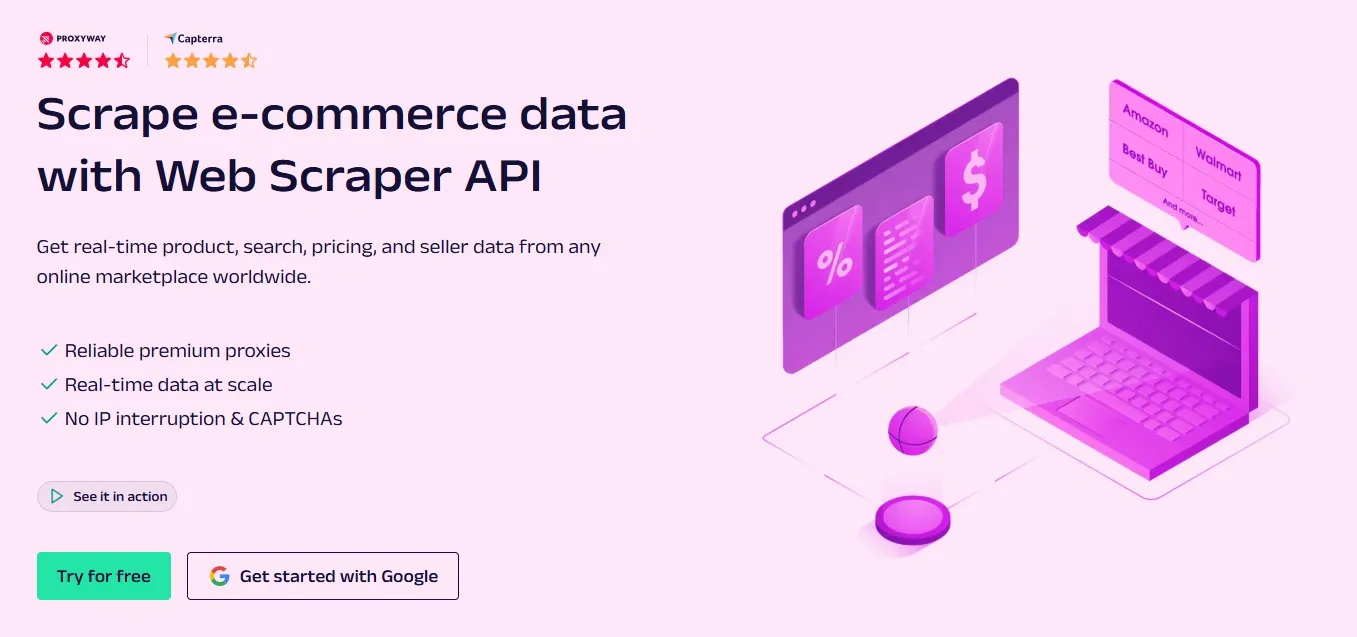
Use Oxylabs when you require data from large-scale marketplaces without the upkeep of target-specific parsers.
The Oxylabs Web Scraper API for ecommerce features the major marketplaces of Amazon, Walmart, Best Buy, Etsy, Target, and eBay.
Oxylabs also has the options for raw or parsed output, JavaScript, localization, batching, and scheduling with either synchronous or asynchronous delivery.
Pros
Maintained parsers and success-based billing reduce infrastructure and extraction overhead.
Reviews on G2 and Trustpilot commend the flexibility, ease of setup, and customer support.
Cons
Parsed output is available for supported sources, while other targets may return raw HTML. Test your required fields, particularly for niche stores and localized pages.
Pricing
Oxylabs offers a free trial for testing its Web Scraper API. Paid plans begin at $49 per month. This tier has a cost of $0.50 for each 1K successful Amazon results, $1 for Google results, $1.15 for non-JavaScript targets, $1.35 for JavaScript targets, and $3 per GB for Media.
Bright Data: Best for versatility
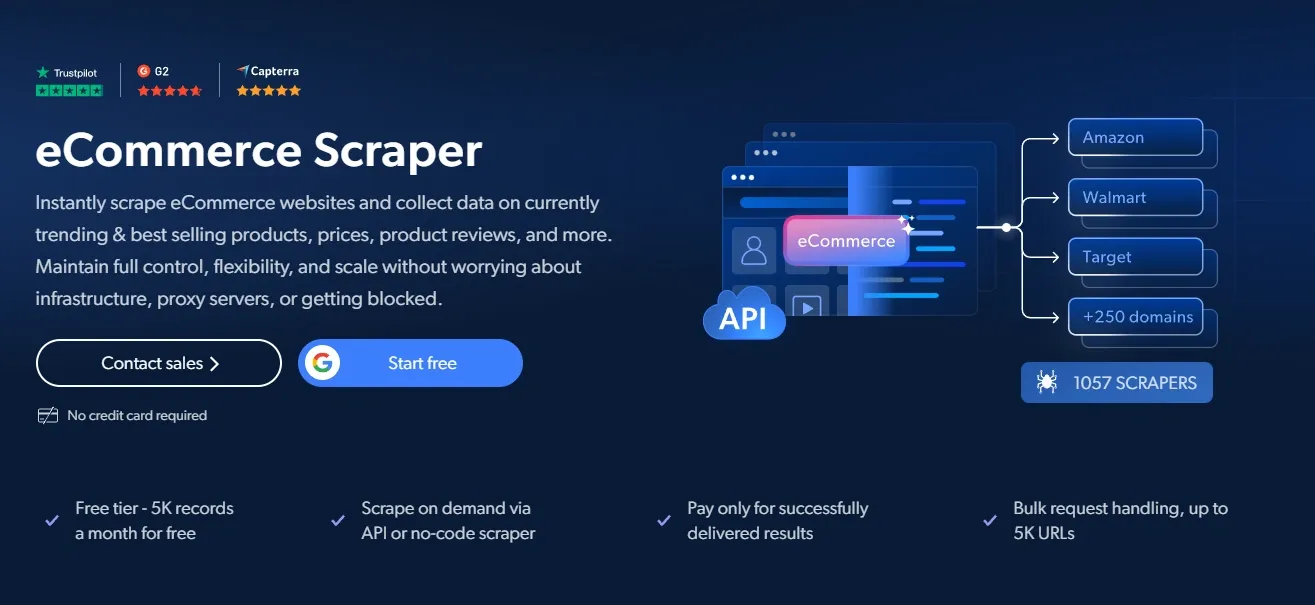
Choose Bright Data when you need managed APIs, no-code collection, and ready-made datasets. With Bright Data's Web Scraper API, you get proxy management, browser rendering, CAPTCHA solving, scheduling, batching, parsing, and webhooks.
Users can run scrapers from the control panel and export results in CSV and JSON formats using the pre-built scrapers with Bright Data’s No-Code Scraper. Scraper Studio can create a custom scraper from a natural-language prompt and can schedule and run the scraper with the functionality of Bright Data for proxies, rendering, retries, and unblocking.
Pros
For this category, Bright Data has the most extensive combination of managed scraping, browser infrastructure, visual tools, web unlocking, and datasets. Public API plans have success-based billing with unlimited concurrency.
Reviews frequently cite support and ease of setup, while some mention pricing for smaller teams.
Cons
The extensive product range means the onboarding process and choosing a product can be complicated. The freshness of a dataset depends on the purchasing snapshot or update plan, meaning datasets can’t always be a valid substitute for live requests.
Pricing
The API plan has 5K records free every month. The API costs $1.50 per 1K records collected. With the $499 Scale plan, you get 384K records, with an extra cost of $1.30 per 1K records. Product datasets have a $250 minimum order.
Decodo (formerly Smartproxy): Best budget specialized API
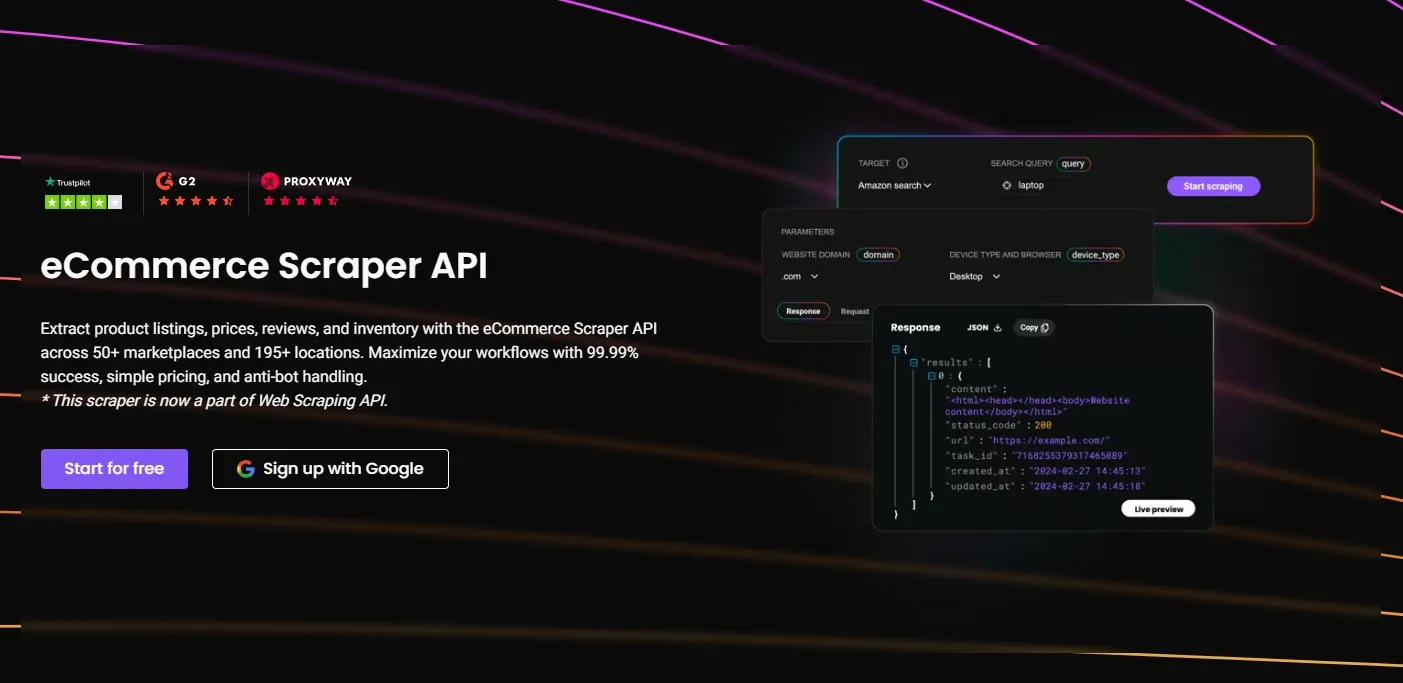
Decodo has affordable templates for scraping Amazon, Walmart, Target, and most other supported marketplaces. Choose Decodo when their templates cover your targets, and you want an inexpensive starting point.
The Decodo Ecommerce Scraper API offers 100+ pre-built templates, scheduling, synchronous and asynchronous delivery, and HTML, JSON, Markdown, or table output.
Pros
The free tier and low standard-request rates make testing inexpensive. Separate standard and premium routes let you avoid stronger infrastructure when a target does not require it.
G2 and Trustpilot reviews appreciate the fast and easy integration of their API and responsive support.
Cons
Performance varies by target. Reviews also mention plan limitations and pricing concerns at higher volumes.
Pricing
Decodo offers a free plan for testing, and paid subscriptions are available from $19/month. Standard requests at the lower tiers cost $0.50 for every 1,000 calls. Standard requests calling with JavaScript cost $0.75. Premium requests are $1, and those calls with JavaScript are $1.50. On the $99/month plan, standard requests cost $0.14 for every 1,000 calls.
Zyte: Fastest, best value for non-JS targets
If most of your targets are HTTP-based but you need a browser fallback for tougher pages, Zyte is a good option.
The Zyte API integrates HTTP retrieval with a programmable browser, sessions, country-level geolocation, and AI-based extraction. Their product schema supports product, list, and navigation pages and can include custom attributes.
Pros
Zyte shows great speed, although this can vary with test conditions. When using Zyte, the technology needed to access a target is chosen automatically, and they only charge for successful responses.
Many users have positive experiences regarding the reliability, ease-of-integration, and support on G2 and Trustpilot.
Cons
Pricing depends on the target, rendering, actions, and extraction. Browser requests cost more than HTTP requests. IP geolocation is country-level, so finer localization may require site interactions or cookies.
Pricing
Pricing is pay-as-you-go and ranges from $0.13 to $1.27 per 1K successful HTTP requests and $1 to $15.98 per 1K browser requests. Extraction and action costs are in addition. New standard accounts get a $5 credit.
ScraperAPI: Flexible integrations (credit pricing)
ScraperAPI is a simple request API you can use with your existing parsers and automation.
ScraperAPI takes care of proxy rotation, retries, CAPTCHAs, JavaScript, sessions, headers, geotargeting, and has structured endpoints for the supported domains.
Pros
The URL-in, response-out model is easy to add to existing code. ScraperAPI has structured coverage for Amazon, Walmart, Target, Home Depot, Lowe's, eBay, and Google Shopping.
In the reviews on G2 and Trustpilot, users point out that the integration is fast and there is less need for managing proxies.
Cons
Credits do not equal requests. An Amazon request costs 5 credits, while a premium proxy with JavaScript can cost 25 credits for one successful request. The lower plans limit geotargeting to the US and the EU.
Pricing
The free plan has 1K credits. Hobby costs $49 for 100K. Startup costs $149 for 1M, and Business costs $299 for 3M. Roll-over credits expire at the end of the month.
WebScraper.io: Best no-code / point-and-click tool
Choose WebScraper.io if you want a no-code and point-and-click workflow.
WebScraper.io has a free browser extension and a paid cloud service that offers scraping features with a schedule, an API, login flow, monitoring, image downloads, and a choice of exports as CSV, XLSX, or JSON.
Pros
The visual sitemap makes extraction logic inspectable without code. One URL credit covers one loaded page, regardless of how many records are extracted from that page.
Cons
You still need to understand selectors, pagination, and dynamic content. The free extension offers no cloud automation, and scraping protected content may need paid residential proxy traffic.
Pricing
The extension is free. Cloud plans start at $50 for 5K URL credits and 2 concurrent scrapers. The Professional plan costs $100 for 20K credits, and the Scale plan starts at $200. Residential proxies cost an additional $2.50 per GB on the Scale plan.
Custom scraping scripts
A custom scraper is a crawling and parsing pipeline that you build and maintain yourself. It gives you complete control over fields, request flow, browser usage, retries, validation, storage, and scheduling, but your team is responsible for maintaining both the scraper and its infrastructure.
Byteful can provide the proxy layer for this setup through residential, static residential, datacenter, and mobile proxies, with HTTP(S), SOCKS5, API management, and location targeting. KYC-verified accounts can test the service with 1 GB of free residential data before choosing a paid package.
How to choose the right ecommerce scraper?
Start by specifying your targets, the types of pages you need, the fields you want, locations of interest, how often you want this updated, and how many fields you can do without. Then choose the scraper with the least complexity to meet your requirements.
Here are things to consider before buying a scraper:
- What ecommerce sites do you need? What pages? What fields? What locations?
- What level of processing do you want? The options go from raw HTML to processed datasets along with structured output or output as a browser and prepared dataset.
- What level of upkeep are you willing to do? Managed APIs do most of the upkeep; no-code options require less of a setup; and custom scripts are more controlled scrapers, but require the most upkeep.
- Try scrapers on all types of ecommerce pages, including product, search, pagination, out-of-stock, and localized pages.
- HTML/HTTP success rates do not replace trying scrapers.
- Render, retry, and maintain a scraper to find out the true cost per usable record.
Run a proof of concept with representative URLs for one full refresh cycle. The following should be measured: required-field completeness, localization, response time, cost per usable record, and maintenance time. Choose the option that produces correct, timely records at the lowest total cost.
