
The Best Firecrawl Alternatives in 2026: Which Should You Use?

You cannot replace Firecrawl with just any cookie-cutter web scraper. To find the right solution, you first need to understand the various types of Firecrawl alternatives. Then you need to choose the setup that best fits your current web scraping workflow.
We’ve created this detailed guide to help you out. Here, you’ll learn about cases where it’s logical to replace Firecrawl with another scraper, types of alternatives, and how to evaluate them.
Why do users migrate away from Firecrawl?
Here are the key reasons users reorganize their web scraping setup.
1. Credit multipliers stack up fast
Firecrawl has a credit-based billing system for its endpoints. The Scrape, Crawl, and Map APIs cost 1 credit/page. When you use the Search API, you will pay 2 credits/10 results. And interactive browser sandbox sessions burn 2-7 credits per browser minute. Plus, JSON format extraction costs an additional 4 credits per page.
Besides, only Scale and Enterprise users can roll over their credits into the next month. There is also no pay-as-you-go plan. This costly credit system and lack of flexible plans drive users with extraction-heavy needs to seek out alternatives.
2. Rate limits cap large crawls
Regardless of your plan, Firecrawl enforces a per-minute rate limit and a hard cap on concurrent browsers. This means you need a higher plan if your workflow requires more bandwidth or parallel processing at any given moment.
For example, the Standard plan allows 500 API calls per minute for the Scrape, Map, and Search APIs, and 100 calls per minute for the Crawl API. The plan offers 50 concurrent sessions.
The need to upgrade the subscription plan for large crawls is another reason users look for alternatives.
3. Self-hosted Firecrawl lacks advanced features
The limitations of self-hosted Firecrawl can also push you to try other scraping solutions. Running the self-hosted tech stack is challenging because you have to take care of updates, security, monitoring, storage, and recovery.
Besides, the self-hosted deployment supports only core scraping. If you want to have advanced capabilities, such as specialized extraction paths or LLM-backed formats, you have to make additional configurations. So when your requirements change from testing your environment to a production-ready workflow, self-hosting becomes a bottleneck if you don't have developer resources to add advanced features.
In such a scenario, you look for either Firecrawl Cloud or another tool. However, considering credit multipliers and rate limits, you might eventually end up looking elsewhere anyway.
4. Extraction costs more than a scrape
Many new users assume that monthly credit allowance covers everything, including extraction. But it doesn’t work that way. If you want to extract structured JSON with a schema, it will cost you more than a plain scrape.
For example, the Standard plan with 100k credits/month is good for scraping 100k pages, as advertised. But JSON extraction costs an additional 4 credits. At 5 credits/page for JSON extraction, that same 100k-credit plan is really ~20k extracted pages. So users with extraction-heavy pipelines exhaust their credits faster than the headline "pages per month" suggests.
5. Success can drop on bot-protected websites
Firecrawl’s success rate can drop on bot-protected targets. On these websites, its adaptive proxy system automatically retries with better proxies when basic ones fail. Though you don’t pay any credit surcharge for enhanced proxies, retries add overhead. When basic attempts fail, the enhanced attempts happen sequentially inside the same time budget.
As a result, time-out risk can go up on bot-protected pages. Also, retries eat your concurrency slots because a page stuck in retry occupies one of your plan's limited concurrent-browser slots for longer. So now you might wonder what the success rate of Firecrawl is. In Scrapeway testing, Firecrawl achieved a 69% overall success rate across 12 target websites.
How to evaluate a Firecrawl alternative
Here are the top things you should consider when you’re going to explore Firecrawl alternatives.
- Review your workflow and determine the output structure you need: Markdown for LLMs, schema-defined JSON, or raw HTML.
- Check if pulling specific fields is a core feature or an add-on.
- Test performance against DataDome, Cloudflare, and PerimeterX (now HUMAN) on your actual targets.
- Make sure the tool is compatible with RAG and agents.
- Confirm it plugs into your stack: an SDK in your preferred language, an MCP server, and native LangChain or LlamaIndex support.
- Decide if you need a self-hosted or managed scraper.
Also, make sure the pricing model matches your workflow. Once you’ve considered these factors, the next step is to determine what kind of scraping/extraction tool you need.
Types of Firecrawl alternatives
Firecrawl alternatives aren't interchangeable and fall into a few clear categories. If you choose the wrong category, you might end up paying more time and money than your workflow actually requires. Let’s discuss types of Firecrawl alternatives one by one.
1. Managed scrape/crawl & extraction APIs
Since Firecrawl belongs to this category, any other tool in it is the closest like-for-like swap. You send your URL, and the tools will provide you with data. And the best part is that the tools run browsers and proxies. Popular options in this category include Context.dev, String, and Jina Reader.
2. Actor/scraper marketplaces
If building a scraping setup is something you want to avoid, Actor/scraper marketplaces are the right category. You rent a scraper that somebody has already built for specific targets. The prime example is Apify, which hosts over 60,000 Actors. If you’re new to the concept, an Actor is a serverless program that carries out tasks and returns structured outputs.
The trade-off of using Actors is that you run other developers’ code. So it’s crucial that you vet the Actors thoroughly.
3. Enterprise proxies
Enterprise proxies are a good option if the target is not letting you in. Here, the endpoint can handle IP rotation, fingerprinting, CAPTCHAs, and retries. BrightData is a leading player in this category.
One thing to note here is that you get access to proxies and scraper stacks in this setup, not the native tools or agents that managed scraper solutions provide. Enterprise proxies and web unblocking platforms are good for hard targets.
4. Browser-agent tools
Browser agents like Browser Use work well when your scraping flow requires acting on the page, including logging in, filling forms, or navigating multi-step flows. But they’re too slow and costly for high-volume repeatable extraction.
5. Open-source / self-hosted crawlers
When you want full control over your scraping workflow, an open-source/self-hosted crawler is the category you need to choose. You don’t have to pay per-page bills, and there is no vendor capping your volume. The most popular choices here are Crawl4AI, Crawlee, and Scrapy.
Though you don’t pay API bills here, you spend money on building the operational setup. No open-source crawler comes with residential proxies or anti-bot mechanisms. So you have to build this layer yourself.
Best Firecrawl alternatives
We've done thorough research and scoured third-party reviews to curate the following best Firecrawl alternatives.
1. String
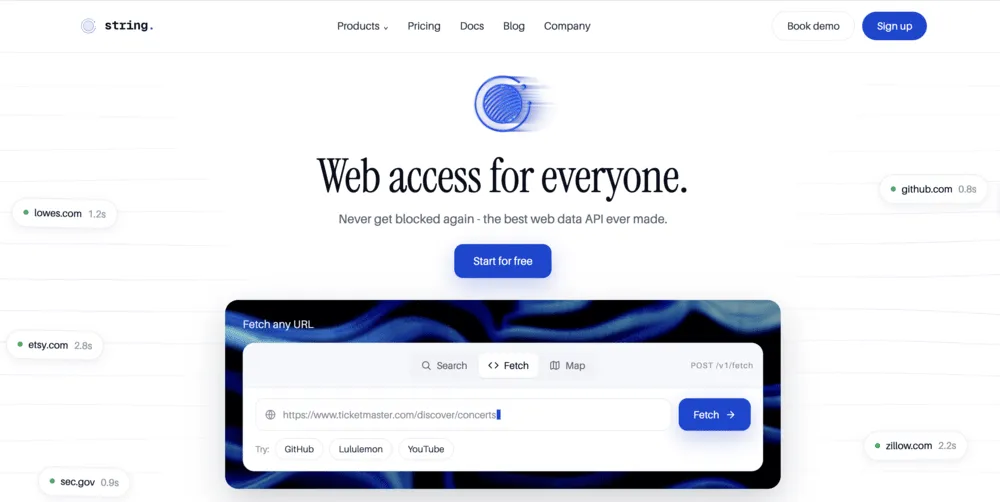
If your target list includes highly protected websites, you can explore String. Its Web Access API features rotating proxies, automatic retries, anti-bot, JS rendering, and CAPTCHA handling.
String has created an open-source Web Data Frontier Benchmark that lets users compare web access APIs against 99 real-world bot-protected URLs. It is updated monthly. According to the recent Web Data Frontier testing, String tops the list with a 97.0% success rate. On the same set of URLs, Firecrawl has a 78.6% success rate.
It lets you access web data in three ways. Web Access API to fetch any web page, Composer (on a waitlist) to build enterprise-grade web data pipelines with prompts, and managed services to run pipelines for you.
Key features
- Provides one endpoint with automatic escalation, so you don’t have to toggle or select any setting for highly protected websites.
- Users have to pay only for successful requests.
- Offers Forward Deployment Engineers to manage data pipelines.
- Supports MCP integration to let your agent fetch pages as a single tool call in ChatGPT, Cursor, Claude, and other tools.
When you should replace Firecrawl with String
For highly protected websites, String can be a natural Firecrawl alternative. It automatically adapts to fetch protected websites without you changing anything.
Besides, String has a better success rate than Firecrawl on highly protected sites, as found in the open-source Web Data Frontier testing.
Pricing
String lets you run the first 5k requests at no cost. The Starter plan costs $20/month. It bills you per 1,000 successful requests.
Once you exhaust your $20 quota, you pay $0.40/1k for fetch requests and $2.00/1k for browser requests in Standard mode. Premium mode costs more.
2. Apify
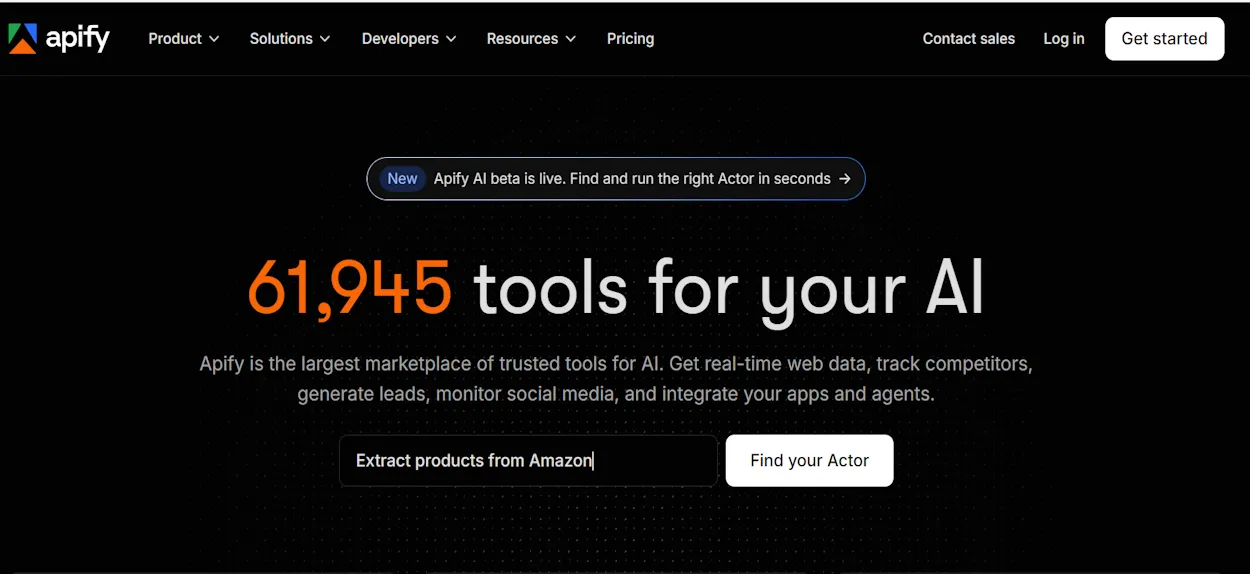
If you’re thinking about replacing Firecrawl with a scraping tool to feed your AI pipeline, we recommend checking Apify. It’s one of the largest marketplaces for AI tools.
Hosted programs on Apify are referred to as Actors, which are basically ready-to-run tools without you building any technical setup. Be it anti-blocking or proxy rotation, the platform handles everything.
And the best thing is you can find ready-to-run scrapers for various use cases, such as AI training data, ecommerce, social media, review sites, and many more. If there is no Actor available for your use case, you can leverage Apify’s experts to make one for you.
Key features
- Provides managed setup with automatic scaling, proxies, and anti-blocking technologies.
- Offers a website Content Crawler that turns sites into clean Markdown for LLMs, vector databases, and RAG pipelines.
- Comes with code templates in Python, JavaScript, and TypeScript for building and deploying custom Actors.
- Offers storage for structured data, files, and URL queues.
When you should replace Firecrawl with Apify
As you already know, Apify offers ready-to-run Actors, making it a natural choice when your targets are specific platforms. But one thing you should consider before buying an Apify subscription is that it’s a marketplace offering ready-to-run Actors for known websites.
It won’t make sense to go for the subscription if you need a single crawl API. The subscription will be costly for you.
Pricing
The starter plan begins at $29/month + pay-as-you-go.
3. Bright Data
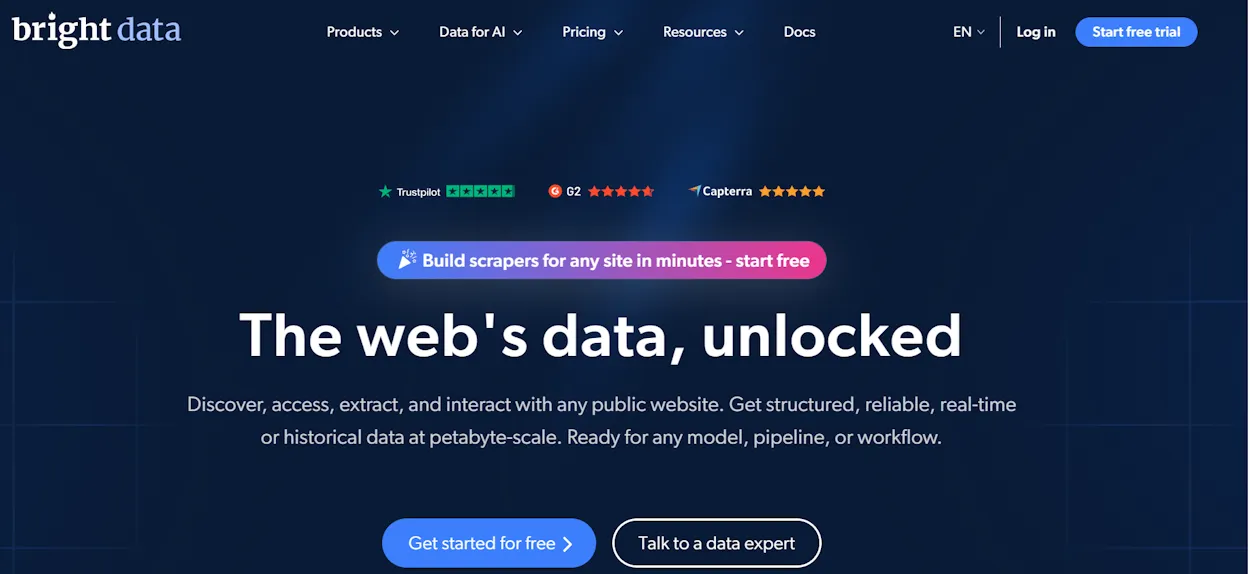
As a web data platform, Bright Data has been serving global customers since 2017. If you want to build AI infrastructure for RAG systems and AI agents, Bright Data can be an ideal Firecrawl alternative for you.
Its Web Scraper API comes with pre-built scrapers for popular websites, such as Instagram, Amazon, LinkedIn, and TikTok. That means you just have to call the API to receive AI-ready, structured data.
These scrapers are optimized for feeding data into RAG systems and LLMs. Bright Data automatically bypasses bot protection, such as PerimeterX, DataDome, and Cloudflare.
You also get access to the Archive API, which lets you dive into historical internet data. If you have to carry out multi-modal training, this feature can be useful.
Key features
- Comes with a powerful proxy network in 195 countries.
- Takes care of rate limiting, CAPTCHA, and 403 errors automatically.
- Includes a scraping browser for remote browser automation.
- Provides an MCP Server with a free tier of 5,000 monthly requests, connecting AI agents directly to the platform's infrastructure.
When you should replace Firecrawl with Bright Data
Bright Data can be a good alternative to Firecrawl if you require multi-modal training because it provides you with access to the Archive API.
Another differentiating factor is Bright Data’s ability to offer targeting down to the ZIP-code level. Firecrawl offers only country-specific targeting. So when you use Bright Data, your AI applications can have region-specific data.
Pricing
For scraping websites, Bright Data has two plans: monthly and pay-as-you-go. You pay $1.50 per 1k records on a pay-as-you-go plan. And if you decide to go for a monthly subscription, you’ll pay $499/month for 384,000 records.
Read our Bright Data vs competitors article to understand how it fares against competitors.
4. Context.dev
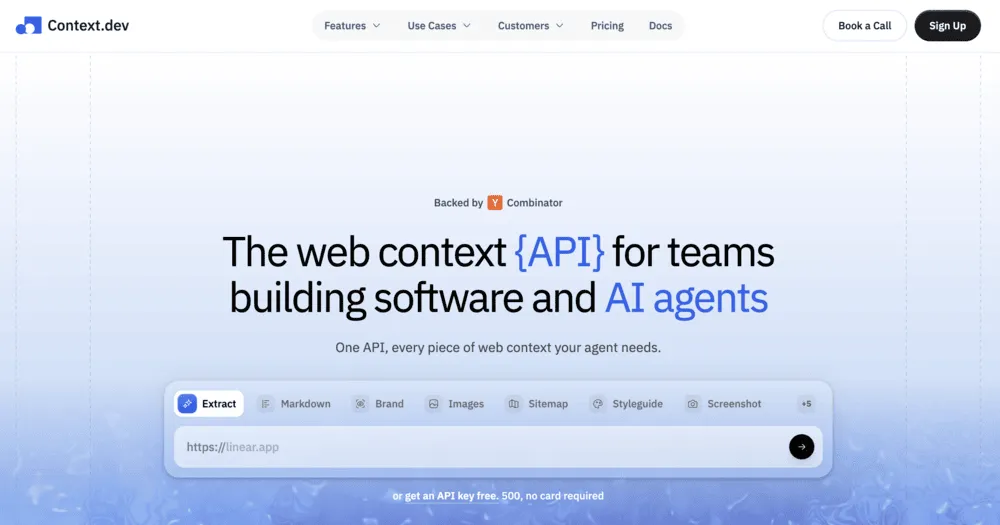
If your data pipeline currently pairs a scraper with another enrichment tool, Context.dev can be worth exploring. One API returns clean Markdown, brand assets, industry codes, and merchant identities on the same key.
It takes care of bot-detection bypass, JavaScript rendering, and proxy escalation server-side on every request.
So you just have to submit a URL to get clean, LLM-ready data. The scraper also parses various documents, such as XML content, PDF, DOCX, and DOC into LLM-ready text.
Key features
- Scrapes any website or crawls a full website for LLM-ready Markdown or rendered HTML.
- Provides you with a complete visual identity of any website.
- Extracts images and captures live screenshots in a desktop viewport or full-page. It also captures HD company logos.
- Converts a domain or a company name into North American Industry Classification System (NAICS) and Standard Industrial Classification (SIC) industry codes for classification.
When you should replace Firecrawl with Context.dev
Context.dev can be the right tool when you need company entities along with page data. Brand data extraction provides you with logos, colors, and fonts. And you get NAICS and SIC codes from a domain using a classification endpoint.
Firecrawl has no equivalent to the classification endpoints. Its branding output is scraped per page rather than resolved across the web.
Pricing
Context.dev paid plan starts at $25/month and provides you with 10,000 credits per month. Credits buy different things. For example, 10,000 credits means scraping 10,000 pages, 1,000 brand lookups, or 1,000 structured extracts. Remember these are alternatives, not additions. A scrape costs 1 credit, while brand lookups and structured extracts cost 10 each.
5. Crawl4AI
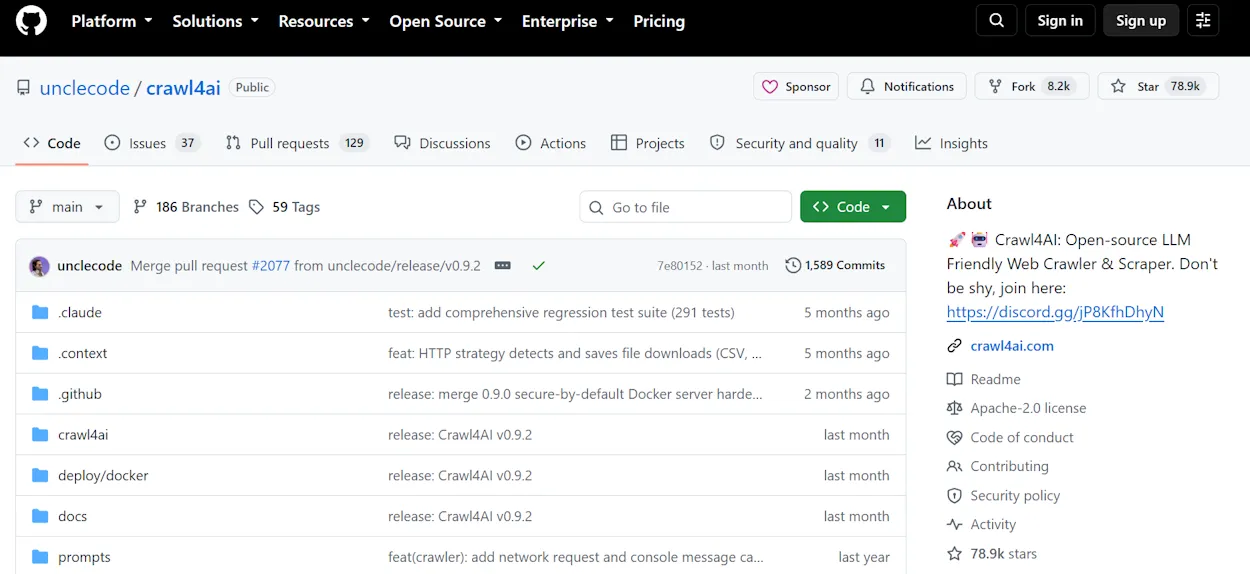
Crawl4AI is an open-source, LLM-friendly web crawler and scraper. It’s purpose-built for feeding LLMs. It generates clean Markdown ready for RAG pipelines, and offers three extraction paths: CSS, XPath, and LLM-based. The setup also includes a diagnostic tool to find out if anything breaks.
After installing it, you get full control over the browser. That means you have to set up proxies, stealth mode, session resume, and custom JavaScript. You can also connect it to AI assistants, such as Cursor and Claude, through a native MCP server.
The installation is available via pip or Docker. Docker deployment, for now, is for experimental purposes only.
Key features
- Provides advanced browser control with hooks, stealth mode, session resume, and proxies.
- Follows adaptive crawling to prevent wasted requests.
- Runs your JavaScript before extraction. This means it clicks, scrolls, and loads more content to reach data a single page fetch would otherwise miss.
- Offers configurations for anti-bot detection and fallback.
- Lets you integrate PDF processing into your crawling workflow.
- Offers both LLM-free and LLM-based extraction.
When you should replace Firecrawl with Crawl4AI
Replacing Firecrawl with Crawl4AI makes sense when your workflow needs high-volume scraping or extraction. Fixed server costs and proxy prices are likely to beat the credit-based pricing of Firecrawl for high-volume data extraction or scraping.
Self-hosted Crawl4AI is also the right choice when data can’t leave your infrastructure, as in healthcare, finance, or law.
Pricing
Crawl4AI is fully open-source, so you don’t have to pay any money for API keys. You can run unlimited crawls without worrying about rate limits or concurrency caps.
However, you pay for the infrastructure you build around it. You’ll need a server to run it on, LLM API calls for LLM-based extraction, and proxies. If you don’t use proxies, every request leaves from the same IP. Any website with a rate limit will throttle you and eventually block you.
You can run Crawl4AI on our proxies. Residential proxies start at $3.25/GB and datacenter proxies at $2.00/IP with unlimited bandwidth for high-volume crawls on open targets. Our Smartpath feature trims proxy cost by routing requests that don't need residential IPs through datacenter IPs at no charge. You can start with a free trial of 1GB residential proxy bandwidth.
How to choose a Firecrawl alternative
Here is how you can find the best solution for your use case.
- Scraping/extracting at high volume: Pick Crawl4AI if your volume grows, if your data must stay on your servers, or if you need custom extraction logic. Fixed operating costs are often cheaper than per-page credits at scale.
- Scraping popular websites: Use Apify’s ready-to-run Actors. This can save you time you would otherwise spend setting up the flow.
- Geo-targeting below country level: Go with Bright Data as it targets down to the ZIP-code level while Firecrawl stops at the country level.
- Pairing a scraper with an enrichment tool: Pick Context.dev because it returns brand assets and NAICS and SIC codes on the same key as the scrape. You don't have to run two vendors.
- Scraping highly protected sites: Go with String, as it offers a better success rate than Firecrawl on highly protected websites, as shown in the open-source Web Data Frontier testing.
