Multiple open-source GitHub repos support scraping, but choosing the best requires careful consideration of whether they are actively developed, their feature set, and their suitability for commercial deployment.
To help you pick, we present this well-researched compilation outlining what each repo offers, its use-case fit, license type, and more.
Best Open-Source GitHub Repos for Web Scraping: At a glance
Let’s compare the following open-source GitHub repositories for web scraping by programming language(s), GitHub stars, license, official cloud hosting support, etc.
| Repo | Category | Language | JavaScript rendering | Stars | License | Best for | Official cloud hosting |
|---|---|---|---|---|---|---|---|
| Scrapling | Scraping framework | Python | — | 83.1K+ | BSD-3-Clause | Adaptive, stealthy scraping | — |
| Puppeteer | Browser automation | JavaScript / TypeScript | Yes | 95.6K+ | Apache-2.0 | Browser-based scraping | — |
| Scrapy | Crawling framework | Python | — | 64.4K+ | BSD-3-Clause | Structured crawling at scale | Scrapy Cloud |
| Crawlee | Crawling framework | Python / JS / TS | Yes | 9.5K+ | Apache-2.0 | Scalable browser crawling | Apify |
| Colly | Scraping framework | Go | — | 25.5K+ | Apache-2.0 | High-throughput Go scraping | — |
| Playwright | Browser automation | Python / JS / TS / Java / .NET | Yes | 96.5K+ | Apache-2.0 | JavaScript-heavy websites | — |
| Camoufox | Anti-detect browser | Python | — | 12.1K+ | MPL-2.0 | Fingerprint-controlled scraping | — |
| Crawl4AI | AI web crawler | Python | — | 84.1K+ | Apache-2.0 | LLM and RAG data extraction | Crawl4AI Cloud (closed beta) |
| Maxun | No-code scraper | JavaScript / TypeScript | Yes | 17.5K+ | AGPL-3.0 | No-code scraper development | Maxun Cloud |
| Selenium | Browser automation | Java / Python / C# / Ruby / JS / Kotlin | Yes | 34.5K+ | Apache-2.0 | Cross-browser automation | — |
The best open-source repos for web scraping depend on your target and what you can manage at your level. The below-listed repos cover lightweight HTTP crawling, high-throughput scraping, no-code workflows, AI-focused extraction, and more, based on their key features, limitations, and GitHub footprint.
Note: Stars show popularity, not maintenance. Before adopting any repo, check its last commit, release cadence, and that it isn't archived. All repos here were actively maintained and their stats accurate at the time of writing.
Puppeteer: Browser automation
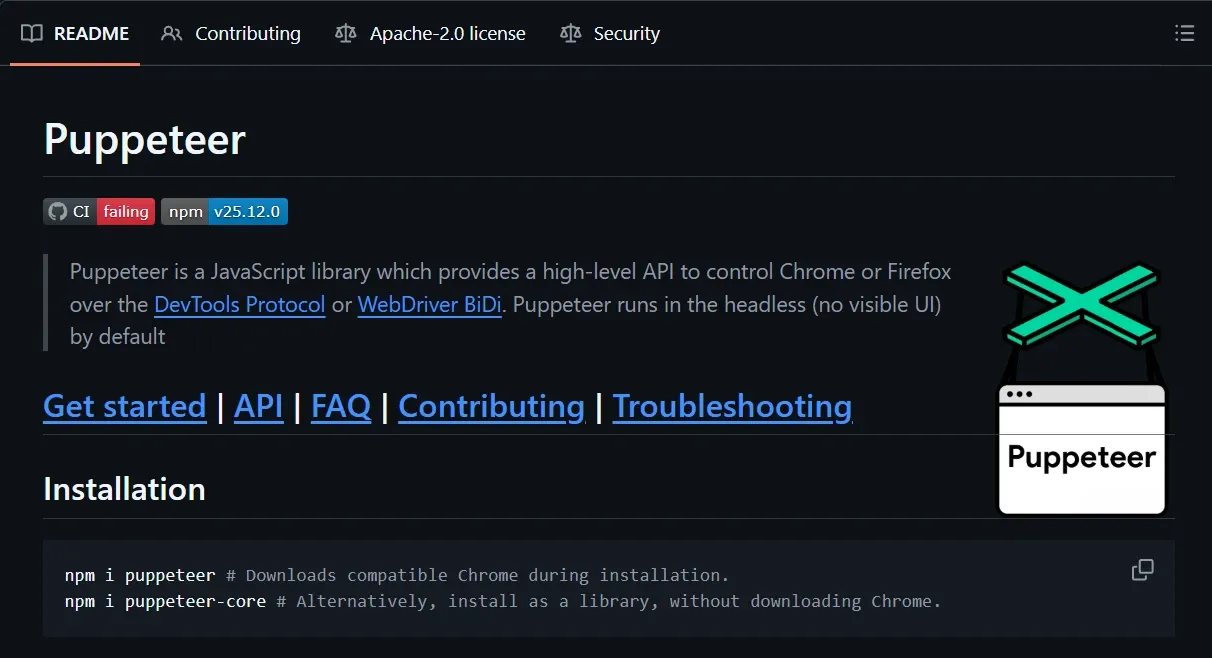
A JavaScript library from Google, Puppeteer serves as a browser automation engine for web scraping workflows. It allows controlling Chrome and Firefox with the DevTools protocol or WebDriver BiDi. Puppeteer is good at JavaScript rendering and runs headless by default (though it can be configured as headful as well).
Key features
- Automate interactive user actions (clicks, typing, scrolling, etc.)
- Full browser rendering (JavaScript and dynamic content)
- Multiple content selectors (CSS, XPath, text, ARIA, and shadow-DOM)
- Auto-waiting locators with visibility and timeout controls
- Cookie, custom-header, and browser-context management
- Full page and element screenshots, and PDF export
- Puppeteer-based MCP server for automation and debugging
Limitations
- Needs additional tooling for managing crawling queues and data pipelines
- Official support is limited to JavaScript/TypeScript
GitHub footprint: 95.6K+ stars · 9.6K+ forks · 550+ contributors
Scrapy: Mature crawling ecosystem
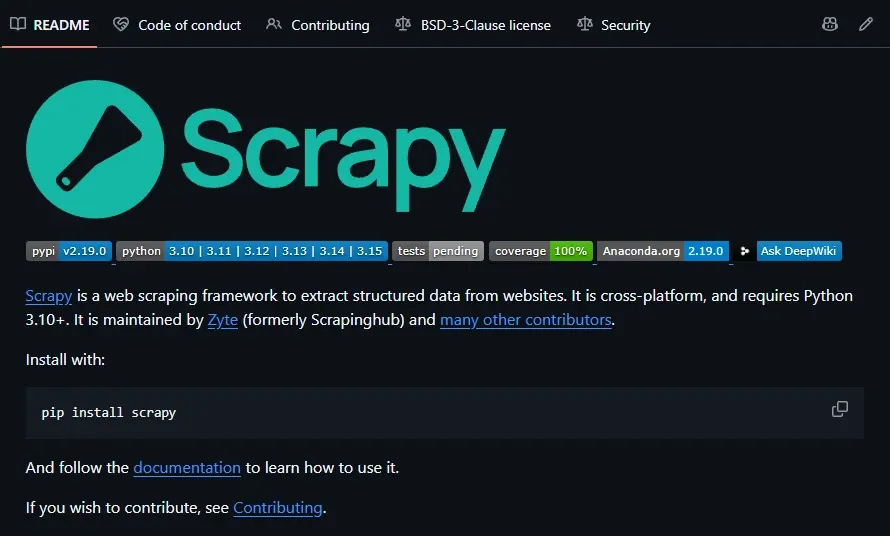
It won’t be wrong to call Scrapy one of the most mature Python-based web scraping frameworks. Scrapy has been actively developed for the last 15 years, and currently its GitHub repo features 600+ contributors. Thanks to its community size, you have multiple extensions for browser rendering, monitoring, anti-bot bypass, and more.
Key features
- Concurrent page fetches, pause/resume, and auto-throttle
- Local (JSON, CSV, XML, etc.), FTP, and cloud storage export
- CSS/XPATH and regex support
- Fully customizable crawl with middlewares and extensions
- Plugin-led HTTP and SOCKS proxy compatibility
- Item pipelines for data cleaning, validation, checking, and storage
- Request scheduling, duplicate filtering, and priority controls
- Cookie, session, authentication, and custom-header handling
Limitations
- Configuration-heavy for simple jobs
- No JavaScript rendering without additional tooling
GitHub footprint: 64.4K+ stars · 12K+ forks · 630+ contributors
Scrapling: Adaptive structure handling
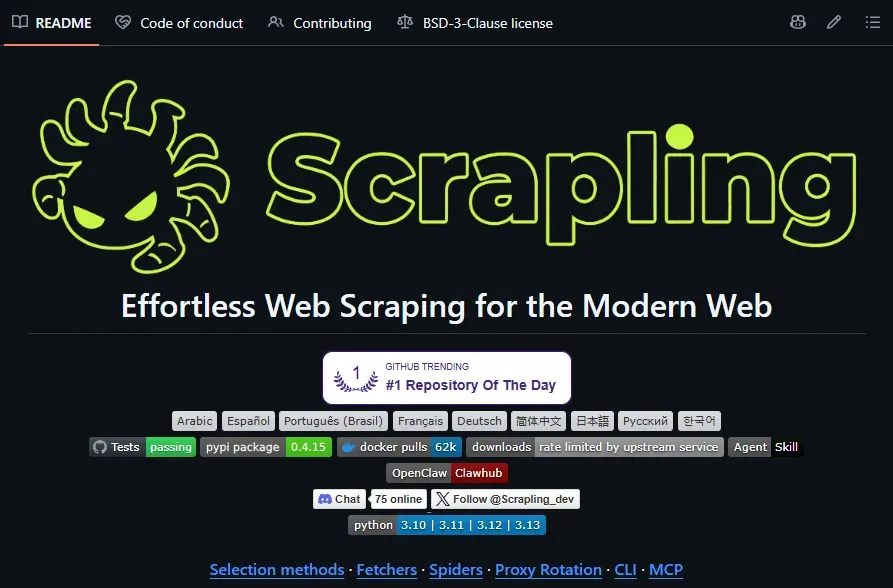
Scrapling is an adaptive web scraping framework that is advertised to handle scraping projects of any scale and comes with native support for bypassing Cloudflare Turnstile. Scrapling also features adaptive element tracking, which lets its parser adjust to a website’s changing HTML structure.
Key features
- Concurrent crawling, multi-session support, and pause/resume
- Detect and retry failed requests automatically with custom logic
- Auto-adjust crawl speed based on target server
- CSS/XPath selection and page-to-Markdown conversion
- JSON, JSONL, CSV, and XML output
- CLI and interactive scraping shell
- Built-in custom proxy rotation and per-request proxy bypass
- Supports normal HTTP requests and stealthy headless browsers
- Real-time crawl statistics via streaming mode
Limitations
- Created in 2024 and is still a comparatively young project
- Browser-based features require additional dependencies and installations
GitHub footprint: 83.1K+ stars · 8.5K+ forks · 35+ contributors
Crawlee: HTTP-browser flexibility
Crawlee is an Apify-maintained web scraping and crawling library available for JavaScript/TypeScript and Python. It crawls stealthily out-of-the-box and supports additional anti-bot measures, such as real browser fingerprints. It comes with a great scraping toolkit, including proxy rotation, auto-scaling, cloud deployment, and more.
Key features
- Rotating proxies, per-request proxy configuration, and session management
- Shared API for HTTP requests and headless browser
- Autoscaled concurrency based on available system resources
- Persistent request crawling queues
- Customizable routing, error, and retry management
- TLS fingerprint spoofing and JavaScript rendering
- Automatic retries and error handling
Limitations
- Browser-mode is extremely resource-intensive
- May feel overwhelming and unnecessary for simple scraping jobs
GitHub footprint: 9.5K+ stars · 800+ forks · 55+ contributors
Playwright: Full browser automation
Microsoft’s Playwright is a browser automation framework that plugs Chromium, Firefox, and WebKit into a single API. All configured profiles run in full isolation with built-in provisions for auto-wait, JavaScript rendering, execution and error tracing, and full-blown inspection. Importantly, it’s not a scraper per se, but lays a strong foundation for browser-based scraping if you can manage everything else.
Key features
- Full JavaScript execution and dynamic page rendering
- Automatic retries and parallel execution for browser tests
- Live screencast previews for all browsing sessions
- DOM snapshots, console logs, and step-by-step screenshots
- Cookie, local storage, authentication, and session management
- CSS, XPath, text, role, and other locator strategies
- TypeScript, Python, Java, and .NET support
- Official MCP server with full browser control
Limitations
- Need pairing with a scraping framework to handle queues, crawls, data pipelines, etc.
- Stock browser fingerprints can be easily detected by modern anti-bot systems
GitHub footprint: 96.5k+ stars · 6.5k+ forks · 790+ contributors
Camoufox: Fingerprint-controlled browsing
Camoufox is a Firefox-based anti-detect browser that readily works with Playwright via a Python interface. It is best known for its stealthy properties, which include page automation and browser-level fingerprint spoofing without any JS at play. Put simply, it keeps Playwright’s Page Agent sandboxed, which helps it avoid JavaScript-based detection.
Key features
- Automatic device fingerprint generation and injection
- WebGL parameters and graphics-fingerprint spoofing
- Integrated ad-block and human-like mouse movements
- Playwright-compatible Python API
- Geolocation, timezone, locale, font, and WebRTC IP spoofing
- Supports running as a remote WebSocket server
- Virtual display buffer for better headless stealth
Limitations
- Significantly heavier than a simple HTTP scraper
- Support is limited to Firefox
GitHub footprint: 12.1k+ stars · 1k+ forks · 40+ contributors
**Camoufox is still under development and may not be suitable for production use.
Crawl4AI: LLM-ready web data
As the name indicates, Crawl4AI scrapes and extracts purposely for use in AI applications by supplying data in LLM-friendly formats, such as Markdown. It works with simple web pages to JavaScript-heavy websites and comes with native support for content filtering, structured extraction, and deep crawling.
Key features
- Tailored for LLMs, RAG workflows, and AI agents
- Adaptive crawling to extract only relevant information
- Async crawling to extract from multiple web pages simultaneously
- CSS/XPath and LLM-based extraction
- Crawl flexibility with custom JavaScript, caching, extraction, timeouts, etc.
- Browser controls for proxies, user-agents, authentication, and more
- Optionally captures a screenshot, PDF, or MHTML snapshot
- Two anti-bot modes (Playwright-stealth and undetected browser)
Limitations
- LLM-based extraction is generally slower and expensive
- Session management is designed for sequential rather than parallel processing
GitHub footprint: 84.1k+ stars · 8.7k+ forks · 85+ contributors
Maxun: No-code workflows
Maxun’s USP is its no-code workflows where you can simply record your actions to build scrapers, coupled with the conventional, programmatic methods for more control, if required. It’s relatively new, with the first release debuting in 2024. However, its GitHub repo features thousands of commits and ongoing pull requests, indicating active development.
Key features
- No-code visual scraper building and programmatic workflows (APIs, CLI, MCP, and SDKs)
- Proxy rotation and anti-bot handling on Maxun Cloud
- Multiple output formats (HTML, Markdown, text, links, PDF, CSV, XLSX, DOCX, JPG and PNG)
- Browser automation for JavaScript web pages and interactive sessions
- Schedule recurring runs to detect website changes
- Automatic pagination and scrolling across dynamic pages
- Supports scraping login-gated web pages
- Website monitoring with change detection and email alerts
- Discover and follow links, and adjust crawl scope
Limitations
- Self-hosting requires user-managed stealth setup and technical expertise around Docker, Docker Compose, NGINX configuration, service deployment, etc.
GitHub footprint: 17.5k+ stars · 1.5k+ forks · 40+ contributors
Colly: High-throughput Go workloads
Colly is a Go-based framework that you should choose for straightforward deployment and high throughput. It provides multiple scraping modes, along with domain-level concurrency controls. However, since it ships without any JavaScript rendering support, Colly is best suited for simple targets.
Key features
- Per-domain maximum concurrency caps and request delays
- Sync/async/parallel scraping modes
- Automatic cookie and session management
- URL filtering, request cancellation/retries, and crawl-depth controls
- CSS and XPath selectors with HTML parsing
- Response caching and distributed scraping
- Custom HTTP headers
Limitations
- Lacks full browser rendering
- Comparatively thin documentation
GitHub footprint: 25.5k+ stars · 1.9k+ forks · 120+ contributors
Selenium: Cross-browser automation
Selenium is a widely used browser automation framework that supports multiple programming languages, such as Java, Python, Ruby, Rust, and C#, to run major browsers in headless and visible modes. It’s built around the W3C WebDriver standard and therefore enables cross-platform automation support. Selenium should be part of your web scraping stack for extracting from JavaScript-heavy pages and mimicking real user interactions.
Key features
- Distributed browser sessions across multiple machines and environments
- Automate Chrome, Firefox, Edge, and Safari
- Explicit wait controls for dynamic content
- Stream network, console logs, and JavaScript error events
- Automatic driver and browser management
- Perform user-like browser interactions (clicks, scrolls, fill forms, etc.)
- Built-in support for proxy and bypass rules
Limitations
- No native support for handling crawling queues or scraping data export
- Lacks a built-in anti-bot or stealth layer
GitHub footprint: 34.5K+ stars · 8.7K+ forks · 800+ contributors
Choosing proxies for a self-hosted scraper
Some of the listed repositories ship proxy rotation in their code, such as Scrapling and Crawlee. Once you self-host, crafting a strong anti-bot detection layer is essential for the scraper to work against modern web defenses, and proxies are the first and most critical component.
You can start with our datacenter proxies for bulk, low-risk work. But if your target is a sophisticated e-commerce or social media platform, we recommend residential proxies or mobile proxies for the best possible stealth.
The latter two were recently recognized by Proxyway’s 2026 study for their industry-leading response time and infrastructure success rate against real-world targets (including Google, Amazon, and Instagram). However, if residential and mobile feel expensive, our ISP proxies provide a perfect balance between anonymity and cost.
Byteful also includes a state-of-the-art bandwidth saver, SmartPath AI, and an excellent proxy tester that lets you check proxies against your real targets. Access control rules also help you manage a team efficiently, and our 1GB free residential data trial lets you get started risk-free.