

Datacenter proxies are fast and widely used for multiple use-cases. There are many datacenter proxy providers out there, but they are not all the same.
This guide breaks down some of the best datacenter proxy providers in 2026, what sets them apart from each other, and which one can be the right fit for your use case.
Datacenter proxy types: Shared vs Dedicated, Static vs Rotating
Before looking into different proxy providers and what they have to offer, here is a quick section that describes different types of datacenter proxies. Understanding these different types will help you decide which type will work best for your use case.
Shared vs dedicated datacenter proxies
IPs in shared datacenter proxies are used and shared by multiple users simultaneously, while dedicated proxies assign an IP address exclusively to you.
Shared proxy IPs are cheaper in comparison with dedicated datacenter proxies, but come with a higher risk of IP blockage. One of the many factors that contribute to the reputation of an IP is the activity of the users with whom the IP is shared. If a user who shares your IP gets blocked on one site, you will also face that blockage, since you are on the same IP.
Dedicated datacenter proxies cost more but give you full control over how that IP is being used, so no one else’s usage has any effect on you.
Shared datacenter proxies are generally best for low-sensitivity tasks like high-volume web scraping on unprotected targets. Dedicated proxies are best suited for jobs where IP reputation matters more, like web scraping on sensitive targets or ad verification.
Static vs rotating datacenter proxies
Static datacenter proxies give you a single, fixed IP address that remains assigned to you during the whole session. On the other hand, rotating datacenter proxies assign a new IP address from the available proxy IP pool on each request or after a set interval.
Static datacenter proxies are best suited for tasks that require session management or a stable IP address, like account creation and management. Rotating datacenter proxies are a good fit for jobs where each request is independent, and you need to avoid rate limits, like high-volume web scraping.
Best Datacenter proxy providers in 2026
There are many good proxy providers out there, and choosing one of them for your use case is a decision to make. This section lists some of the best datacenter proxy providers in 2026 and highlights their strong suits to help you in that decision.
Byteful: Best for ethically sourced datacenter IPs with smart routing
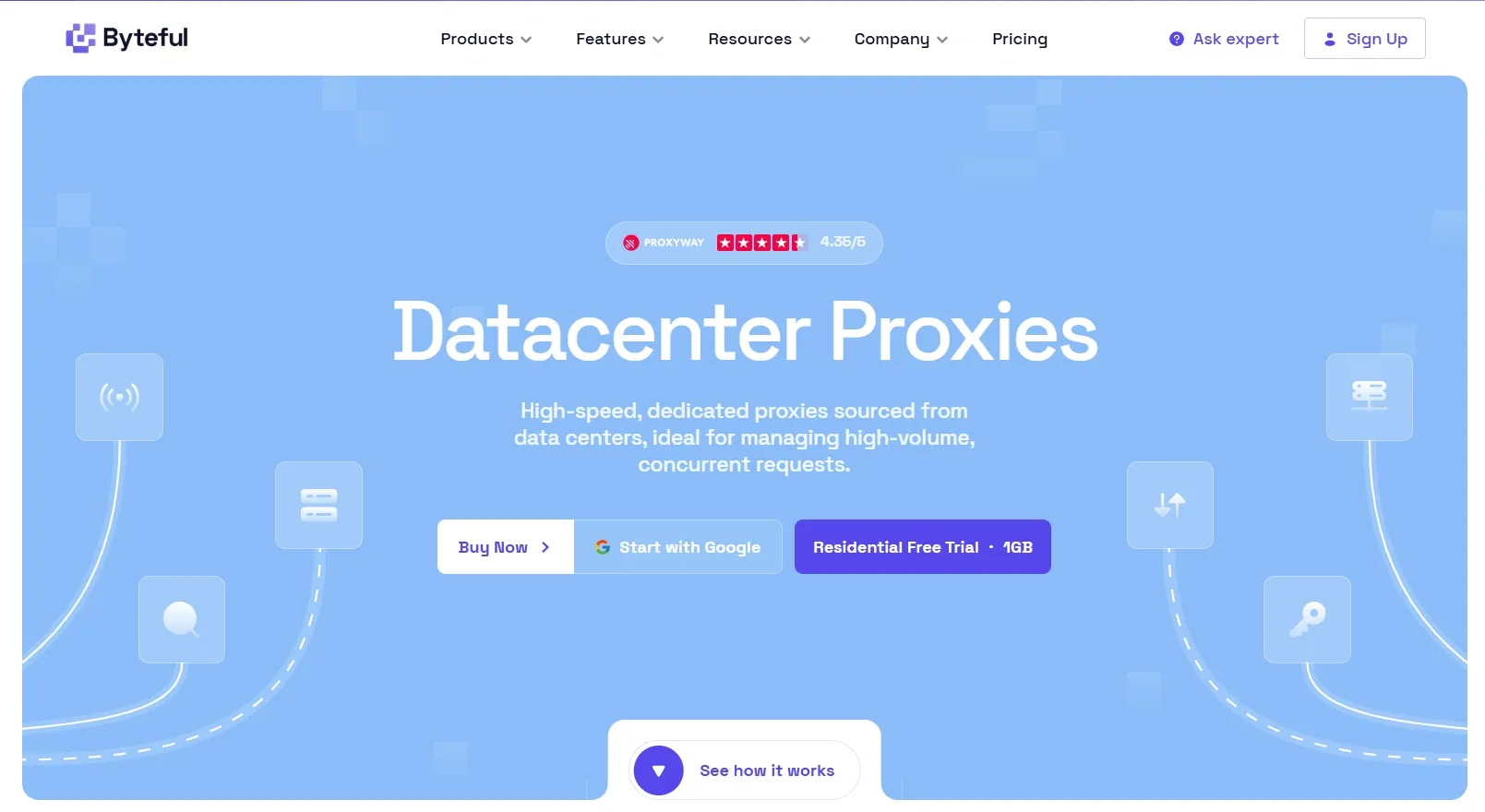
We, Byteful, focus on ethically sourced datacenter IP addresses across mixed subnets with smart routing through our tool, SmartPath. Our ethical sourcing goes beyond IP acquisition. All of our users are KYC'd, ensuring accountability across the network and keeping the IP pool clean.
Our dedicated datacenter proxies come with country-level geo-targeting and 99.9% uptime, with a latency of less than 100ms and unlimited bandwidth. We support HTTP, HTTPS, and SOCKS5 protocols alongside full REST API access. Our IPs are spread across mixed subnets to reduce the risk of mass bans.
You can also whitelist specific proxy IPs for tighter access control. All of this is easily manageable through our best-in-class, easy-to-navigate dashboard, which includes access control rules and live network activity monitoring.
Pricing:
Starting from $2.50/IP per month for a dedicated datacenter IP with a discount on larger IP counts and longer term plans, which goes as low as $1.12/IP per month.
Pros:
- Clean IPs with low fraud score
- Intelligent routing that routes less sensitive requests over datacenter IPs and keeps the cost down
- Set up tools like Proxy Tester and Proxy Formatter
- There is no minimum purchase requirement, and you can buy as few as a single IP
Cons:
- Smaller IP pool compared to other major proxy providers.
According to public reviews, our customers like the speed of our proxies, they like the simplicity of the dashboard, and their experience with customer support was quick and smooth.
Bright Data: Best for large-scale, feature-rich datacenter proxies
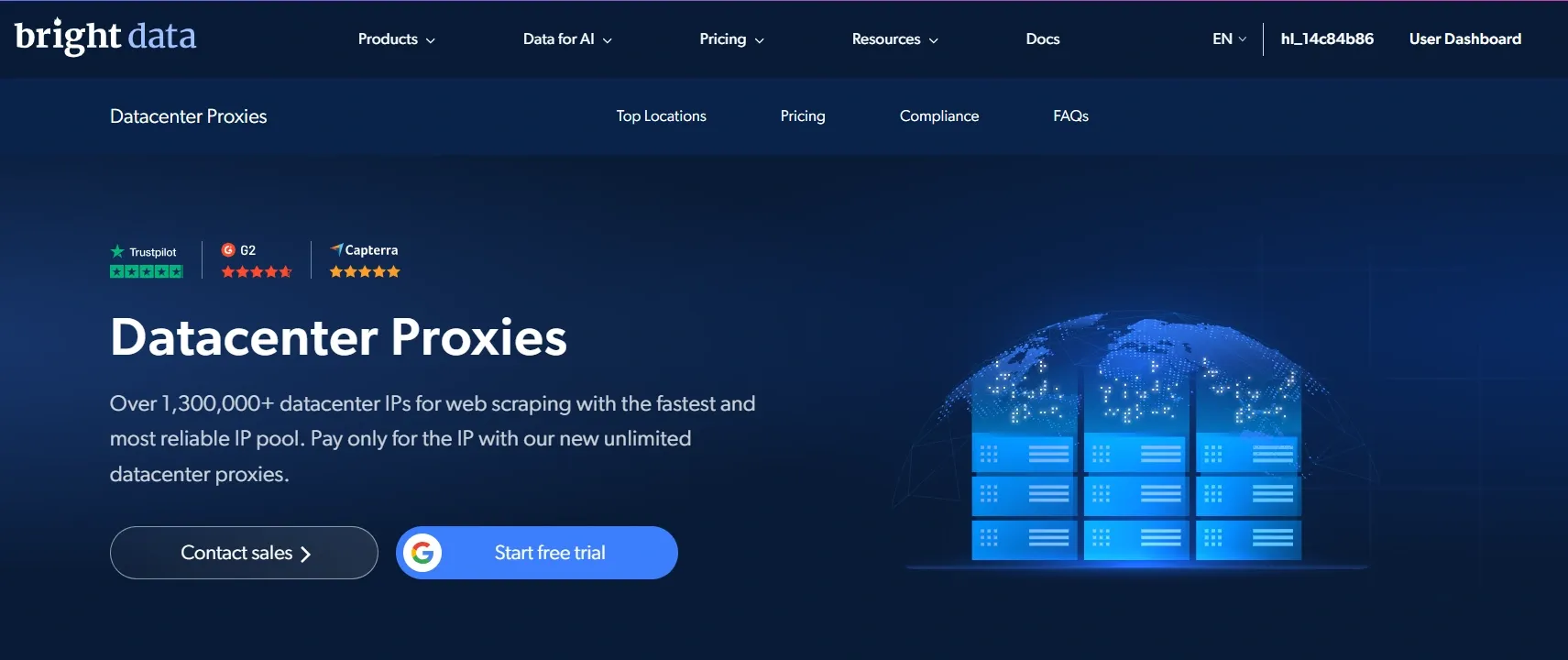
Bright Data is one of the most versatile proxy providers, with a diverse network of datacenter IPs. The platform offers a wide range of tools for various purposes.
It supports HTTP, HTTPS, and SOCKS5 protocols with country-level geo-targeting and a pool of 700K+ IPs across shared and dedicated datacenter proxies. If a proxy goes offline, the requests are automatically rerouted to another proxy in the nearest available location.
Pricing:
Shared datacenter proxies are available on a pay/IP model with monthly pricing starting from $1.4/IP. There is a pay/GB model as well, starting from $0.6/GB with a pay-as-you-go plan.
Dedicated datacenter proxies cost $2.20/IP per month. There is a minimum purchase requirement of 10 IPs for both shared and dedicated datacenter proxies, with discounts on bigger plans.
Pros:
- Free-tier comes with 5,000 free credits, usable on some of the platform tools
- 24/7 support
Cons:
- Free trial for proxies is available for businesses only
- One of the more technically challenging providers to use
- Higher pricing
Users find the integration with AI assistants to be helpful, especially for non-technical users. They like the cleanliness of the platform interface, and there are mixed reviews about customer support.
Oxylabs: Best for the largest dedicated IP pool
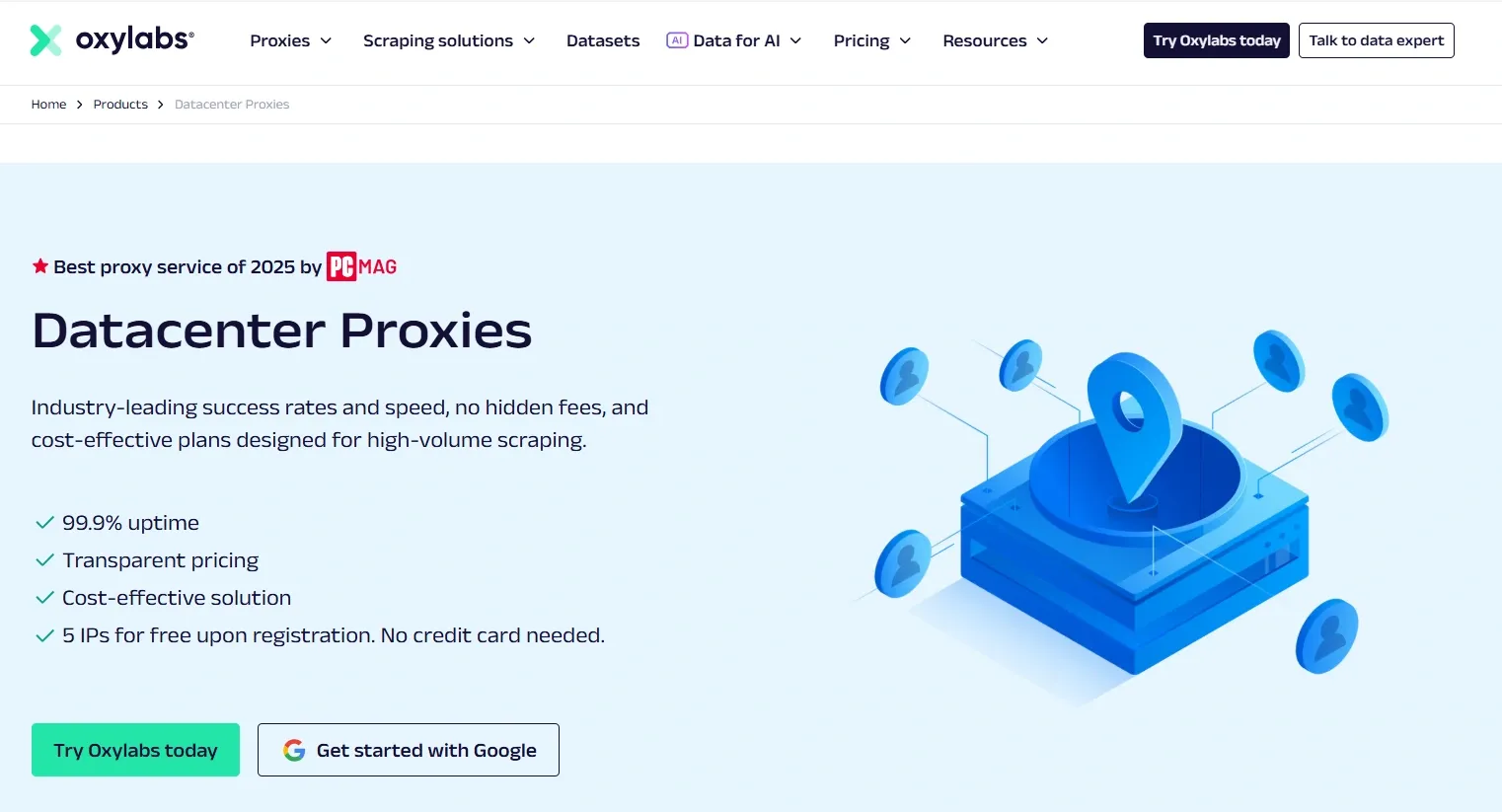
Oxylab runs the largest dedicated datacenter IP pool with a wide geo-coverage. It offers a premium service with a dashboard that includes detailed usage statistics.
It supports HTTP, HTTPS, and SOCKS5 protocols and allows proxy IP whitelisting. Country, state, and city-level geo-targeting are available on the Enterprise plan. A free trial is available with 5 IPs.
Pricing:
Shared datacenter proxies are available on a pay/IP and pay/GB model with monthly pricing starting from $1.20/IP and $0.65/GB, with a minimum purchase requirement on both models.
Dedicated datacenter proxies cost $2.25/IP per month with a minimum of three IPs. Discounts apply to bigger plans. A custom enterprise plan is also available.
Pros:
- Suites both small and enterprise-level operations
- Massive IP pool reduces the chance of subnet bans
- 24/7 support
Cons:
- May not be budget-friendly for individuals due to premium pricing with a minimum purchase requirement
- Free trial IPs from the US only
With Oxylabs, users really like the reliability and the speed of Oxylabs proxies, along with the responsiveness of the support team. They find the pricing to be a little high, as there is a minimum purchase requirement as well.
Decodo (formerly Smartproxy): Best speed-to-price
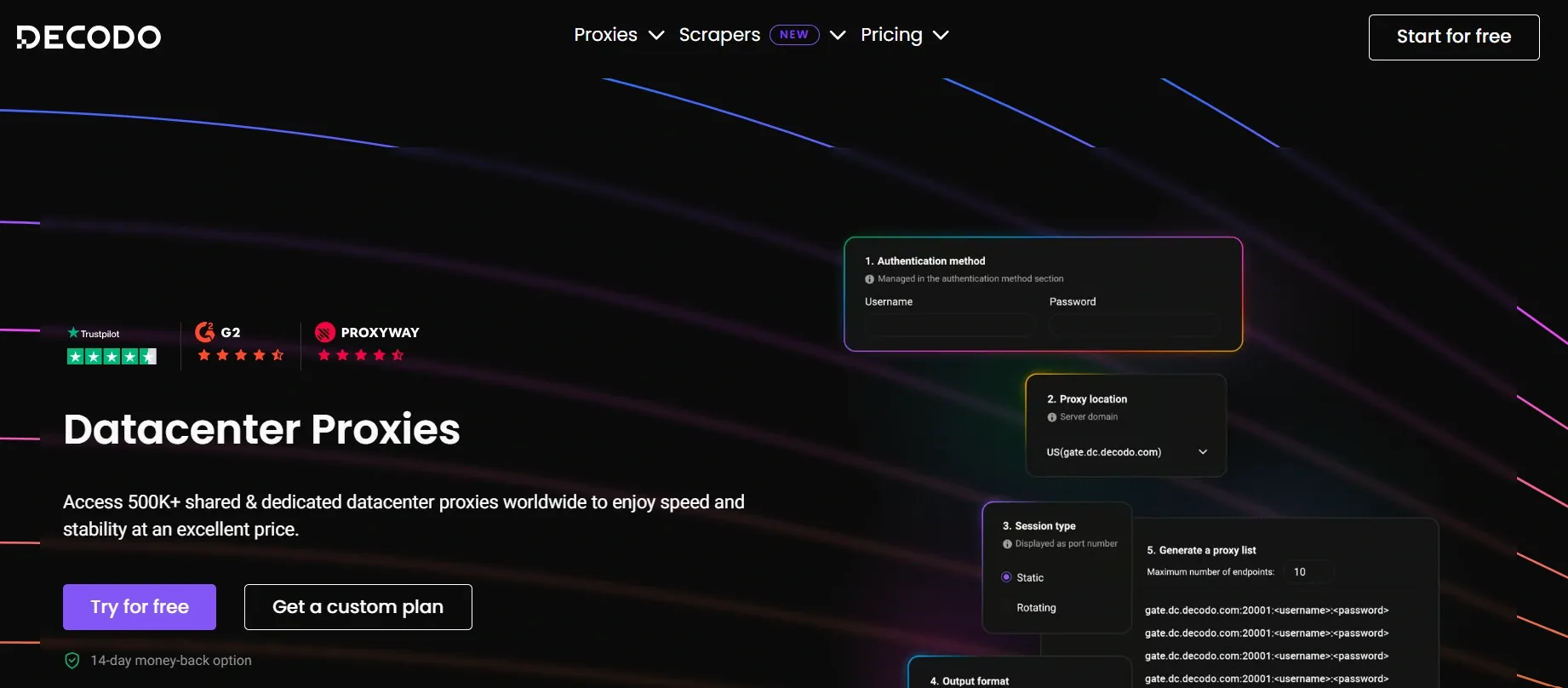
Decodo provides both shared and dedicated datacenter proxies with solid performance, competitive pricing, and a clean dashboard.
It supports HTTP, HTTPS, and SOCKS5 protocols and is compatible with all scraping libraries. The network maintains 99.99% uptime with a response time under 0.3 seconds and an IP pool of 100K+ rotating and static shared IPs. It provides the geo-coverage of up to 15 countries.
Pricing:
Shared datacenter proxies are available on a pay/IP and pay/GB model with monthly pricing starting from $0.035/IP (100 IPs minimum) and $0.6/GB, with a minimum purchase requirement.
Dedicated datacenter proxies cost $1.85/IP per month with a minimum purchase requirement of three IPs. Discounts apply to bigger plans.
Pros:
- Live usage statistics
- 14-day money-back guarantee
- 24/7 support via chat and email
Cons:
- Geo-coverage of only 4 countries for dedicated datacenter proxies
Users say that Decodo proxies are fast and the customer support is great, but the geo-coverage can be better.
Webshare: Best free tier and self-service
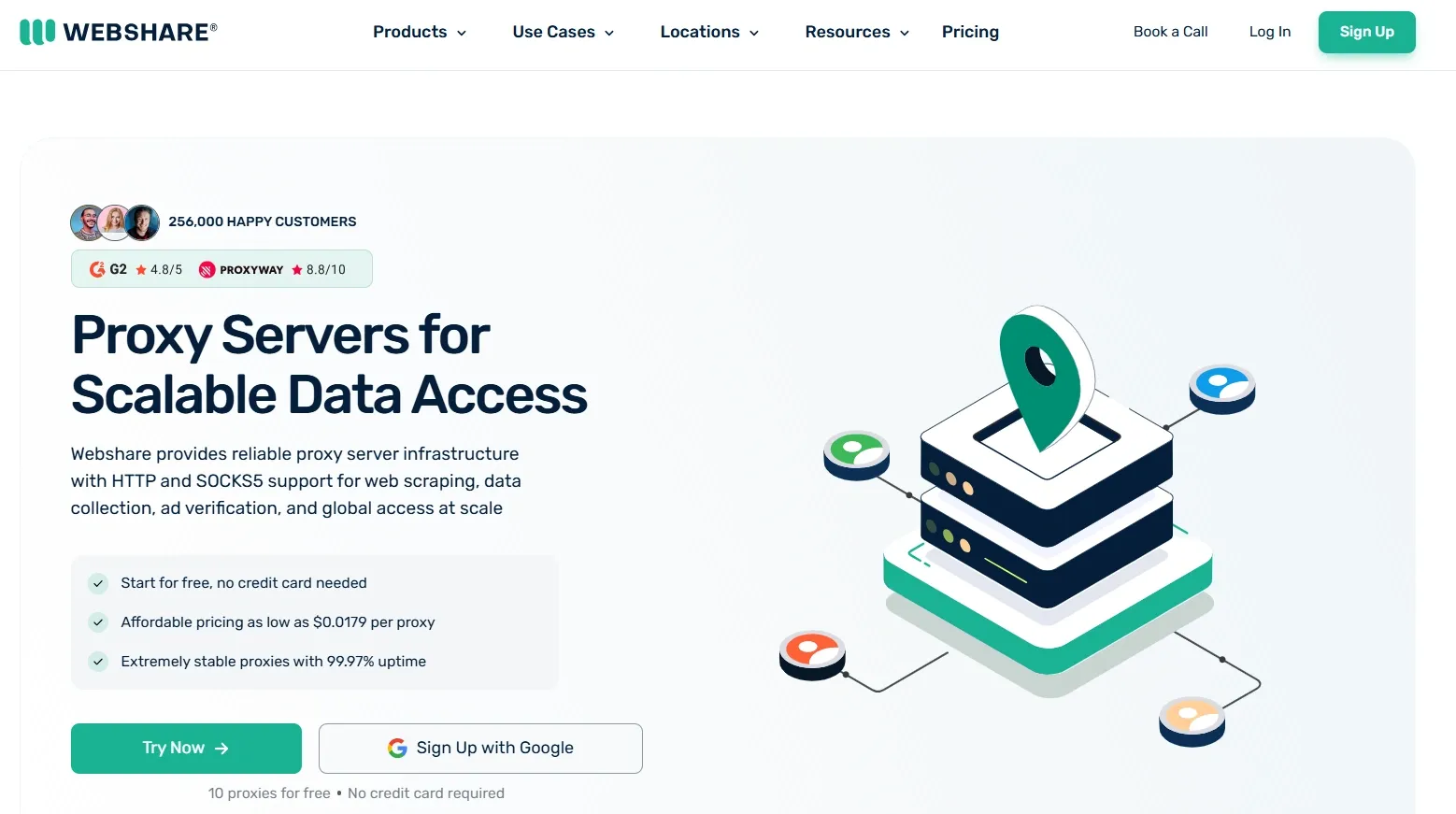
Webshare provides a highly customizable service with three datacenter proxy options to choose from: shared, private, and dedicated. The dashboard is easy to navigate, and the provider targets entry and mid-level customers.
It covers 50+ countries worldwide and supports HTTP and SOCKS5 protocols, all managed through an easy-to-navigate dashboard.
Pricing:
Across shared, private, and dedicated datacenter proxies, there is a variety of plans to choose from.
Pricing for shared datacenter proxies starts from $2.99 for 100 IPs & 250 GB. For private datacenter proxies, pricing starts at $18.52 for 25 IPs & 250 GB, and for dedicated proxies, pricing starts at $26.60 for 20 IPs & 250 GB.
Pros:
- Free trial of 10 IPs across multiple locations
Cons:
- Factors like high concurrency and high IP reputation are available as paid add-ons
Public reviews from Webshare users say that their customer support is satisfactory and the proxies are cost-effective.
ProxyEmpire: Best for GB-based datacenter IPs
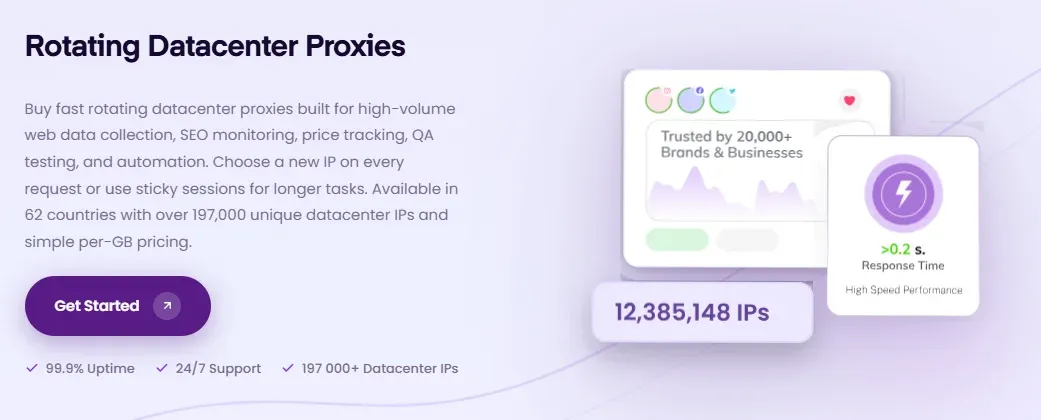
ProxyEmpire covers 60+ countries with its 190K+ rotating datacenter IPs. It's billed per GB rather than per IP, with no minimum IP count to buy.
You get country-level geo-targeting with HTTP(S) and SOCKS5 protocol support. It enables choosing a new IP on every request or keeping a sticky session for longer tasks. ProxyEmpire's API-led management covers proxy credentials, country selection, session IDs, and endpoints.
Pricing:
Rotating datacenter proxies have an entry-level plan starting at $2 for 1 GB on pay-as-you-go. Monthly plans start at $25 for 40 GB ($0.625/GB), with discounts on bigger plans that reduce the rates to as low as $0.35/GB on the $1,750/month package.
Pros:
- Per-request rotation and sticky sessions
- Check available IPs per country before purchase
- 24/7 chat support
Cons:
- No dedicated or static datacenter IPs
Users report prompt customer service and decent performance. However, some reviews mention DNS and IP geolocation mismatches.
IPRoyal: Best for low-cost dedicated IPs
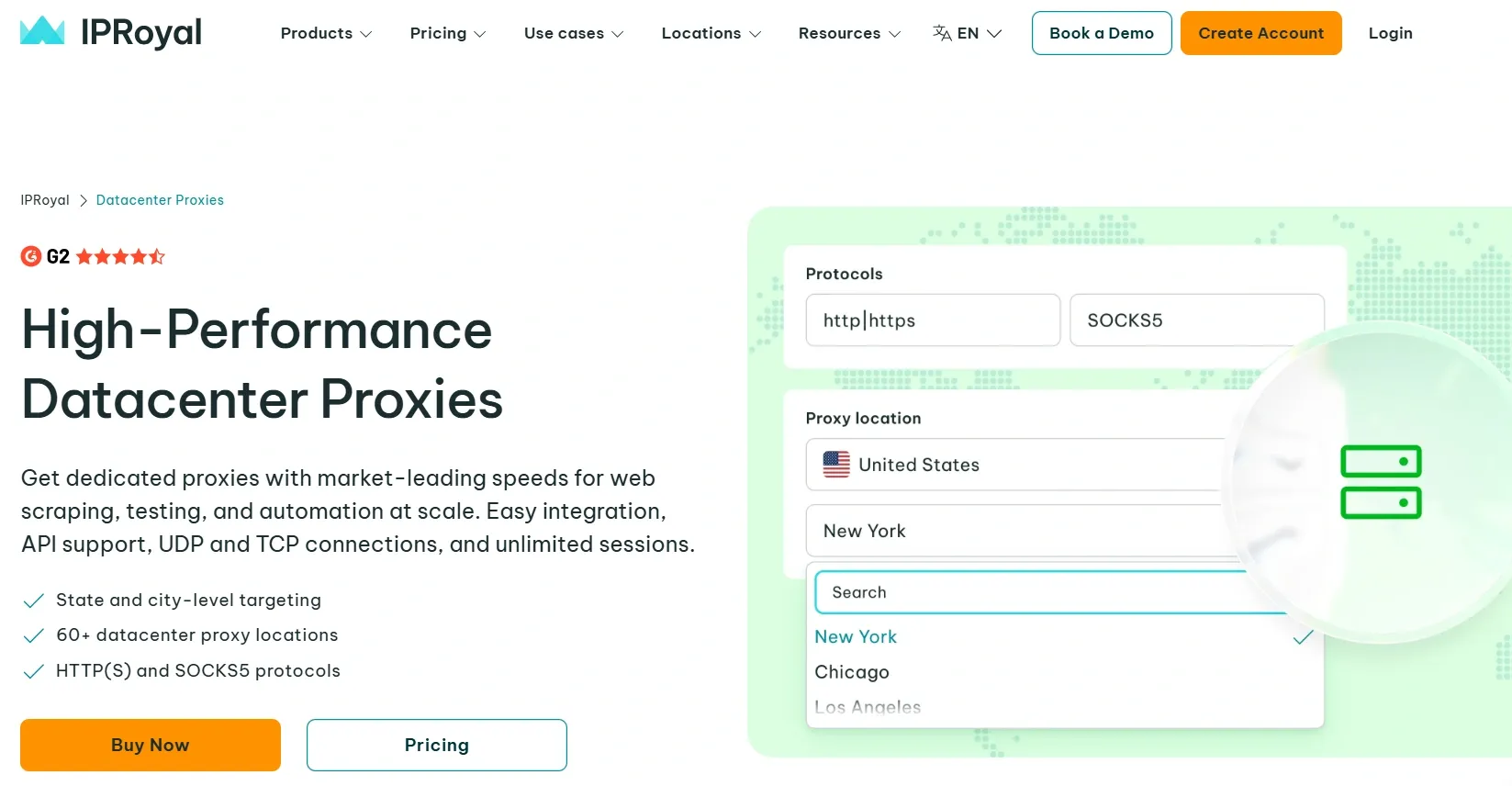
IPRoyal competes on price and provides dedicated datacenter IPs at a lower price, where you can buy as few as one IP.
It covers 60+ datacenter proxy locations with state and city-level targeting, supports HTTP, HTTPS, and SOCKS5 protocols with easy integration and API support. Additional requirements like multi-device access or a guaranteed zero fraud risk IP are available as paid add-ons.
Pricing:
Starting from $1.57/IP per month for a dedicated datacenter IP with a discount on larger IP counts and longer term plans.
Pros:
- Affordable dedicated datacenter IPs
- 24/7 support
Cons:
Targeting a specific state or city costs extra- No built-in rotation
Users say that they like the reliability of proxies, and customer support is smooth. Some reviews mention that the actual pricing is different from what is mentioned on the pricing page.
Rayobyte: Best for flexible, no-commitment plans
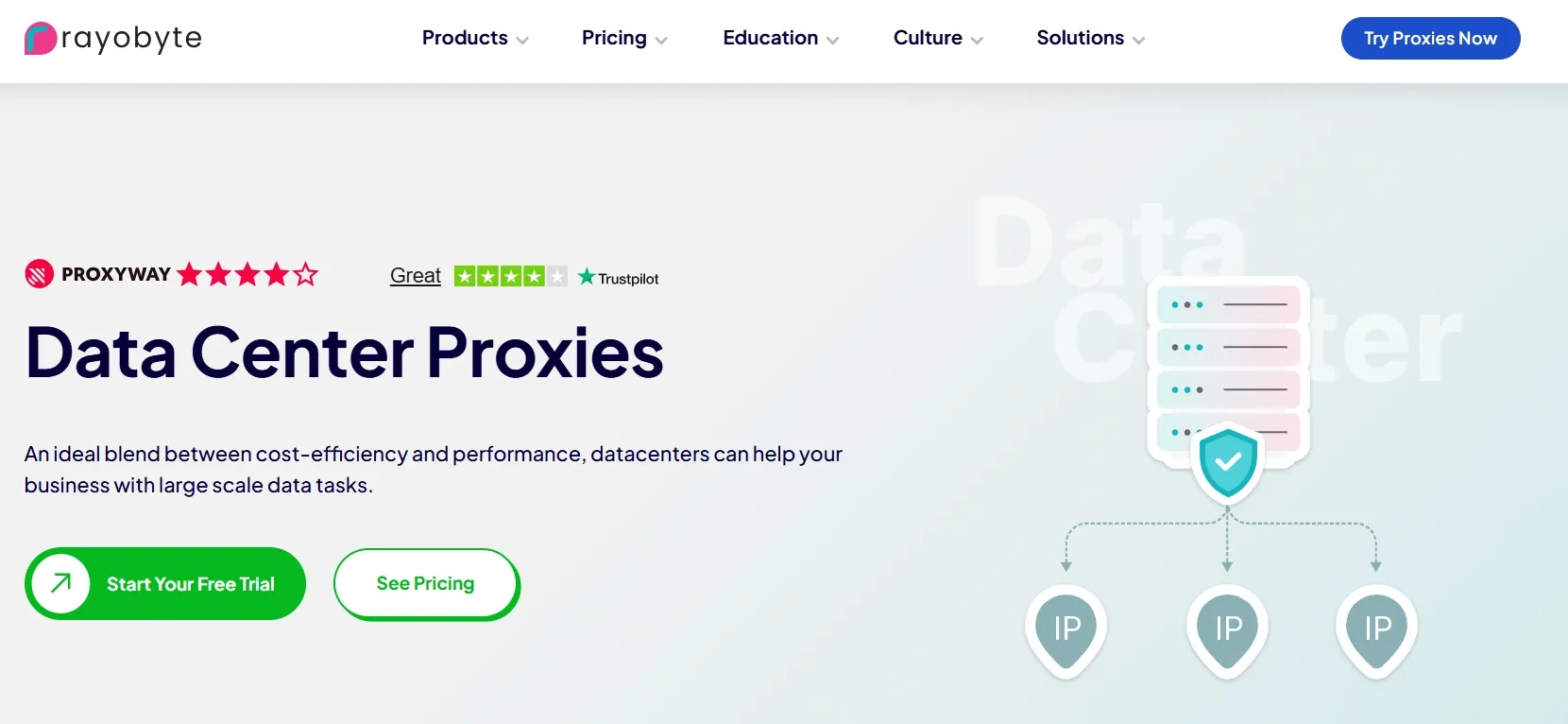
Rayobyte offers shared, dedicated, and rotating datacenter proxies with no limit on threads, traffic, or domains. It gives you a 2-day free trial so that you can test the proxies before buying.
It supports HTTP and SOCKS5 protocols with unlimited bandwidth and threads, and covers 29+ countries with a pool of 300K+ IPs. It also automatically replaces IPs every 30 days.
Pricing:
Starting from $2.50/IP with a minimum purchase requirement of five for dedicated datacenter proxies. For shared datacenter proxies, pricing starts from $0.30/GB and $1/IP with a minimum purchase requirement of five IPs . A custom enterprise plan is also available.
Pros:
- Free trial includes 5 proxies for 2 days
- IPs are spread around 20,000 C-class subnets and hence are less likely to get mass-banned
Cons:
- Static proxies are a bit expensive
- The dashboard is not very convenient to use
Public reviews say that the success rate on RayoByte proxies is good, and there are mixed reviews about the support team.
DataImpulse: Best for cheap GBs and many rotating IPs
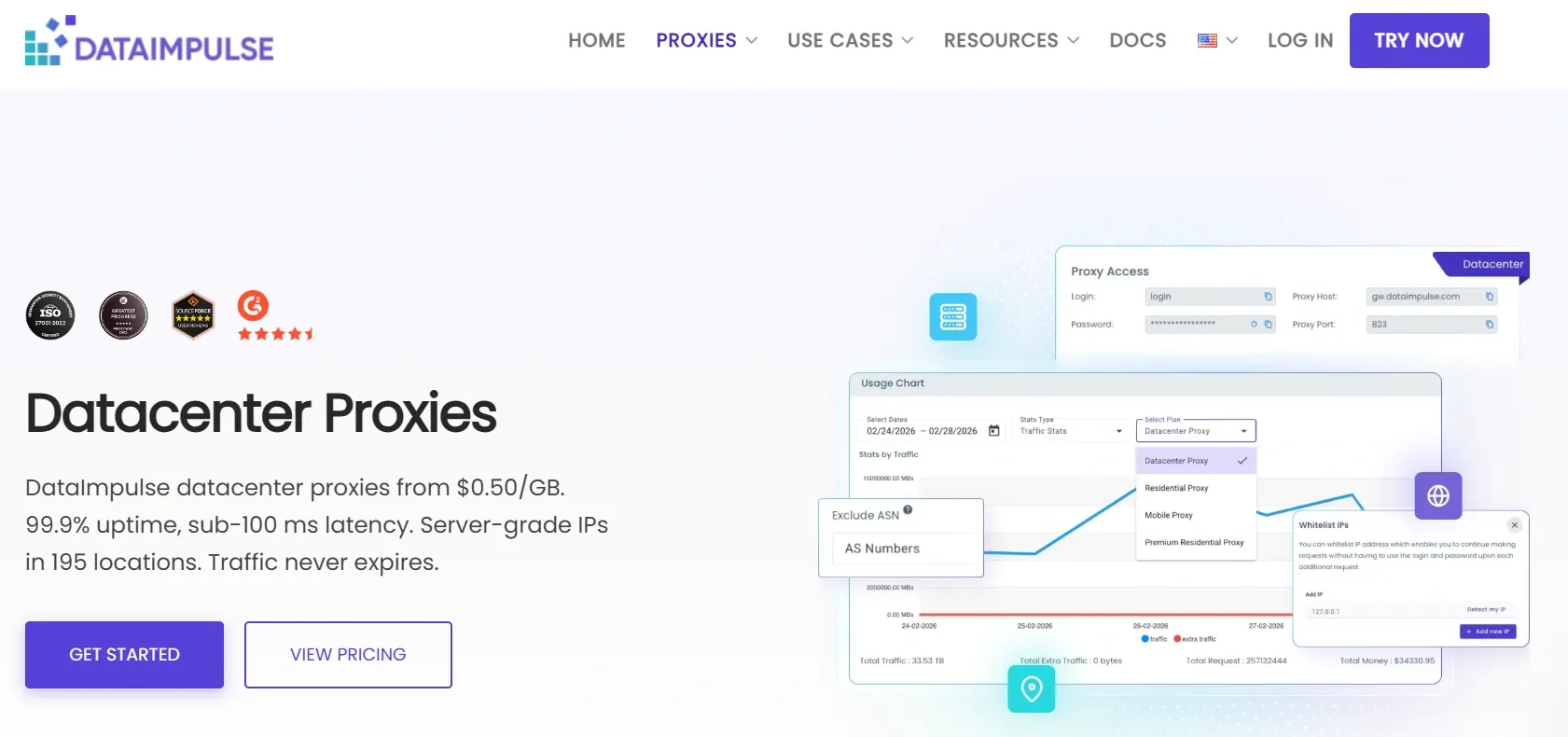
Dataimpulse provides datacenter IPs with a wide geo-coverage and precise targeting options. The pricing model is designed to price the proxy services per GB, not per IP.
It supports HTTP, HTTPS, and SOCKS5 protocols with both rotating and sticky session options. The service maintains 99.51% uptime with an average response time of around 1000ms, and offers API access for resellers.
Pricing:
Starting from $0.5/GB with a minimum purchase requirement and a discount on bigger plans.
Pros:
- Non-expiring data
- Global coverage with detailed city, ZIP code, and ASN-level targeting
- 24/7 support
Cons:
- Detailed city, ZIP code, and ASN-level targeting comes with an extra cost
Users say that the proxies are reliable and high in speed, with easy setup. They also find the customer support to be really helpful.
How to choose a datacenter proxy provider?
With a lot of proxy providers available in the market offering a load of features and services, here is the criteria you can use to evaluate a proxy provider before buying from them:
- Pool size and subnet/ASN diversity: A large IP pool matters, but if all IPs are on the same subnet or ASN, that is a problem to avoid, because the target websites do not block individual IPs. They block entire ASN ranges. Before buying from a provider, always inquire about the diversity of subnets and ASNs.
- Success and block rate: If a proxy connects successfully, that does not tell you anything about the success rate on your target site. Inquire about the success rate data on your specific target before you buy. Some proxy providers provide a list of blocked targets on their website. Check that to see if your target is listed there. Also, test it yourself during the trial period to make sure it actually works for you.
- Speed under load: Latency numbers listed on a provider’s dashboard are measured under ideal conditions. Real numbers appear when you are running multiple concurrent requests. A proxy service that is fast for a single request but fails under load will not be a good choice, so make sure to stress test before buying a plan.
- Locations and city targeting: If your use case requires proxies from a specific geo-location, ensure that the proxy provider covers that specific location. If you want to target a specific city, see if the provider supports city-level targeting.
- Protocols: While HTTP and HTTPS cover most of the use cases, SOCKS5 is needed for non-HTTP requests. Make sure that the provider supports what you need before you buy any plan.
- Rotation and sessions: Understand the rotating logic before you buy. Can you rotate the IPs per request or after a specific duration? What you need depends on your use case, so make sure that the provider supports what you require.
- Dashboard and API: If a proxy provider supports everything you need, but their dashboard is too complicated to make use of the available features, then buying from them is probably not going to be a great decision. Features and support matter, but so does the ease of access and usage. API access is also essential if you need to integrate proxies into automated workflows. Test both of these things during the trial period so you can make an informed decision.
How to test a datacenter proxy before you buy?
It is always a good idea to test the quality of IPs before you invest in any proxy service by any proxy provider. There are many tools available online that can help you with that. A combined usage of these tools will give you a more complete picture of an IP’s quality and reputation.
Proxy Tester
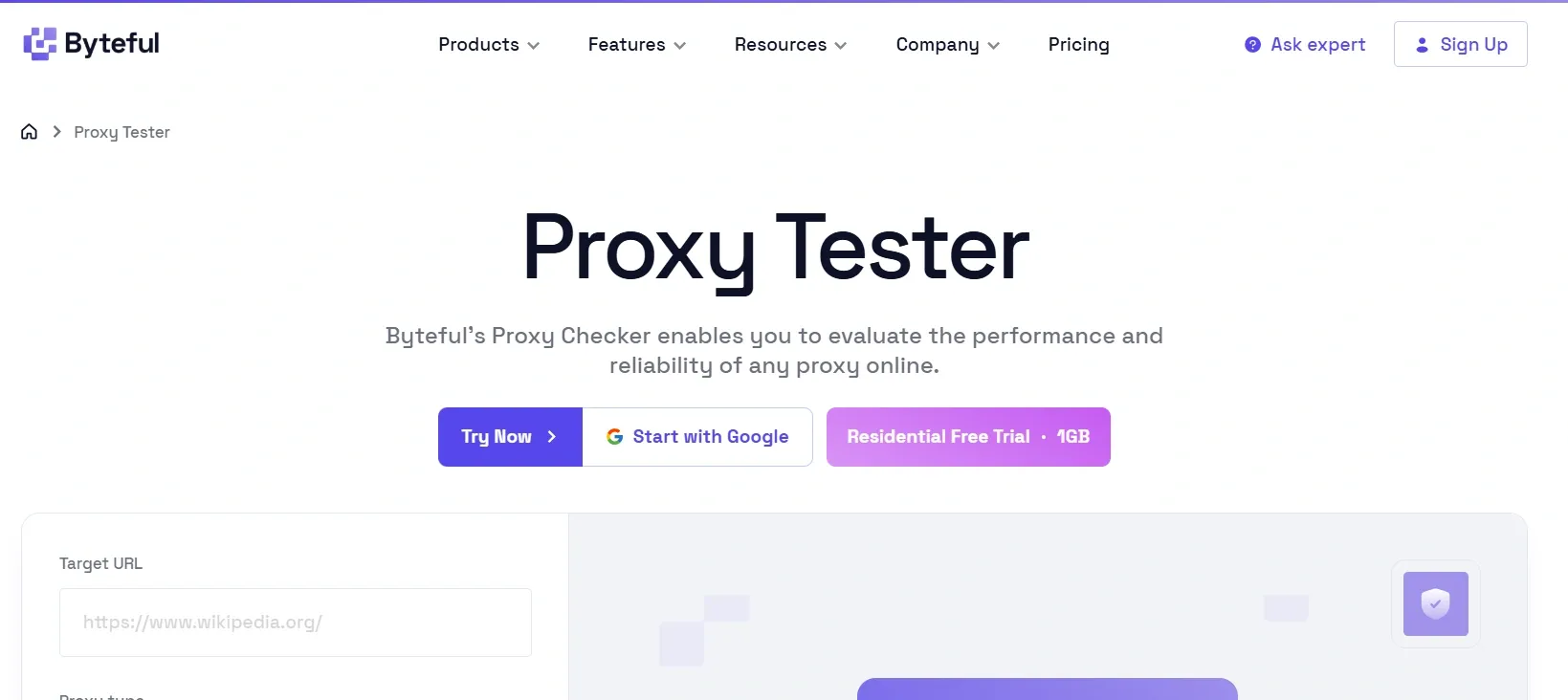
Start with a proxy tester tool like ours. It shows you the location of the proxy IP, the lowest latency, and confirms if the request goes through successfully. Testing proxies through a proxy tester gives you a baseline before going deeper.
Blacklist Checkers
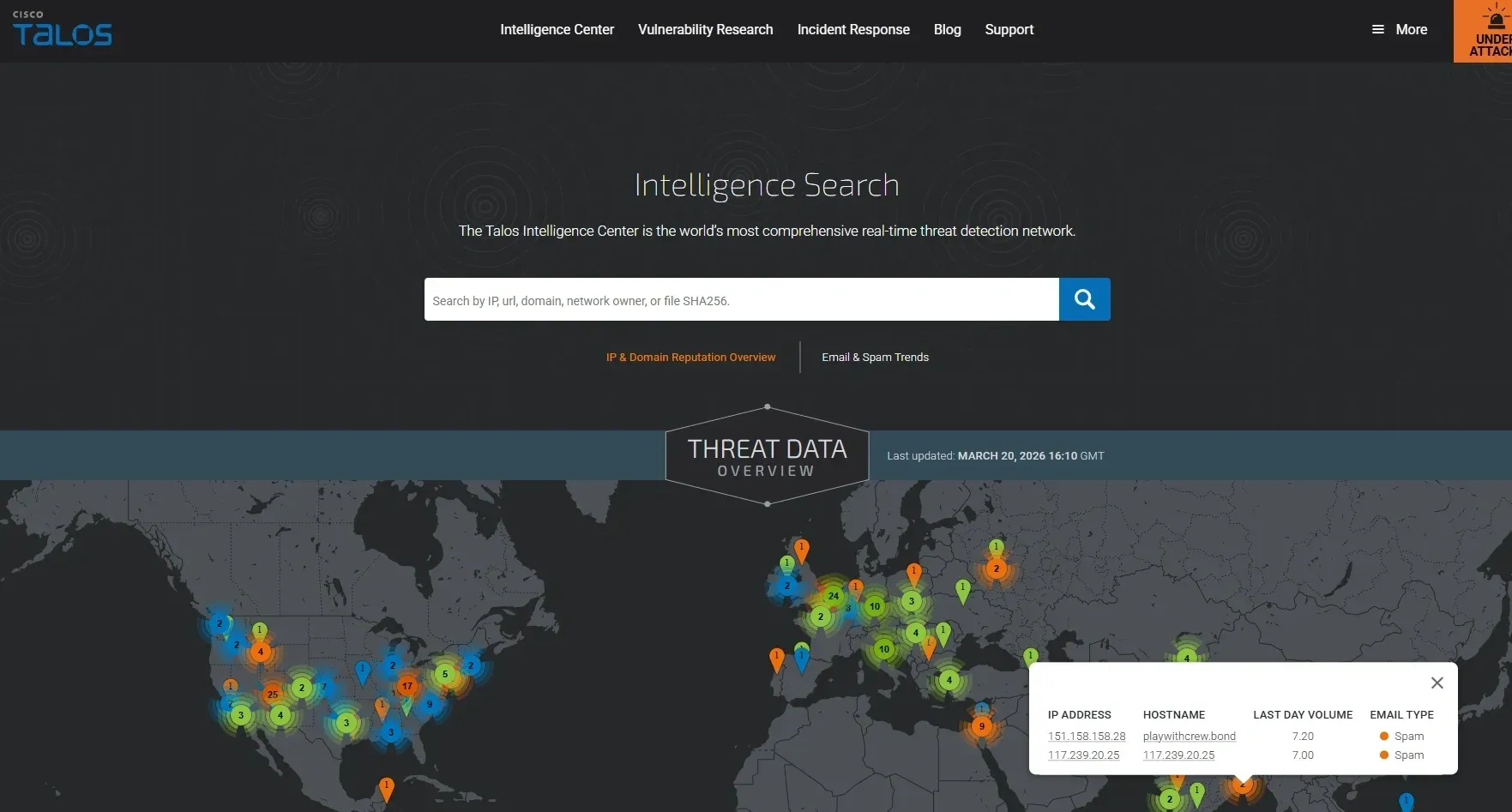
The most important check is to verify if an IP is listed on any major DNS-based blacklists. These lists are used to flag IPs linked to spam or abuse. Blacklist checker tools like CISCO Talos can scan an IP across multiple blocklists. These tools also provide a quick overview of any issues with the IP, if there are any.
Fraud and Abuse Score Tools
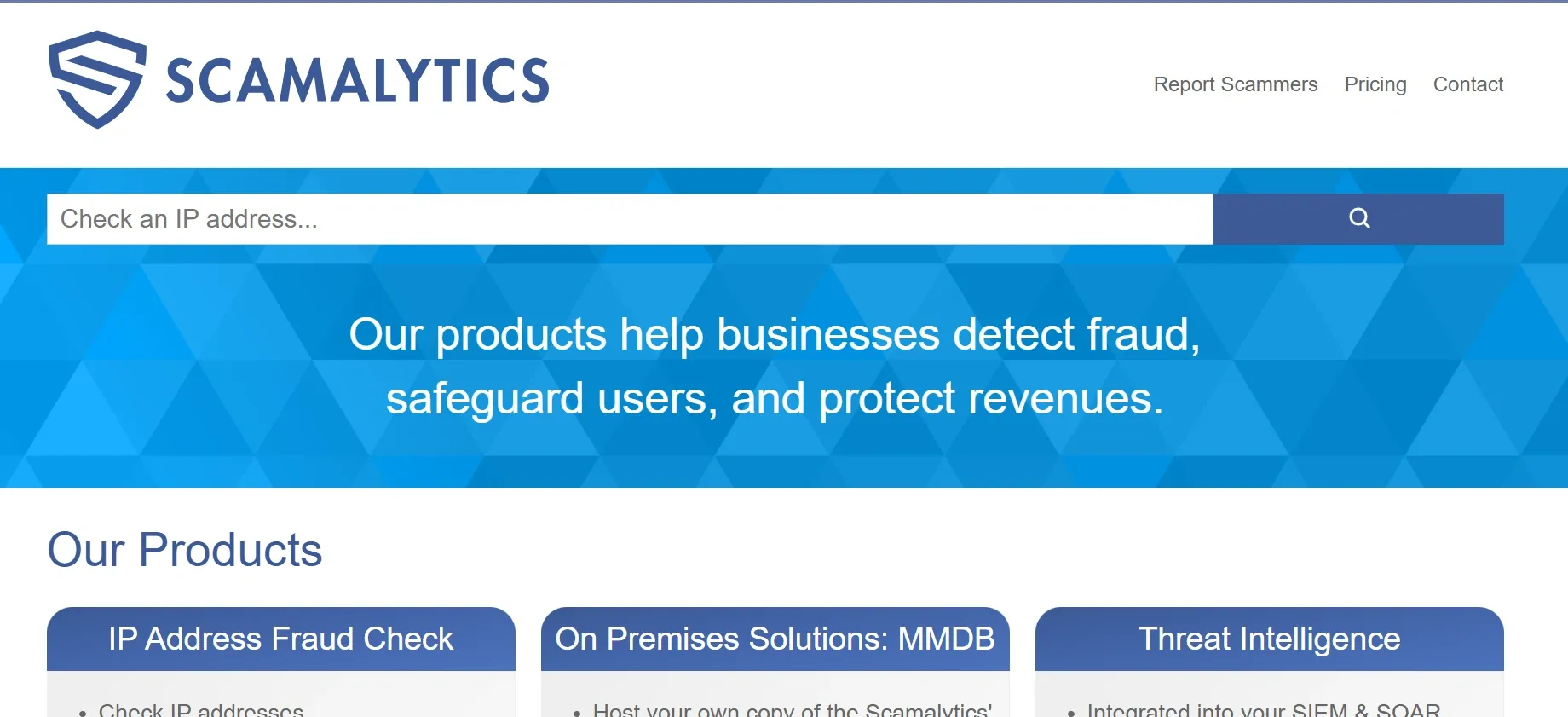
These tools, like Scamalytics, offer a more detailed IP reputation check. They verify an IP's recent history to see if there are any signs of fraud or bot activity. Then they give your IP a score from 0 to 100. A high fraud score indicates that the IP is already flagged on some targets, and no amount of rotation can fix an IP with a bad reputation.
Test against your target
Now that you have tested the successful proxy connection and verified the quality of the proxy IP, the final step would be to test against your actual target.
Send multiple concurrent requests and measure the success rate. You can also use a simple cURL command to see if latency increases under concurrent load.
When are datacenter proxies not the right choice?
Datacenter proxies are fast, reliable, and affordable, but they are not the right choice for every job. Here are some examples:
- If your target uses advanced bot detection tools, then using datacenter IPs is not going to be a great choice.
- If you are targeting social media platforms, like Facebook and X, then the datacenter IPs can be instantly flagged by the platform, no matter what their reputation is. Residential or mobile proxies can be a good choice in this case.
