
For successful ad verification checks, your traffic should look like it comes from a real user in the target market. Datacenter IPs rarely pass that test. So you usually need residential, ISP, or mobile proxies. But which provider should you pick, especially when they all claim to offer the best proxies for ad verification?
We’ve researched the top proxy providers and ranked them by use case. We’ve also explained how to pick the right one for your workflow.
What are ad verification checks, and why do they need proxies?
Ad verification checks confirm that ads run the way the advertisers paid for them to run. In other words, these checks find out whether ads appear in the right places, in the right geographic locations, and in safe surroundings.
As most online ads are bought by software in automated auctions in milliseconds, advertisers don’t see each placement decision. And they don’t know where their ads will appear. This blind spot invites mistakes and fraud.
Say a local store sells only in one city. If its ad runs nationwide, it burns the budget on people who can’t buy.
That’s a mistake, but fraud is worse. Some bad actors use a trick called cloaking. They show a clean page to known verification crawlers and a different one to real visitors. A site can look brand-safe to a checker while real users see the ad next to pirated or adult content. A landing page can pass review. But real users land on a scam.
To catch mistakes and fraud in live ads, verifiers use proxies that help in the following ways:
- Loading the page from an IP in the target city to check if the targeting is right.
- Viewing the page from a residential IP to catch scammers who show clean pages to known datacenter IPs that ad verifiers often use.
- Letting verifiers check ads from different devices, regions, and carriers to see what real users see.
- Spreading thousands of checks across many rotating residential IPs to avoid getting blocked.
The best proxy providers for ad verification
Residential proxies, which use IP addresses from real home connections, are the best choice for ad verification. ISP (static residential) proxies keep the same IP, so they suit repeated checks from one location.
If you need to check mobile ads and in-app mobile placements, mobile proxies are your go-to option because they use real carrier IPs.
Here are the top vendors offering these proxies. Some vendors’ prices may include seasonal discounts.
1. Byteful: Best for granular targeting and observability tools
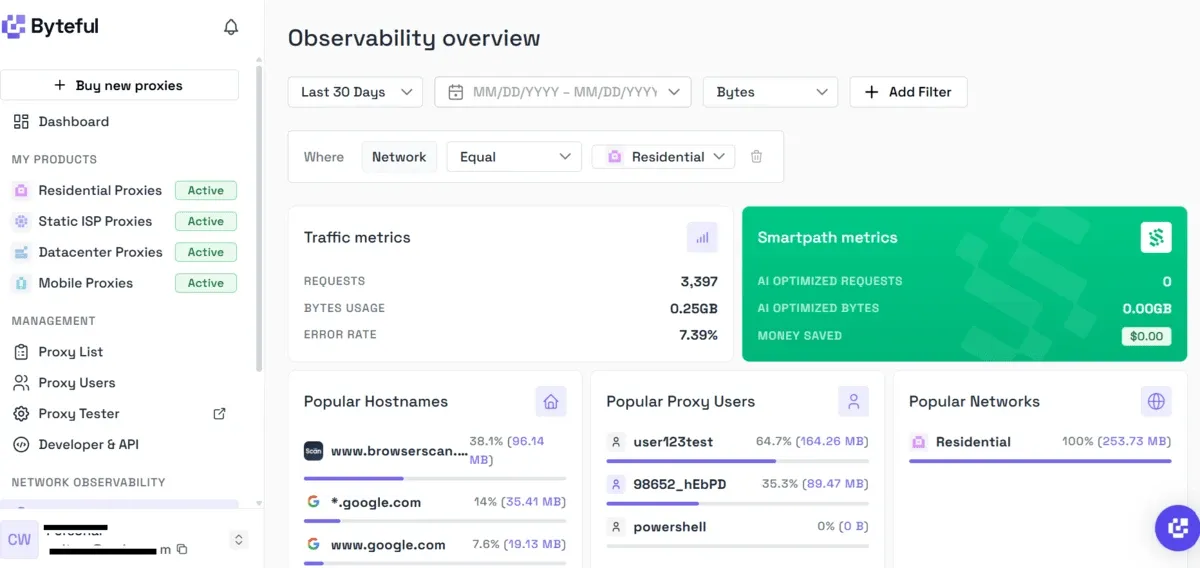
Byteful (formerly Ping Proxies) is our own award-winning proxy brand. For ad verification, we offer ethically sourced residential, static residential, and mobile proxies in 195 countries.
In recent independent market research by Proxyway, we outperformed many industry leaders. Our residential proxies averaged a global response time of 0.41 seconds, which was the fastest of all providers tested.
We also had the fastest mobile network in Proxyway’s unfiltered-pool test, at 0.48 seconds globally. Fast responses matter for ad checks because slow proxies time out on ad-heavy pages and skew what loads.
Byteful key features
- Residential and mobile plans let you target by country, region, city, ZIP code, or ASN.
- IPs can rotate automatically to accommodate large batches of checks across the pool.
- Residential and mobile plans offer unlimited parallel sessions to help you run multiple checks at once.
- ISP proxies use IPs from carriers such as Comcast, Spectrum, AT&T, and DTAG.
- Connect times are about 0.5 seconds on residential and about 0.6 seconds on mobile.
- We offer an analytics panel and observability tools to monitor real time proxy and API usage.
- Fingerprint emulation matches your connection to the OS your browser claims, so ad servers serve you the real ads.
- OS targeting runs your check on a device with the OS the campaign targets, so you see what real users see.
Byteful limitations
- Datacenter proxies cover fewer locations than the other proxy types.
Byteful base pricing
- Residential proxies: $3.25/GB
- Static residential (ISP) proxies: $3/IP
- Mobile proxies: $4.25/GB
Byteful offers 1 GB of residential data for free.
2. Bright Data: Best for enterprise ad verification
Bright Data lets enterprise teams verify ads in 195 countries. You get access to 400M+ monthly ethically sourced residential proxies, unlimited scale, and a 99.99% uptime promise.
Bright Data key features
- You can verify ads with precision using city-level geolocation; target by country, state, city, ZIP code, or ASN.
- No limits on target websites or concurrent sessions.
- Sticky sessions let you hold an IP for an extended session.
- A Chrome extension lets you manage proxies within the browser for quick manual check.
Bright Data limitations
- Unused monthly commitment doesn’t roll over to the next month.
- Multiple G2 reviewers complained that Bright Data is too expensive for small teams.
Bright Data base pricing
- Residential proxies: $4/GB
- Dedicated ISP proxies: $3.5/IP
Bright Data doesn’t offer a self-service free trial. However, verified business accounts can request a free trial.
3. Decodo: Best for mobile ad checks across many carriers
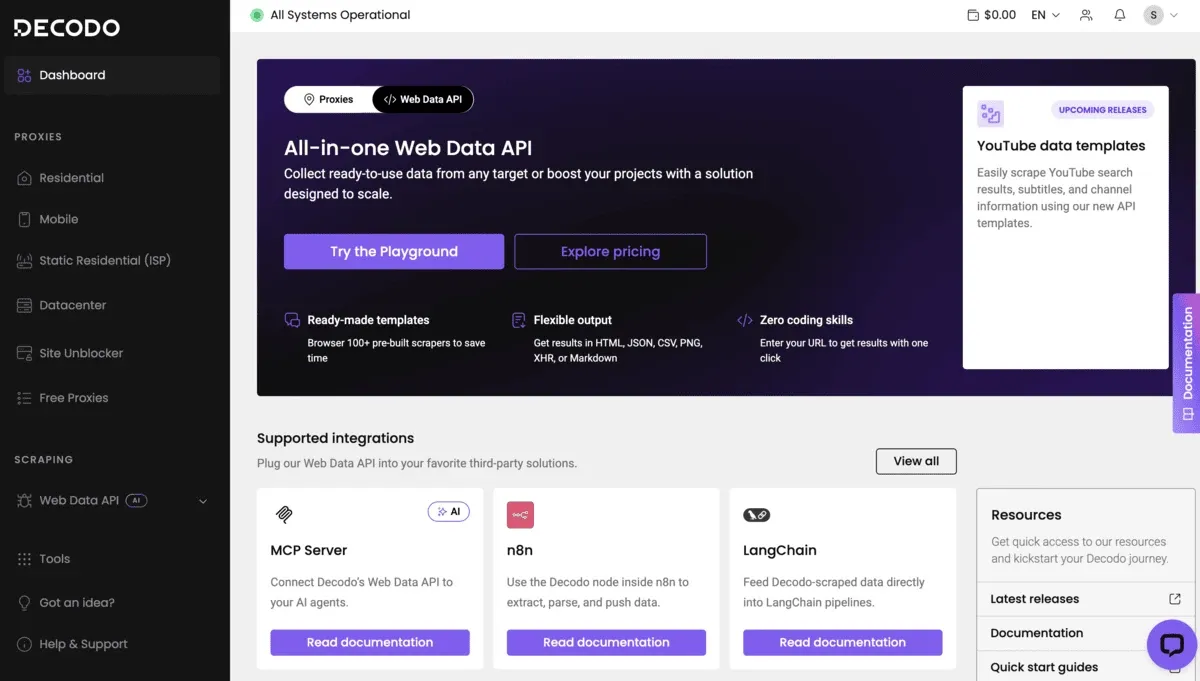
Decodo gives ad verification teams residential, ISP, and mobile proxies. Its mobile network covers 700+ carriers, so you can easily check carrier-targeted ads.
Decodo key features
- HTTP(S) support lets you plug the proxies into headless browsers like Playwright or Puppeteer to automate checks.
- You get rotating and sticky sessions for residential and mobile proxies.
- Mobile proxies cover 160+ locations and 700+ mobile carriers.
- You get access to a large proxy pool (115M+ residential proxies and 10M+ mobile proxies).
Decodo limitations
- Limited flexibility in city-specific targeting, as reported in some reviews on G2.
- Some G2 reviewers mention occasional downtime.
Decodo base pricing
- Residential proxies: $3.75/GB
- ISP proxies: $3.33/IP
- Mobile proxies: $3.76/GB
Decodo offers a 3-day free trial (up to 100 MB) for all proxies, except dedicated static residential and dedicated datacenter proxies.
4. Oxylabs: Best for high-volume, multi-market verification
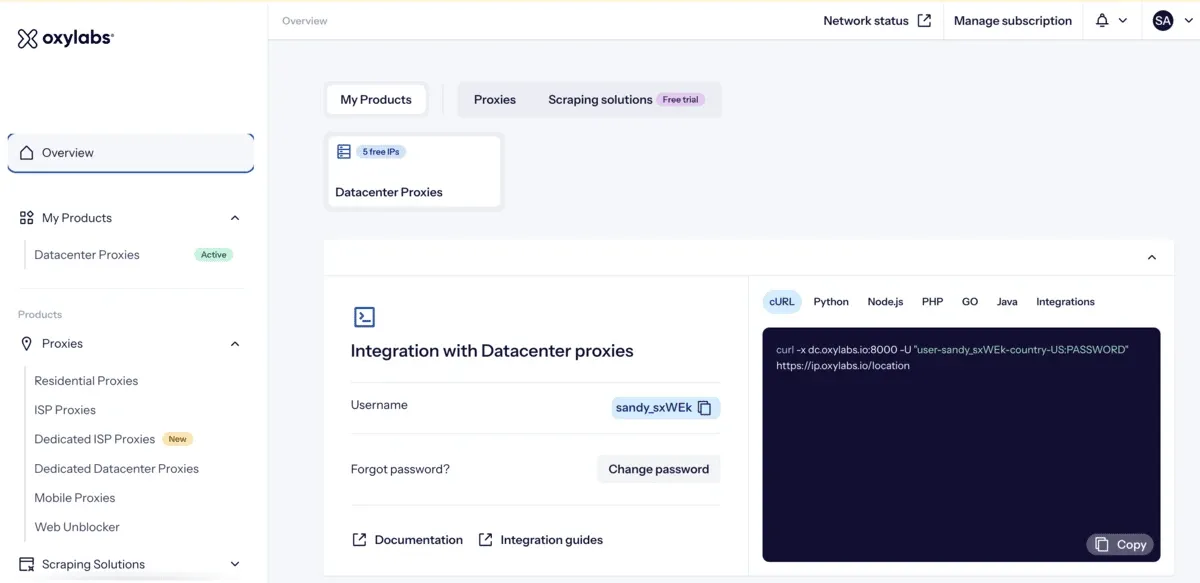
Oxylabs offers a vast pool of 175M+ residential proxies and 20M+ mobile proxies for the ad verification process. With its residential proxies, you can target locations in 195 countries. And mobile proxies let you check pages from 140 countries.
In our research, we found Oxylabs to be suitable for high-volume, multi-market verification. Its base pricing is on the higher side compared to other leading vendors. It becomes competitive only when you buy in volume.
Oxylabs key features
- You get ethically sourced, compliant proxies to verify ads from almost any location in the world.
- ISP proxies support premium ASNs, including Deutsche Telekom, BT Group, Comcast, Cox Communications, and Orange.
- HTTP/3 support lets your verification traffic match real users, so cloakers are less likely to spot it.
- Mobile proxies support 3G/4G/5G/LTE mobile carrier networks.
- You get a dedicated account manager for residential proxies.
- It offers unlimited-duration sessions for residential and ISP proxies.
Oxylabs limitations
- Some G2 users reported issues with mobile proxies and restrictive user role management.
- Support is limited to live chat and email.
Oxylabs base pricing
- Residential proxies: $6/GB
- Dedicated ISP proxies: $3.2/IP
- Mobile proxies: $7.50/GB
Oxylabs doesn’t offer a free trial of its residential or ISP proxies. You can try 5 datacenter proxies with up to 5 GB/month. But datacenter proxies seldom work for ad verification. So you’ll need to buy residential, ISP, or mobile proxies even to test your workflow.
5. Webshare: Best for short-term testing
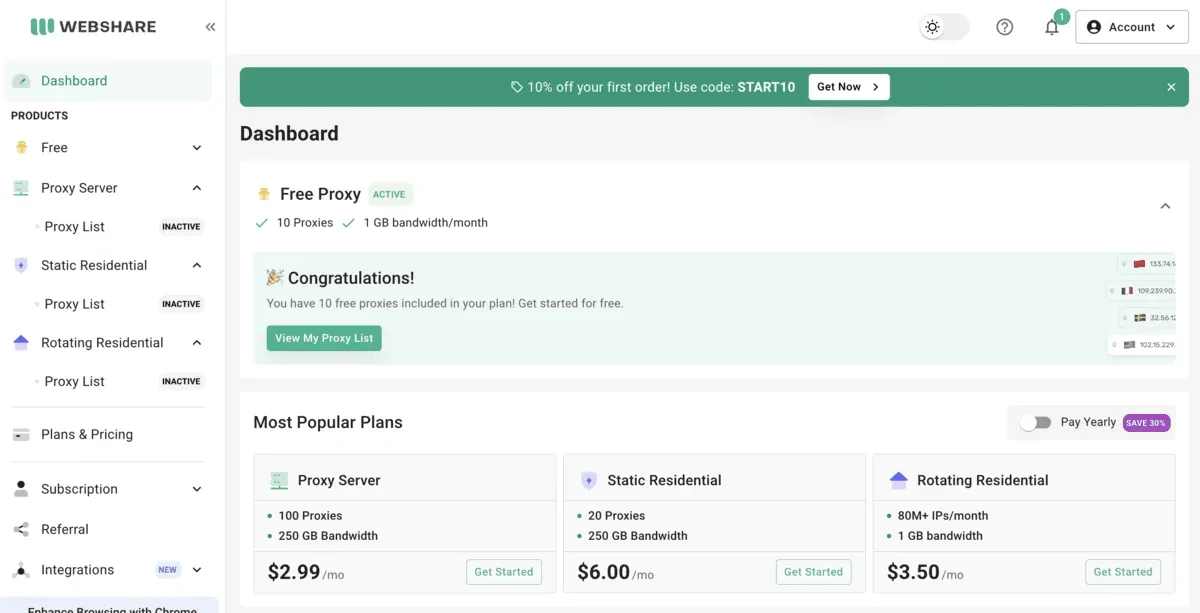
Webshare’s residential and ISP proxies are easy to use for ad verification. You can target by country, city, state, ZIP, and ASN using residential proxies. Granular targeting is not available with ISP proxies. Webshare claims to have a 99.7% success rate.
The company doesn’t offer mobile proxies. So if you have to check in-app ads, carrier-targeted ads, or mobile ads, Webshare won’t fit your use case.
Webshare key features
- You can choose proxies from 195 countries to test and verify geo-targeted ads.
- It offers a browser extension to manage proxies in the browser for manual checks.
- You get access to extensive API docs for different setups.
- You can get discounted residential proxies on volume purchases.
Webshare limitations
- City, state, and ZIP targeting is limited to rotating residential proxies. Datacenter and static residential (ISP) proxies support country-level targeting only.
- No mobile proxies.
Webshare pricing
- Rotating residential: $3.50/GB
- Static residential (ISP): $0.3/IP
Webshare offers 10 free datacenter proxies with up to 1 GB of bandwidth per month. Since there’s no free trial for residential proxies, you’ll need to buy residential bandwidth to test your ad check workflow.
6. ProxyEmpire: Best for dedicated US mobile devices
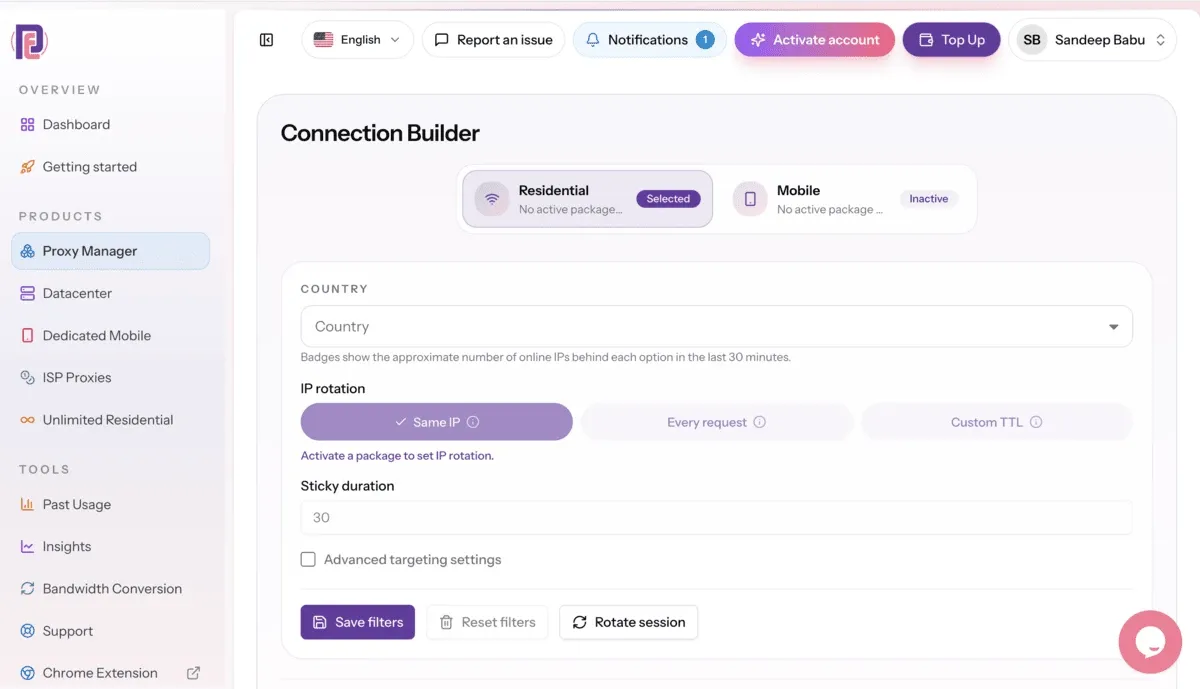
In our research, we found ProxyEmpire suitable for verifying US-targeted ads, especially if you need mobile proxies. It lets you grab a dedicated mobile device and IP that no one else shares. This is ideal for workflows where you need a private mobile identity for ad checks. You can choose a mobile device for a day, a week, or a month.
With residential proxies, you can target country, region, city, ASN, ISP, ZIP, and OS/TCP. And mobile proxies let you target a country, city, and carrier.
ProxyEmpire key features
- You get access to residential and mobile proxies from 170+ countries.
- All plans support HTTP(S) to let you run the proxies through headless browsers like Playwright or Puppeteer to automate checks.
- It offers unlimited concurrent sessions. So you can run multiple ad checks at the same time.
- You can get a pay-as-you-go residential plan, along with monthly subscriptions.
- Per-day unlimited plan for residential proxies.
- Unused GB rolls over.
ProxyEmpire limitations
- A G2 review pointed out occasional downtime.
- No completely free trial.
ProxyEmpire base pricing
- Residential proxies: $3.50/GB
- ISP proxies: $3.50/IP
- Mobile proxies: $4.50/GB
ProxyEmpire offers a paid trial for $1.97 that includes 150 MB of bandwidth with no expiry.
7. IPRoyal: Best for occasional audits with clean IPs
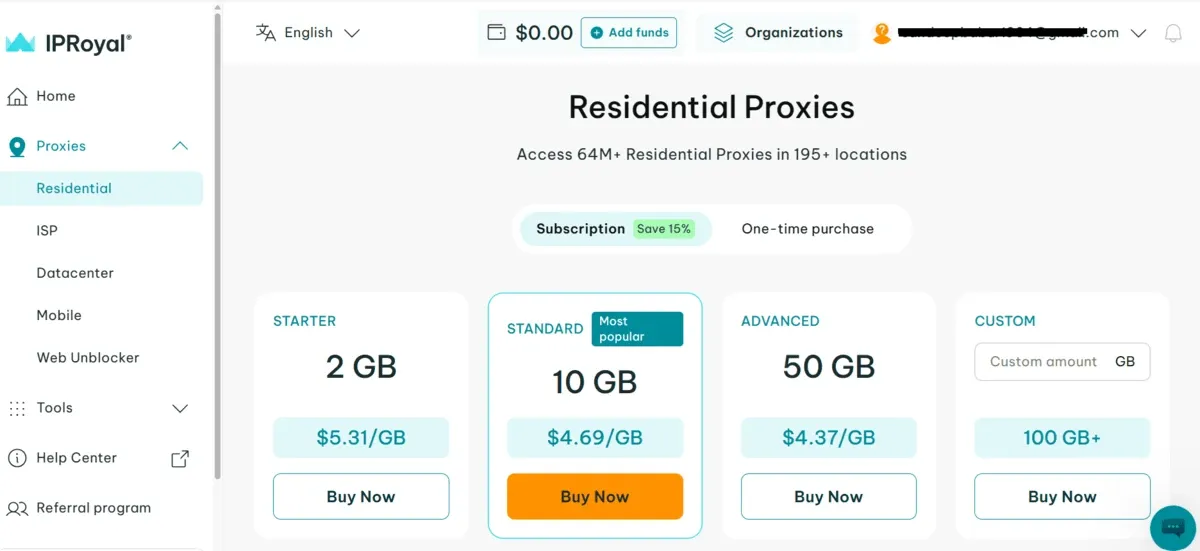
IPRoyal maintains a rich pool of clean proxies for ad checks. It offers 64M+ residential, 500k+ ISP, and 4.5M+ mobile proxies. Its easy-to-manage dashboard lets you top up traffic, whitelist IPs, and check proxy usage insights in just a few clicks.
Since IPRoyal residential proxies are also available on a pay-as-you-go plan, they’re a good fit for quick, occasional ad checks. When your ad verification process scales up, per-GB costs add up quickly.
IPRoyal key features
- It offers dedicated residential proxies with unlimited concurrent sessions.
- You get rotating and sticky sessions in your residential proxies from locations in 195 countries.
- You can target country, state, and city levels using ISP proxies.
- Mobile proxies support 5G/4G/3G/LTE, and you can customize IP rotation in mobile proxies.
- Short-term rental for ISP proxies.
IPRoyal limitations
- High pricing compared to other vendors on this list.
- Some G2 reviewers reported occasional slow speeds.
IPRoyal base pricing
- Residential proxies: $7/GB
- ISP proxies: $2.70/IP
- Mobile proxies: $6.80/GB (2 GB minimum purchase required)
IPRoyal offers a free trial, but you have to make a request to the company.
8. Infatica: Best for ISO-certified, KYC-vetted proxies
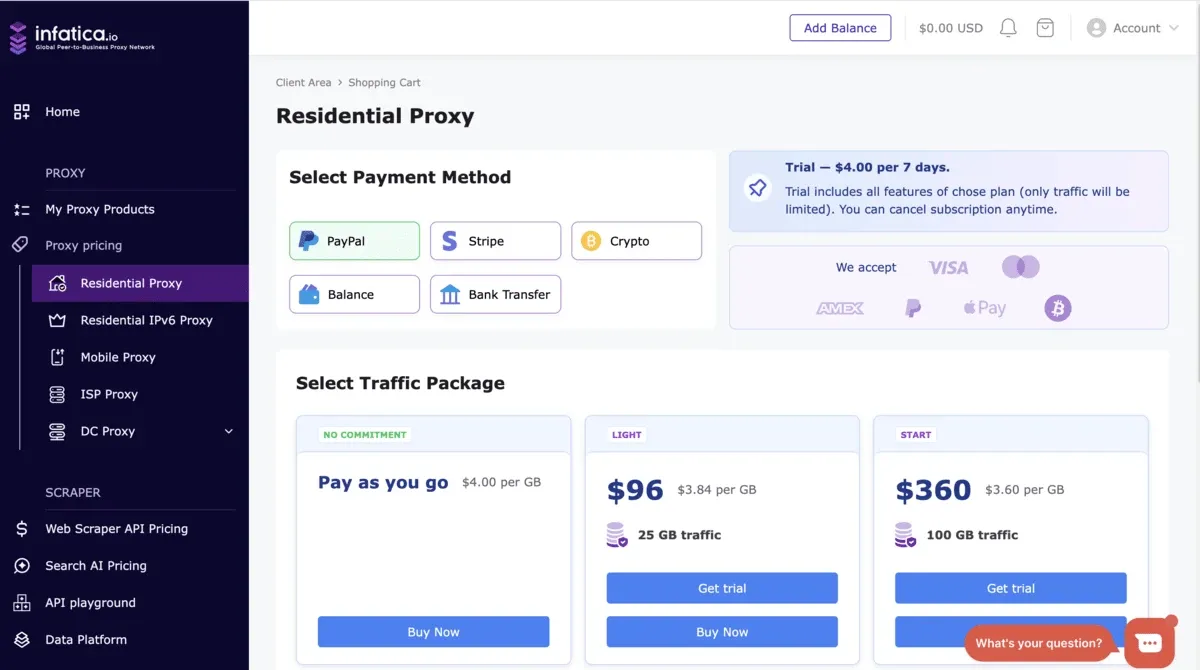
Infatica provides ad verification teams with ethically sourced residential proxies in 195 countries, with a 0.4-second response time. The company holds ISO 27001 and 27701 certification and vets every customer through KYC.
Infatica key features
- It offers millions of residential IPs in major cities across the US, Europe, and Asia.
- You get guaranteed 99.99% uptime on residential proxies.
- You can create up to 20 mobile proxy lists at a time to set up a separate list for each location, carrier, or campaign and run checks in parallel.
- Mobile proxies support country-, city-, and ISP-level targeting.
- Residential proxies support country-, city-, and ZIP-level targeting.
Infatica limitations
- G2 reviewers reported slight latency issues in some instances.
- Mobile proxies are among the priciest on this list.
Infatica base pricing
- Residential proxies: $3.84/GB
- ISP proxies: $3/IP
- Mobile proxies: $7.5/GB
Infatica doesn’t offer a completely free trial. You can get a 7-day trial for $7.
How to choose proxies for ad verification
First of all, you need to consider the ad type you’re going to verify. Residential proxies are suitable for display and search ad checks. If you have to verify ads repeatedly from the same location, ISP proxies are your best bet. For in-app and carrier-targeted ads, you’ll need mobile proxies.
Once you’ve settled on the proxy type you need, look for ones that match your targeting. If your campaigns target a city or ZIP code, your chosen proxies should be able to do that.
You should also check that the proxy’s OS fingerprint matches your browser’s to avoid getting flagged. When you verify ads at scale, costs can rise fast. So make sure you compare pricing across vendors to get the best value for your money.
Prefer free-trial proxy providers and test first, then commit to volume for a discount.