For almost two decades, from its 2006 launch until mid-2025, Google Trends had no public API. Apart from a limited BigQuery dataset, you had two options if you needed Trends data: scrape the website yourself or use a tool that scraped it for you.
In July 2025, Google announced an official Trends API, still in an application-only alpha phase. You apply and wait for access.
So today, you have three options to get Google Trends data. In this article, we’ll explain each option so that you can pick the one that best suits your workflow.
Before you pick an API: What is Google Trends data actually?
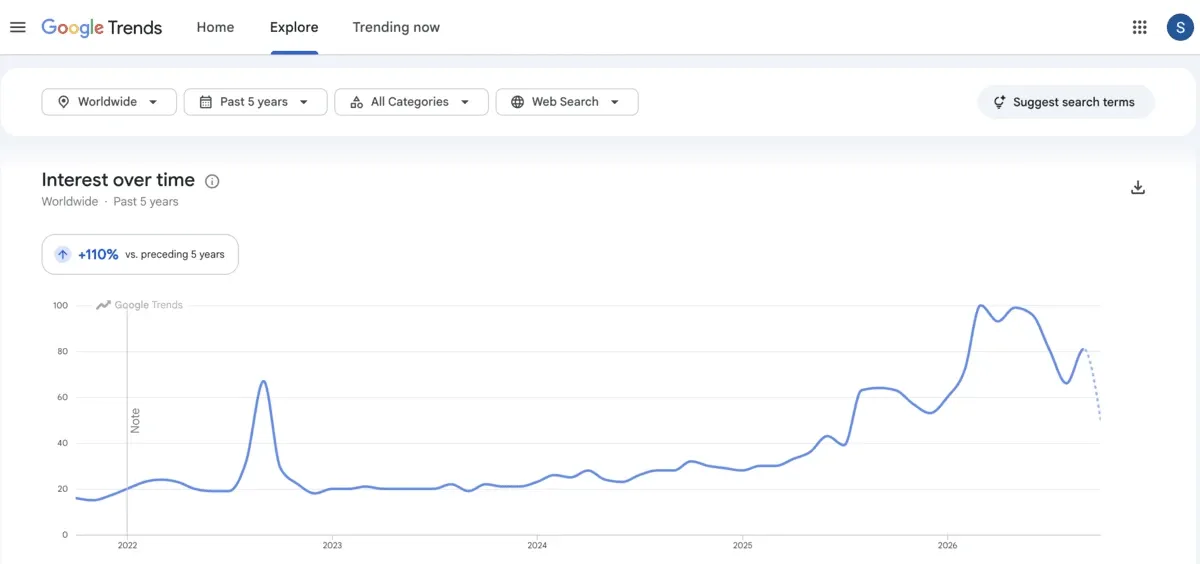
Google Trends shows how interest in a topic changes over time and across locations. You have flexibility to view the data worldwide or narrow it to a country and region.
The data comes from a sample of real Google searches. Google anonymizes it to protect user privacy. It also assigns each search to a topic and groups the results to depict trends.
One thing to note: the Explore section doesn’t show search volume. It shows relative interest. Each data point is divided by total searches for that location and time range, then scaled from 0 to 100. You can choose time ranges from the past hour to 2004–present, or set a custom range.
You can compare up to 8 groups at once. Each group can combine up to 50 terms.
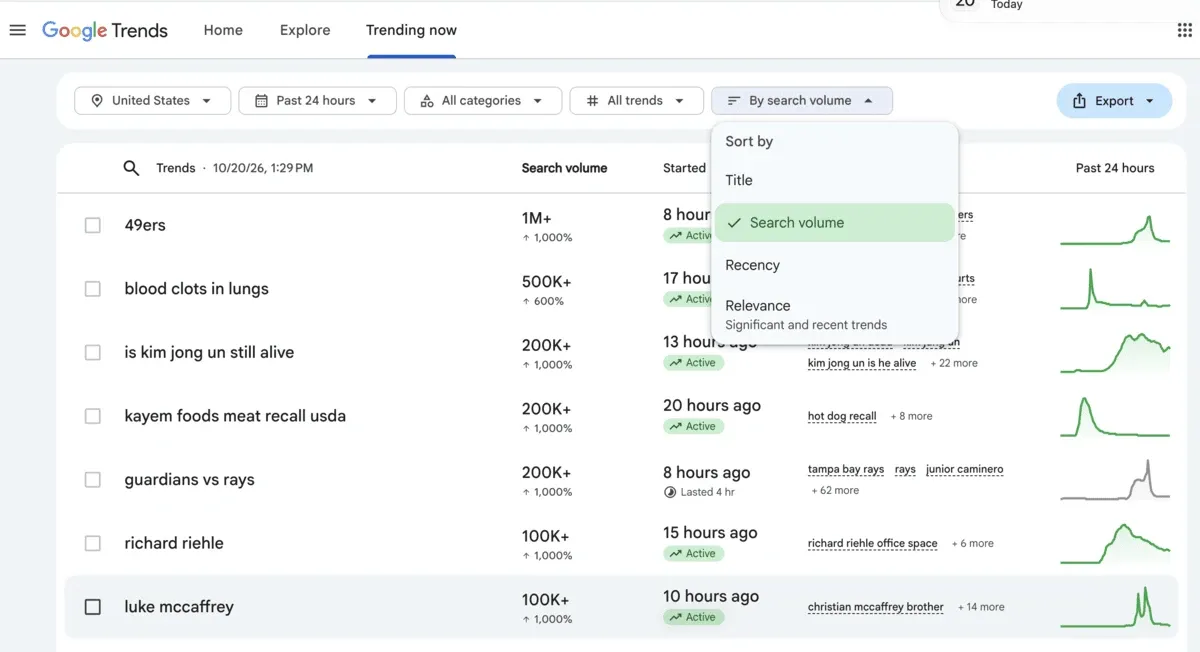
The Trending Now section shows what people are searching for right now in different locations. You can filter trends by location, timeframe, category, and status (active or ended). You can sort them by title, search volume, recency, or relevance.
In Trending Now, you can see an approximate search volume for each trend, such as 20K+ or 100K+. This is a rounded estimate of searches within the timeframe you select. You’ll also see the percentage growth, which shows how sharply searches have risen.
How to get Trends data through at scale
With Google Trends data, you can spot rising topics, figure out seasonal peaks, and understand regional demands. But getting that data at scale is a challenge.
For example, the website lets you compare only 8 groups at once, each combining up to 50 terms. If you want to go beyond this limit, you need a programmatic way to pull the data.
Here are the three ways to do that.
- The official Google Trends API: It’s an official way to get access to the last five years of Google Trends data, but it’s in the alpha stage. You need to apply for access, and there is no official approval timeline.
- Third-party APIs to scrape Google Trends: Third-party APIs, such as SerpApi, DataForSEO API, and Bright Data API, scrape Google Trends’ web endpoints to provide you with Trends data. These third-party APIs use proxies, headless browsers, and techniques to get past anti-bot systems to offer clean Google Trends data.
- DIY tools: You can use an open-source Google Trends scraping tool or build your own Google Trends scraper from the ground up. You need to manage everything from building infrastructure and setting up proxies to bypassing anti-bot mechanisms.
We’ll explore all these options for getting Google Trends data in detail, but let’s first dive deeper into the official route.
What are Google’s official options?
Google gives you two official ways to get Trends data: the Google Trends API and the Google Trends public dataset on BigQuery. Both come straight from Google, but they work very differently.
Let’s look at each.
Google Trends API (alpha)
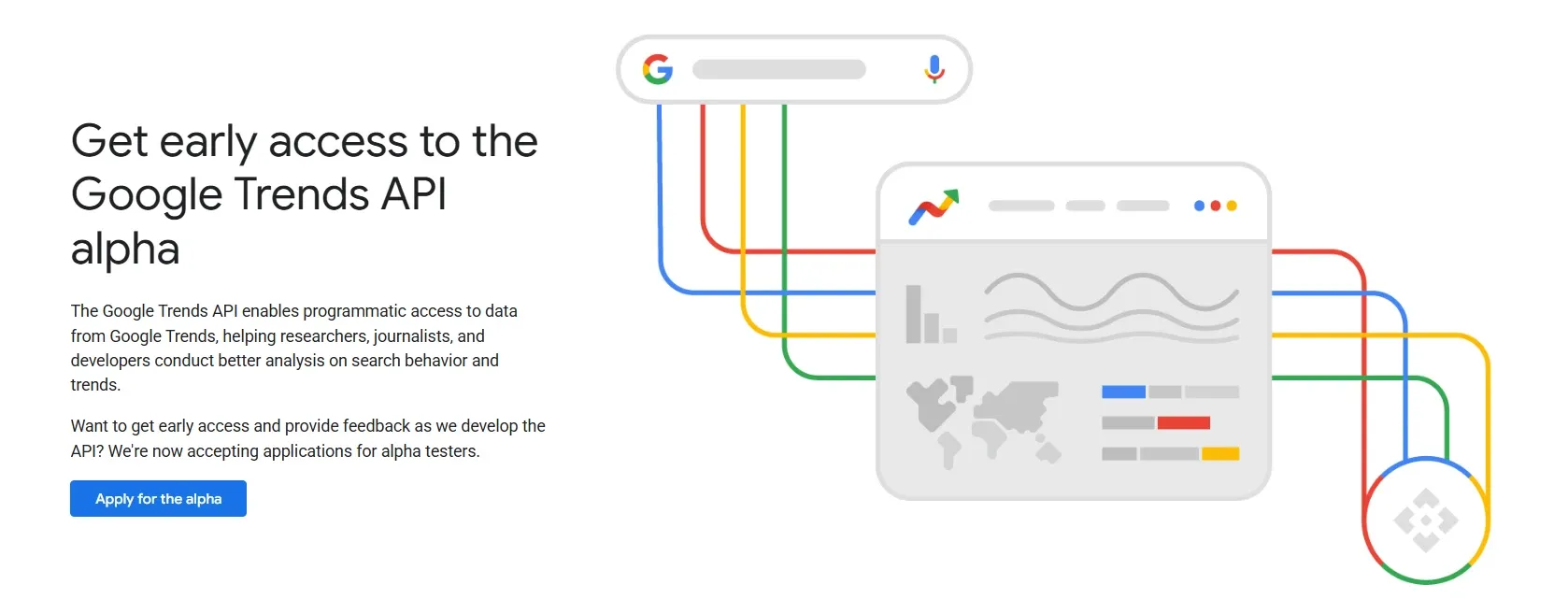
Google Trends API lets you aggregate data at daily, weekly, monthly, and yearly intervals. So you can get a complete 360-degree view of your queries.
With daily views, you can spot day-level spikes. And weekly trends smooth out weekend noise. For understanding seasonality, monthly data can help. Yearly analysis can showcase macro-level growth and long-term structural shifts.
Google Trends API also lets you compare trends across countries and sub-regions. You can join, compare, and merge data from multiple requests, while the Google Trends UI only lets you compare 8 groups.
To access the Google Trends API, you have to apply via a Google form. Google requires your organization details (URL & type), use case (commercial/non-commercial), API usage description, and expected start date in the request form.
Once Google has evaluated your request and found it in line with its guidelines, it’ll provide you with access.
Watch out for
One thing you must note is that the Trends API, in its present form, is intended for testing environments only. You won’t get any SLA or guaranteed technical support when using the API. So it may break occasionally.
You should also note two gaps. The API’s data runs about two days behind, so it won’t catch spikes as they happen. And it covers Explore data only, so you can’t get Trending Now results from it.
Pricing
Google hasn’t published pricing for the Trends API. And there is no set timeline or guarantee for approval.
However, there’s a faster, ready-to-query option: the Google Trends public dataset on BigQuery. Let’s explore it next.
Google Trends public dataset on BigQuery
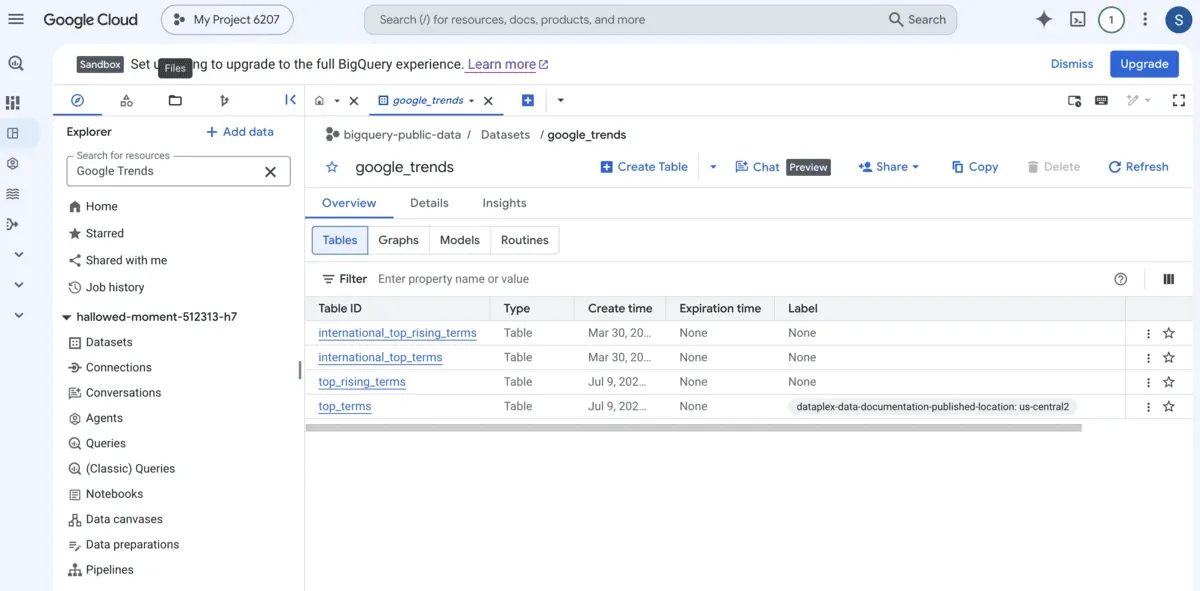
Using the Google Trends dataset on BigQuery, you can access the Top 25 stories and Top 25 rising queries from Google Trends from the past 30 days. These Trends datasets target two geographic scopes:
1. United States:
You can access the Top 25 overall and Top 25 rising queries across Designated Market Areas (DMAs) to conduct domestic market analysis. This helps you identify search trends within regional boundaries to localize marketing campaigns.
US search trend data is available daily for the most recent 5 years, or every 6 hours for the most recent 1 year, and both windows move forward as time passes.
2. International:
This dataset allows you to spot the Top 25 search terms and Top 25 rising queries in approximately 50 additional countries.
You get one data point per day, going back 5 years from today. The 5-year window moves forward daily. This means the oldest day drops off as each new day is added.
Unlike the US data, there’s no 6-hour option for these countries. Daily is the most detailed you can get.
Watch out for
- It only logs macro top/rising queries. So you cannot search for custom, long-tail terms.
- Data shows relative index scores (0–100), meaning you don’t get to see search volume.
Pricing
The Google Trends dataset on BigQuery is free for up to 1 TB/month in queries and up to 10 GB/month in storage under BigQuery's free tier. If you go beyond these thresholds, BigQuery's regular pricing applies.
Now that you know the official routes to get Google Trends data, let’s discuss third-party Google Trends APIs to extract Trends data.
Third-party Google Trends APIs
The following third-party APIs scrape Google Trends data for you. They handle proxies, CAPTCHAs, and blocks, then return clean, structured data.
1. SerpApi (Google Trends API)
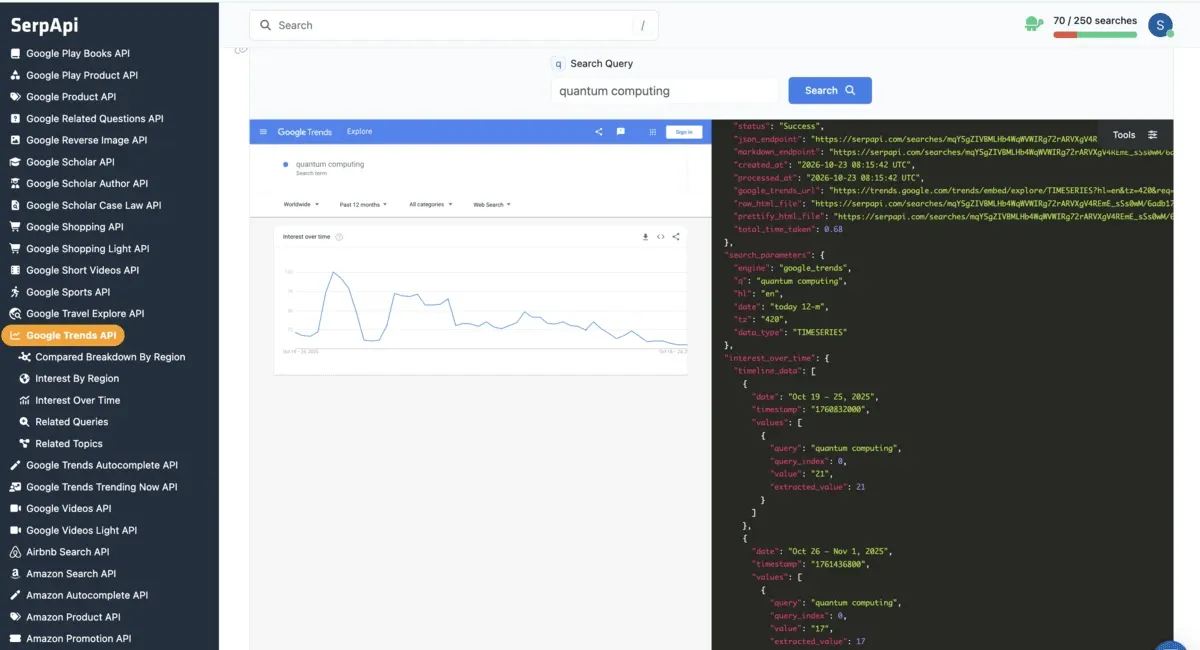
SerpApi offers a Google Trends API to scrape results from the Google Trends website. You can get interest over time for up to 5 terms per search. For this data type, you can also set a different location and date range for each term.
Here’s what else you can get:
- Compared breakdown by region for multiple terms (2-5), as percentage shares.
- Interest by region for one term, by country, subregion, metro, or city.
- Related topics for one term, as “rising” and “top” lists.
- Related queries for one term, as “rising” and “top” lists.
- Results filtered by category, with or without a keyword.
- Results filtered by property: Web, Images, News, Shopping, or YouTube.
- Date ranges from the past hour to 2004–present, plus custom ranges.
You receive output as JSON or LLM-friendly markdown. The API lets you get results instantly, or queue large batches and collect them later. As identical searches are cached for one hour and served free, you don’t consume your monthly quota on cached searches. Failed or errored searches also don’t contribute to the monthly quota, but empty results do. Its published uptime is 99.985% (at the time of writing).
Watch out for
It’s worth noting that each data type is a separate search. So if you want a timeline, regional data, related topics, and related queries for a keyword, you’ll consume four searches from your monthly quota.
The API returns no absolute search volume, meaning you’ll need to pair it with a keyword tool to find real volumes for terms you’re tracking.
If you want to scrape data from the Google Trends Trending Now page, you’ll need a separate API: Google Trends Trending Now API.
Pricing
The pricing of Google Trends API from SerpApi starts at $25/month, which covers 1,000 searches and up to 200 searches per hour. A free plan lets you run 250 searches per month with up to 50 searches per hour.
SerpApi suits you if you want a monthly plan with a set quota. If you’d rather pay only for what you use, look at DataForSEO.
2. DataForSEO
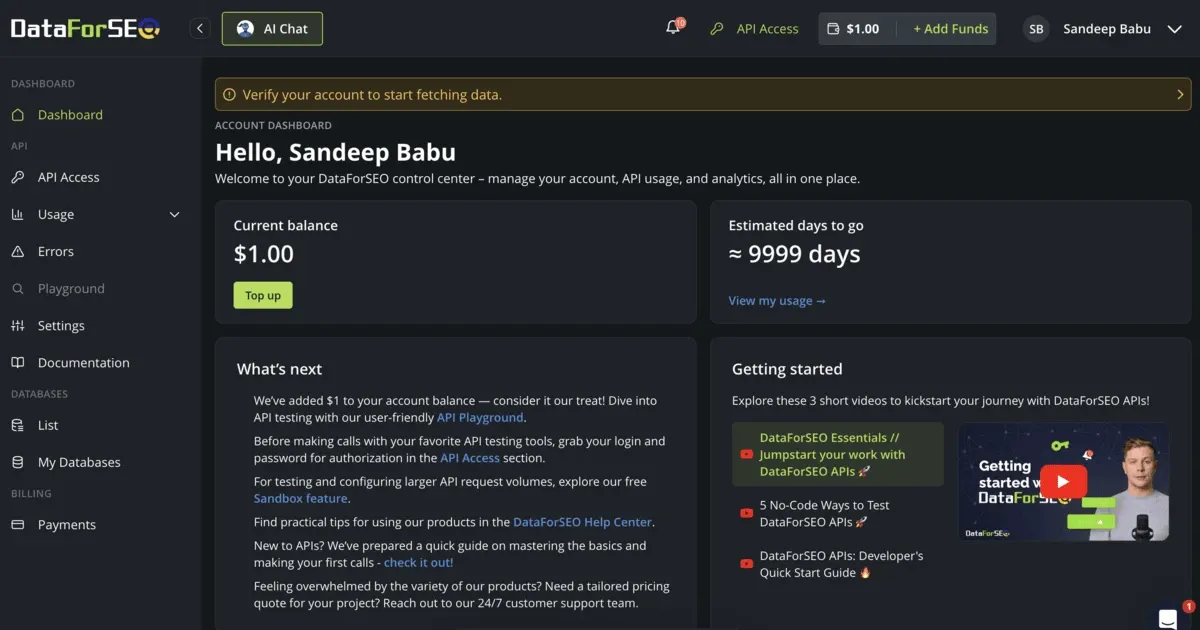
DataForSEO’s Google Trends API provides you with keyword popularity data from Google Trends. You can apply filters by location, language, and topic. You can submit up to 5 keywords in each of your requests.
Here’s the data you get using DataForSEO’s Google Trends API:
- Popularity trends over time, scored against the peak for that period.
- Regional interest, scored against the top location in your chosen region.
- Related topics that people searching your keyword also looked up.
- Similar queries that people searching your keyword also entered.
- Side-by-side comparison of up to five keywords on one relative scale.
DataForSEO’s Google Trends API gives you data based on the official Explore feature of Google Trends.
You can check keyword trends for Google Search, Google Images, Google News, Google Shopping, and YouTube. Historical data goes back to 2004 for web search and back to 2008 for the other types.
Watch out for
DataForSEO's Google Trends API has a shared limit of 500,000 requests a day across all customers. If other users take up most of it, your requests may fail. So you’ll have to spread large jobs over several days.
Pricing
DataForSEO charges pay-per-use for its Google Trends API. There are two pricing models.
- Standard queue: Your request waits in a queue to get results. Turnaround time can be up to 45 minutes. It costs $0.0027 per task.
- Live mode: Your request gets answers back in up to 32 seconds. You pay $0.011 per task.
DataForSEO offers $1 trial credit to try the API.
DataForSEO and SerpApi give a dedicated Trends API to scrape Google Trends data. But Bright Data takes a different route. Let’s find out next.
3. Bright Data
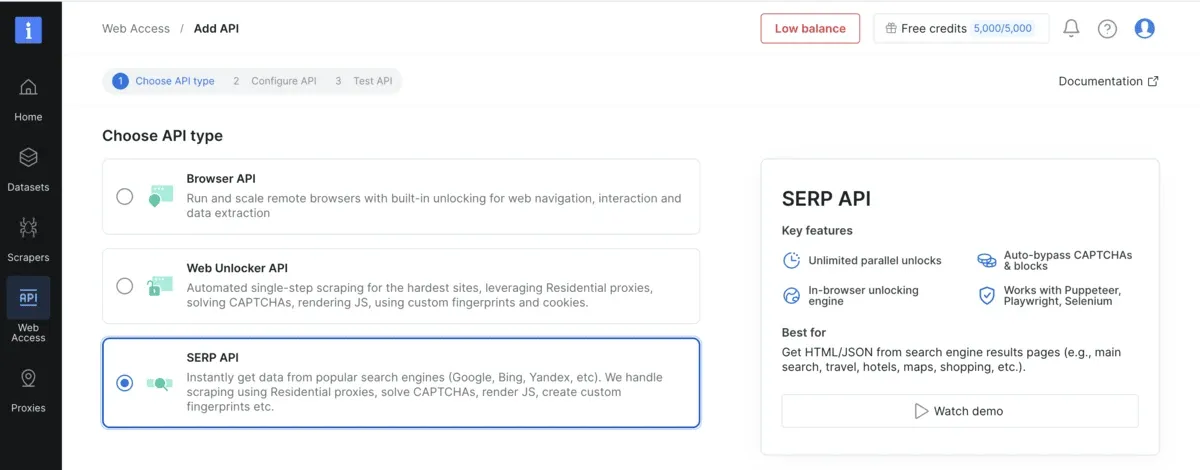
Bright Data’s Google Trends API is a part of its SERP API. You can access trends for any search term across any location.
Here’s the Google Trends data you can extract using Bright Data’s SERP API:
- How popular a keyword is over time and across locations (search terms)
- Interest in a broader subject that groups related searches, even when they’re worded differently or in other languages (topics)
- Recent news stories connected to trending searches (latest stories)
- Searches that have spiked in popularity in the last few hours or days (recently trending)
- Google’s yearly roundup of the top and fastest-rising searches (year in search).
You can also customize each request with query parameters for geo, localization, time range, category, and search type.
Bright Data claims to offer faster responses in under 5 seconds. And it charges only for successful requests.
Watch out for
Bright Data’s Google Trends API runs as part of its general SERP API. It’s not a standalone Google Trends API like the ones SerpApi and DataForSEO offer. So you have to set up a zone, build Google Trends URLs yourself, and add Bright Data’s own parameters to those URLs to get Trends data.
All this means you’ll have to complete more setup steps than with other standalone, third-party Google Trends APIs.
Pricing
Bright Data SERP API pricing starts at $1.50 per 1K requests. You can set monthly spend limits to avoid getting billed exorbitantly. The monthly plan starts at $499/month for 380K requests. Its free plan lets you run 5K requests/month.
Open-source and DIY Google Trends options
If you want full control over your setup and don’t want to pay for a third-party API, open-source and DIY tools are your best bet.
Here are your options.
pytrends-modern
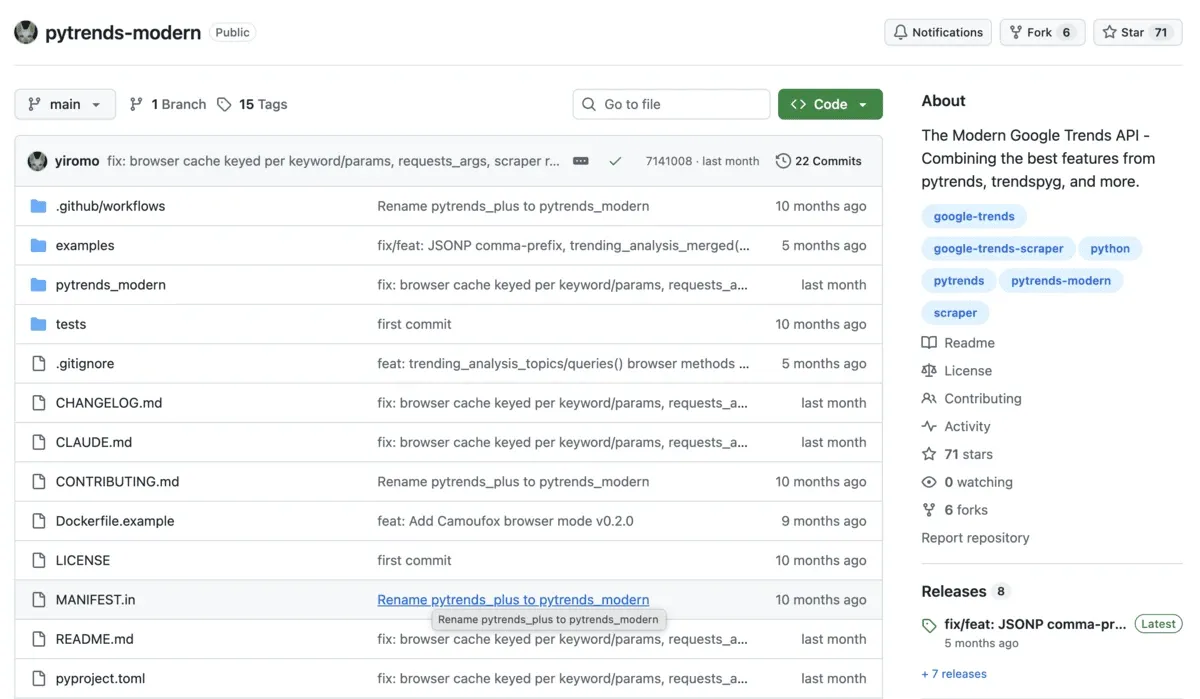
pytrends-modern is a Python library for pulling data from Google Trends. It’s an updated version of the old pytrends, which is archived now. You provide keywords, and it returns Trends data as tables, JSON, or CSV.
Here’s what you can get using pytrends-modern:
- Historical search interest for up to 5 keywords.
- Data on where people search for a term geographically.
- Data on related topics and queries.
- Trending searches by country, daily, real-time, and yearly top charts.
- What’s trending now, with traffic numbers, images, and linked news articles.
It lets you set time ranges from the last hour up to 5 years, “all”, or custom dates.
Watch out for
In browser mode, you can search only one keyword at a time and get global data only. Your time range is limited to the past month or the past year. And you can compare at most 5 keywords in one request in the standard mode. If you want to check 20 keywords, you’ll need at least 4 separate requests.
If you work in Python, pytrends-modern does the job. But if your stack runs on JavaScript, explore google-trends-api, the npm package we'll cover next.
google-trends-api (npm)
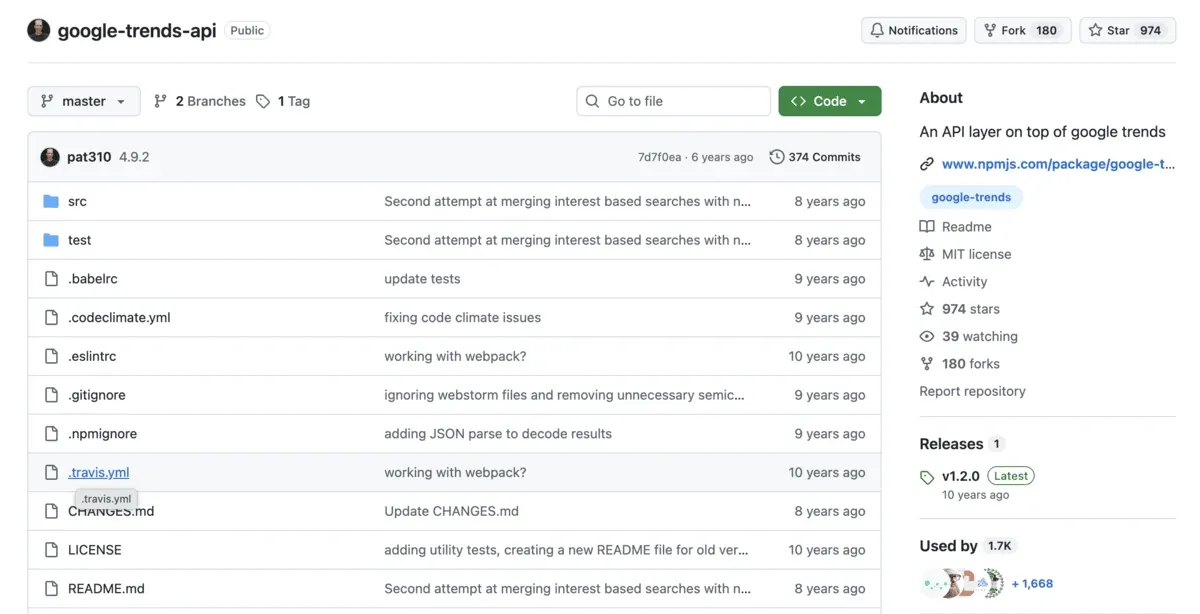
google-trends-api (npm) is a Node.js library that sits on top of Google Trends and lets you pull Trends data from code.
Data you can pull using this package includes:
- Interest over a time range.
- Interest by country, region, and city or DMA (US media market).
- Related queries for a keyword, as “top” and “rising” lists.
- Related topics for a keyword, as “top” and “rising” lists.
- Keyword and topic suggestions from the Trends search box.
Watch out for
The package depends on Google not throttling or changing its endpoints. That already happened once and forced the v3-to-v4 rewrite. The package hasn't shipped a new release in years, and its trending methods now return 404 errors because Google retired the old endpoints.
Also, interest data is a 0–100 score relative to the peak, not search volume.
Both libraries save time, but you rely on their maintainers to keep up with Google’s changes. For full control, build your own scraper, as covered next.
Building your own Google Trends scraper
You can build your own scraper in two ways. One way is to write a Python script that calls Google's endpoints directly. This is how Python web scraping libraries like pytrends-modern work under the hood.
In the other way, you drive a real browser to scrape Trends. Your scraper gets past the consent page, reads the Trending Now table, and downloads the CSV from each Explore widget. Trending Now works fine. But Explore is fragile because its widgets don’t load the same way every time.
Watch out for
Every DIY route needs upkeep. Send too many requests, and Google hits you with HTTP 429 errors. If Google changes anything, your scraper can break.
Since Google limits requests by IP, you'll need web scraping proxies, such as rotating proxies or sticky residential proxies, for any serious setup. You can use our free 1 GB residential data for testing.
For production, a managed API is less work. If you still want to build your own, follow Byteful’s step-by-step guide to building a Google Trends scraper. It uses the browser approach.
Note: Only Google’s official API and the BigQuery dataset are Google-approved routes. Third-party APIs and DIY scrapers often break Google’s terms. It’s a common gray area, and rarely enforced, but the risk is yours.
Byteful is a member of the Ethical Web Data Collection Initiative and supports responsible web scraping.