AI agent development vastly differs from conventional software engineering. In this case, the right framework determines what you need to build and what comes pre-baked. So, choosing the right tool can help you identify and close skill gaps, set timelines for building the core product, and build a realistic go-to-market strategy.
To give a holistic view, this guide isn’t focused on a single category. Instead, we try to cover the entire AI agent development stack to help you pick based on the available skill set and project objectives.
Compare AI Agent Development Tools
The following table compares the tools by category, interface, pricing, and proxy support, which are discussed in detail in later sections.
| Skyvern | LangChain | Crawl4AI | n8n | Google ADK | |
|---|---|---|---|---|---|
| Role in the stack | Browser automation | Agent framework | Web crawling and data extraction | Low-code workflow builder | Agent and multi-agent development |
| Interface | Visual editor, API, SDK | Code (Python, JavaScript/TypeScript) | Python library, CLI, API | Visual canvas and code nodes | Code-first framework |
| License/availability | AGPL-3.0; some anti-bot capabilities are cloud-only | MIT; LangSmith is a separate product | Apache 2.0; project requests attribution | Source-available, Sustainable use license | Apache 2.0 |
| Self-hosting | Yes | Runs within your application | Yes | Yes, Community edition | Yes |
| Starting price | Free tier; paid plans from $29/month | Free framework; LangSmith's Developer plan has free traces (PAYG thereafter) | Free library; cloud service has free credits and usage-based pricing | Free self-hosted community edition; cloud from €24/month | Free framework; model and hosting costs may apply |
| Proxy support | Built-in cloud proxies; self-hosted configuration available | Through configured HTTP clients and tools | Bring your own proxies when self-hosting; integrated in managed cloud | HTTP proxy configuration | Through configured tools, HTTP clients, or browser integrations |
Best AI Agent Development Tools
AI agent development has multiple layers, and the following sections detail the best-positioned tools across those categories. We have picked tools ranging from general-purpose development frameworks and low-code builders to browser automation and more.
Finally, we have discussed where uninterrupted networking fits in and how proxies can play a decisive role in the bigger scheme of things.
Skyvern: Visual browser automation
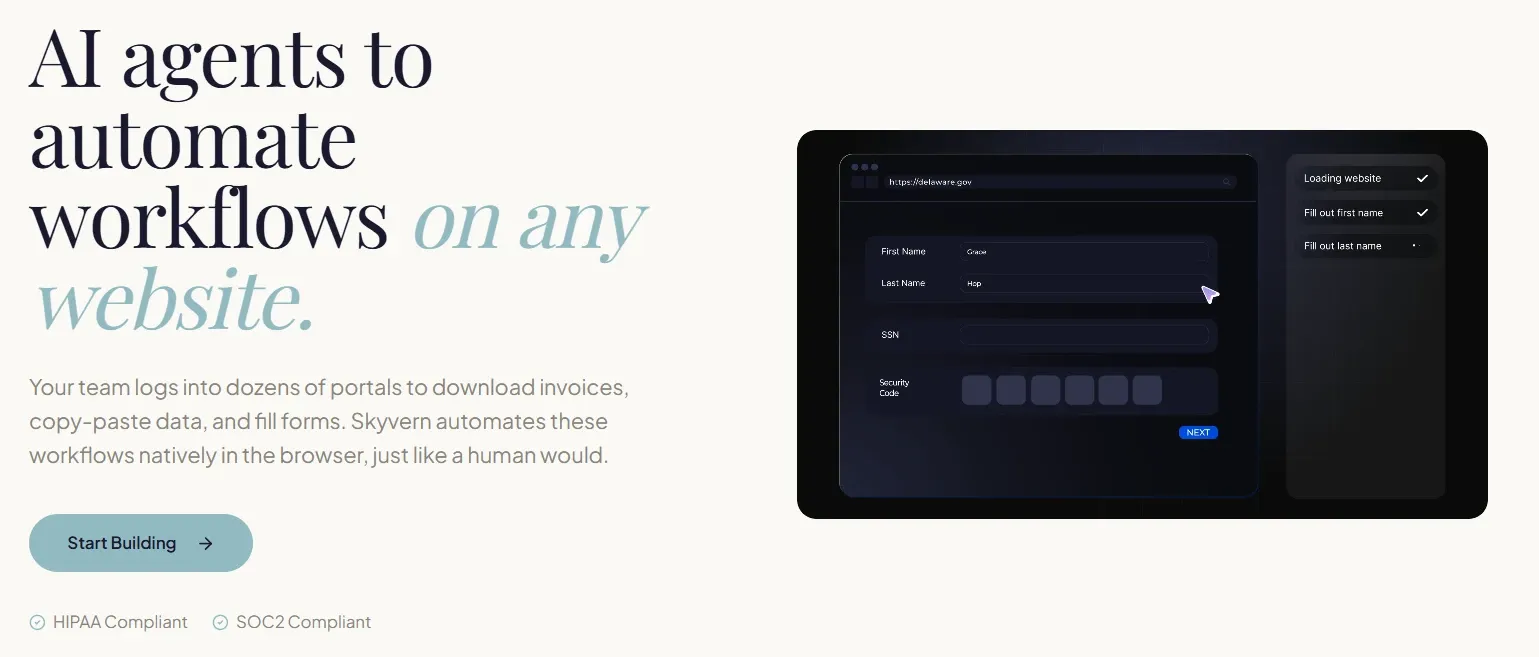
Skyvern is basically a trio of an LLM, computer vision, and a browser under the hood, which enables it to perform browser-based tasks similar to humans. It works with natural language prompts and can make multiple LLM calls per task to plan and extract structured output. This makes it perfect if you’re building an agent that should complete multi-step browser workflows across different website structures.
Key features
- Drag-and-drop, record-and-build, and SOP-to-executable workflow editor
- Local LLMs with Ollama or any OpenAI-compatible endpoint via LiteLLM
- Built-in anti-bot measures (CAPTCHA solvers, user-agents, etc.)
- Integrated residential proxies with geo-targeting support (cloud plans)
- Persistent (cookie, auth, and storage) browser sessions across runs
- Native credential storage integrated with Bitwarden, 1Password, etc.
- Agent failure recovery with programmatic error handling
- API key or OAuth-supported authentication
- Multiple browser modes (headful, headless, local Chrome, and CDP connect)
- Local and cloud (AWS S3 or Azure Blob) artifact storage
- Track runs, latency, token usage, failure rates, and more
- 2FA support for QR code, email, and SMS codes
- Live browser viewport streaming for debugging and intervention
- LLM-bypassing cached run for repeat tasks
- Connect with 6,000+ apps via Zapier, n8n, and Make
- Google OAuth support
- Self-hosting and cloud deployment
Pricing: Free plan (5,000 credits). Paid tier starts at $29/month.
LangChain: Customizable agent framework
LangChain is an open-source framework with templated agents that you can tailor to your specific needs. Its modular architecture lets you switch the underlying stack without rewriting code. Overall, it's a highly potent platform to build AI-powered applications with its middleware support, guardrails, configurable human intervention, integration with 1,000+ tools, and more.
Key features
- Support for mainstream LLM providers (OpenAI, Anthropic, Gemini, Ollama, etc.)
- Prebuilt middleware for PII redaction, conversation summarization, and human-in-the-loop workflows
- MCP tools from one or more servers via langchain-mcp-adapters
- Unified interface for chat, embeddings, etc., across model providers
- Built-in support for thread inspection, quality monitoring, feedback collection, and workflow automation (via LangSmith)
- Auto-detect common issues, analyze, and troubleshoot (via LangSmith)
- Custom error handling (messages, exceptions, etc.)
- Stream updates, token generation, model reasoning, and custom parameters
- Structured responses using schemas such as Pydantic models
Pricing: LangChain framework is free and open source. LangSmith observability starts free with 5,000 base traces/month (PAYG afterward).
Crawl4AI: Web data layer for agents
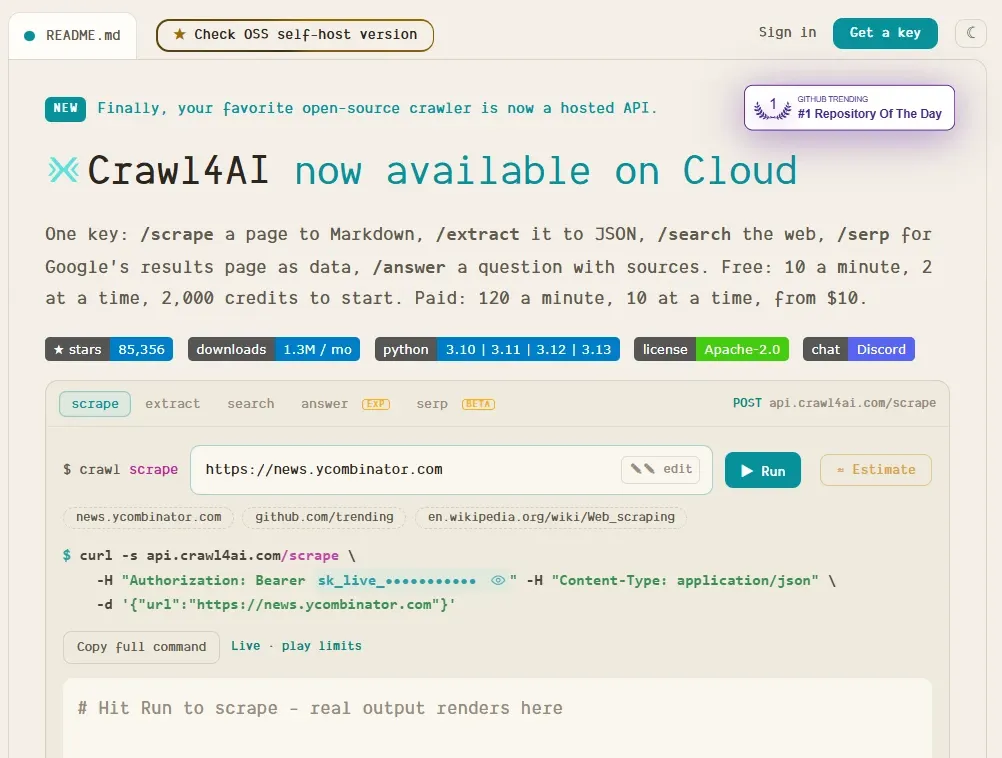
Crawl4AI may feel like an outlier on this list, but earns its place by bringing capabilities vital to any AI agent. It is an open-source web crawler that can ship structured data (Markdown and JSON) from a URL alone. It can turn search results or a specific web page into clean data that AI agents and RAG systems can instantly process.
Key features
- Supports CSS/XPath and LLM-based data extraction
- Processes JavaScript-heavy pages and dynamic content
- Asynchronously crawls and selectively fetches content
- Browser controls for hooks, proxies, reusable sessions, & stealth modes
- Variable crawl depth, intelligent data extraction, and content filtering rules
- Flexible deployment (cloud and on-premises)
- Multiple cache modes (standard, no cache, and selective read/write)
- Runs locally through Python, Docker, or a self-hosted server
- Cloud hosting for hosted scraping, search, extraction, and API access
Pricing: 2,000 Free credits a month, thereafter PAYG ($10 onwards)
Note: Check how to integrate proxies with Crawl4AI.
n8n: Low-code agent development
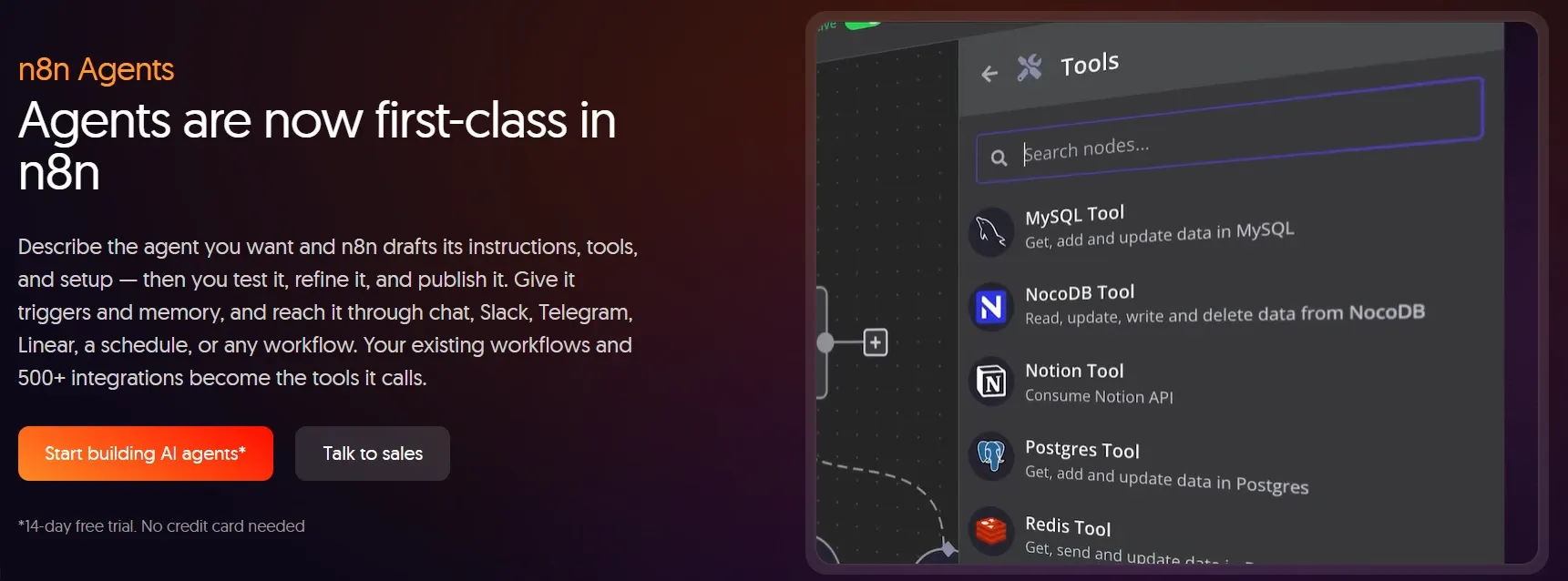
n8n offers programmatic and visual workflows to build AI agents, and its 600+ community-built templates further help you do it fast. It also offers 500+ ready-to-use integrations to connect your AI agent to 2,300+ business tools you might already use.
The AI agent building process is also straightforward. You can use natural language prompts to choose an AI model, draft guardrails, add tools, select capabilities, add skills, and follow along to test and publish the agent.
Key features
- Visual agent building along with a JavaScript/Python code node
- Generate and deploy AI-assisted code with natural language
- Workflow operation/management via webhooks, API, or CLI
- Official MCP server for building agents from MCP clients
- Schedule agent runs (hourly to custom cron)
- Enable human intervention from Slack, Telegram, and more
- Deploy guardrails against specific keywords, jailbreak attempts, PII, etc.
- Integrated support for HTTP proxies
- Self-hosting and cloud deployment
Pricing: €24/month Cloud plan and free self-hosted community edition.
Google ADK: Multi-agent systems
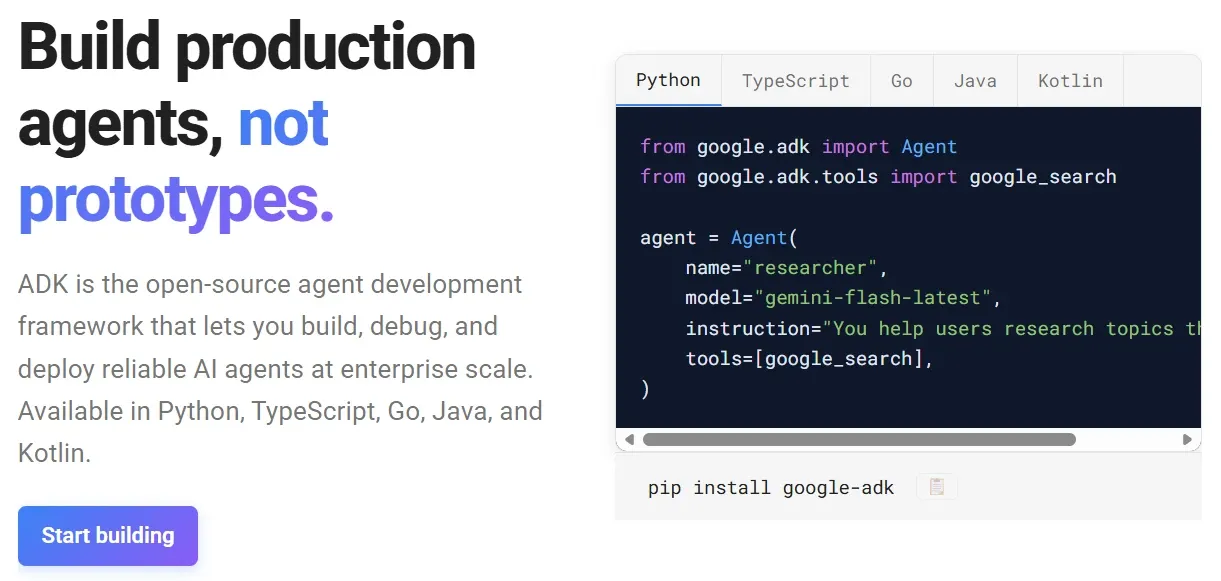
Google ADK presents a model-agnostic architecture, multiple programming language support, and AI & code-based workflows, making it a developer-friendly framework for agent development. You can build with Python, TypeScript, Go, Java, and Kotlin and use the GenAI model of choice, including those hosted on Google Cloud, for enterprise-level deployment flexibility.
Key features
- Multi-agent interoperability and subordination with A2A protocol and AgentTool
- Containerized on-premises and Google Cloud deployment
- Extend and integrate with custom functions, OpenAPI, and MCP tools
- Use Google’s built-in search and custom search tools
- Sequential, parallel, and loop workflows
- Reduce context length with context compaction
- Call external APIs, search, run code, and more
- Deterministic and LLM-based agent workflows
- Integrated CLI, developer UI, inspection, and debugging
- Bi-directional text and audio streaming
Pricing: Open source and free to use.
Alternative AI agent development tools
The tools listed aren't the end of the road. The following table gives you some alternatives to our picks for each category.
| Category | Our pick | Other tools worth considering |
|---|---|---|
| Browser-based AI agents | Skyvern | Browser Use, Browserbase, Stagehand |
| General-purpose agent development | LangChain | LangGraph, Claude Agent SDK, Pydantic AI |
| Web crawling and data extraction | Crawl4AI | Firecrawl, ScrapeGraphAI |
| Low-code/visual agent development | n8n | Dify, Flowise |
| Multi-agent development | Google ADK | CrewAI, Claude Agent SDK, OpenAI Agents SDK |
Why AI Agents Need Proxies
AI agents might succeed during local runs; however, at scale, deployment and testing can fail quickly for a few good reasons. Calls to official APIs aren’t the issue, but problems start the moment an agent interacts with the open web, or more specifically, the websites an end-user might indirectly use.
For instance, an agent running on US servers will see US-flavored search results even when its end user sits in Europe or Asia.
Likewise, too many requests from host server IPs may trigger rate limiters or blanket bans, and this gets worse with multi-agent workflows running dozens of browser sessions from a single IP or a group of IPs from the same subnet. Additionally, an agent can’t run several logged-in workflows from multiple accounts on the same target unless it’s already sanctioned via an enterprise plan or IP allowlisting.
This makes proxies a strong fit for any AI agent serving geo-targeted results, evenly spreading outgoing requests, and maintaining a stable IP for logged-in sessions.
Byteful could be one of the options worth testing here with your agent stack. Our residential and mobile proxies give agents geo-targeted access, spread requests across millions of IPs, and provide stable sessions for logged-in workflows. Since anti-bot systems also judge the device a request comes from, OS-level targeting and TCP/IP fingerprint emulation help your agent’s traffic match a real device end to end. You can try Byteful with 1GB of free residential data (KYC verification required, no credit card).